Cache Status
Cache Status: Monitor & Clear Cache
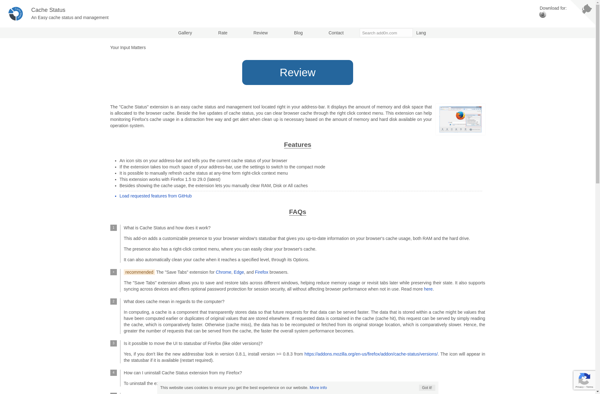
Cache Status is a browser extension that allows users to view cache information and clear the cache for any website. It provides an easy way to monitor cache usage and troubleshoot website performance issues related to caching.
What is Cache Status?
Cache Status is a browser extension available for Chrome, Firefox, and Opera. It provides detailed information about a website's cache status and gives users tools to manage the cache.
The key features of Cache Status include:
- Viewing cache contents - it shows all files currently stored in the cache for any website you visit.
- Cache sizes - see how much space a website's cached files are taking up.
- Clear cache - delete cached files for a site with one click.
- Statistics - it tracks cache hits, misses etc. for troubleshooting.
- Webpage caching settings - check if a site has disabled caching or has cache expiration rules set up.
- Works offline - the information and tools are available even when you don't have an internet connection.
Cache Status makes it easy to monitor and manage browser caching to improve website performance. Identifying cached files that are taking up unnecessary space or frequently missing the cache can help optimize load times. It's a useful extension for both web developers and any users looking to speed up their browsing experience.
Cache Status Features
Features
- View cache information for any website
- Clear the cache for any website
- Monitor cache usage
- Troubleshoot website performance issues related to caching
Pricing
- Free
Pros
Cons
Official Links
Reviews & Ratings
Login to ReviewThe Best Cache Status Alternatives
View all Cache Status alternatives with detailed comparison →
Top Web Browsers and Performance and other similar apps like Cache Status
Here are some alternatives to Cache Status:
Suggest an alternative ❐
Fresh RAM

RAMRush

Clear Cache

PC Fresh