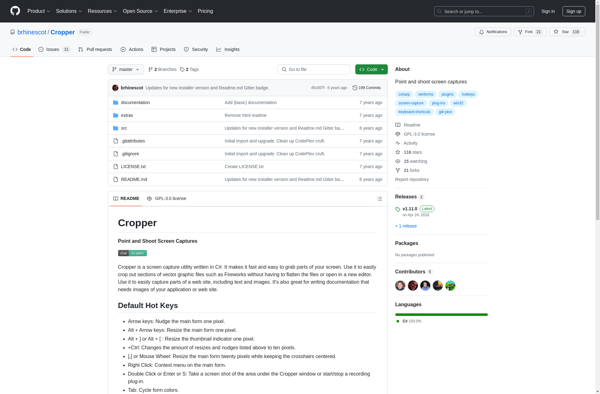
Cropper is an image cropping tool for web and mobile apps. It provides a simple UI for cropping rectangular or non-rectangular image areas and outputs the cropped image data. Useful for allowing users to crop profile pictures or images for content.
An easy-to-use image cropping tool for web and mobile apps, ideal for cropping profile pictures or images for content, outputs cropped image data with simple UI.
What is Cropper?
Cropper is a lightweight JavaScript image cropping library for web and mobile applications. It provides an easy-to-use graphical interface for cropping image areas of any shape and exporting the cropped image data.
Some key features of Cropper include:
Support for cropping rectangular, circular, and irregular shaped image areas
Touch-friendly crop box resizing with touch event handlers
Options to restrict crop box aspect ratios and image output sizes
Ability to rotate or flip (mirror) the image being cropped
Callbacks for monitoring crop box changes and extracting cropped image data
Support for major desktop and mobile browsers
Small file size with no external dependencies
Cropper is commonly used to allow users to crop their profile pictures or resize images before uploading content. It can be a lighter-weight alternative to hosting a full-featured image editor just for the cropping functionality.
Some examples of using Cropper include:
In social networking or sharing apps, for profile images
In marketplaces, for product or seller images
In content management systems, to crop images inserted into text
In apps where users upload images, to standardize sizes
Overall, Cropper provides an easy way to incorporate flexible client-side image cropping into web or mobile interfaces with a user-friendly interface.
Cropper Features
Features
Cropping rectangular image areas
Cropping non-rectangular image areas
Zooming and panning of images
Fluid responsive cropping interface
Rotation of images
Image export in various formats
Customizable UI
Pricing
Open Source
Pros
Simple and easy to use interface
Works well for cropping profile pictures
Supports cropping irregular shapes
Responsive design works on mobile
Open source and customizable
Cons
Limited to image cropping only
Requires some CSS and JavaScript knowledge to implement
May need additional server-side processing for cropped images
PicPick is a versatile screen capture utility and image editor for Windows. It provides an easy way to take customizable full screen or region-specific screenshots. Key features include:Quickly capture full screen images, active windows, rectangular or free-form regions, as well as scrolling website screenshotsAnnotate screenshots with various shapes, text boxes,...
ActivePresenter is a powerful yet easy-to-use screen recording and eLearning authoring software. It allows you to capture on-screen activities, edit videos, add interactions, quizzes, simulations and more to create professional eLearning courses.Key features of ActivePresenter:Intuitive screen recorder to capture all on-screen activities with audio narrationHTML5 video editor to trim, crop...
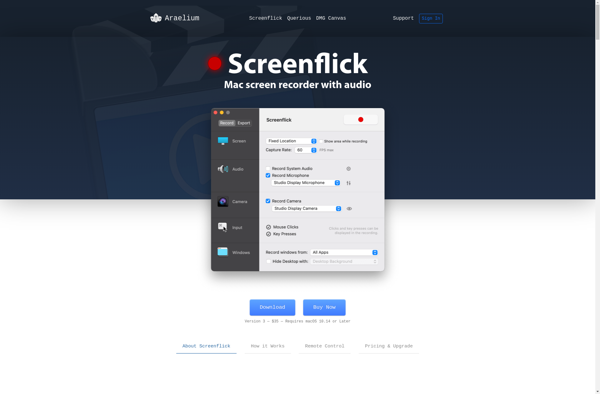
Screenflick is a feature-rich screen recording and screenshot application designed specifically for macOS. It provides an easy way for users to record video and audio directly from their screen and create engaging screencasts, video tutorials, bug reports, and more.Some key features of Screenflick include:Intuitive user interface optimized for macOSFlexible recording...
ScreenFlow is a feature-rich video editing and screen recording application designed specifically for the macOS platform. First launched in 2008 by Telestream, ScreenFlow aims to provide Mac users with professional-grade tools to record, edit and export high-quality screencasts, video tutorials, product demonstrations, and more.Some of the key features of ScreenFlow...
Ashampoo Snap is a powerful yet easy-to-use screenshot software for Windows. With an intuitive interface, it makes capturing, editing, annotating and sharing screenshots a breeze.Key features of Ashampoo Snap include:One-click captures of full screens, windows, rectangular regions, freehand regions, webpages and even video recordings of your screen.An advanced built-in editor...
Ashampoo Droid Screenshot is an easy-to-use Android application for taking screenshots on your device. Some key features include:Delayed capturing - Set a timer to automatically take screenshots after a set delay.Editing tools - Draw, add text, or blur parts of your screenshot before sharing.Sharing options - Quickly share your screenshots...
RecMaster Screen Recorder is a user-friendly screen capture and recording software for Windows. It provides an intuitive and streamlined workflow to quickly record screen activity along with audio narration from microphone or system sound.Key features include:Capture full screen, selected region, webcam or picture-in-pictureDraw, highlight or add text annotations during or...
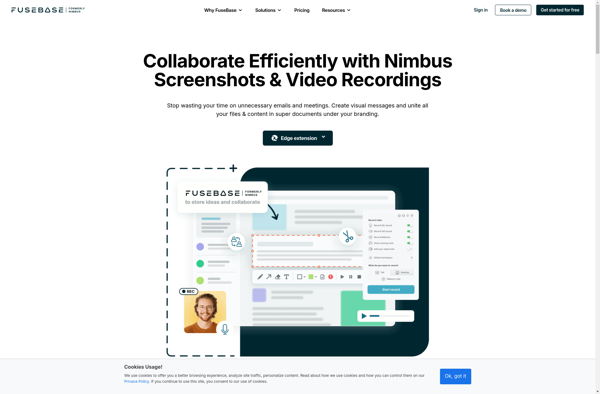
Nimbus Capture is a feature-rich screenshot and screen recording tool for Windows. Developed by NCH Software, Nimbus Capture allows users to capture still images of their computer screen, record video of on-screen activity, annotate images and recordings, and export captures in various file formats.Some key features of Nimbus Capture include:Quickly...
Gnome Screenshot is a built-in screenshot utility for the GNOME desktop environment. It is simple, lightweight, and easy to use for basic screenshot needs.With Gnome Screenshot you can take fullscreen snapshots, capture specific windows, select a custom region to screenshot, and even set a timer to delay capturing. There are...
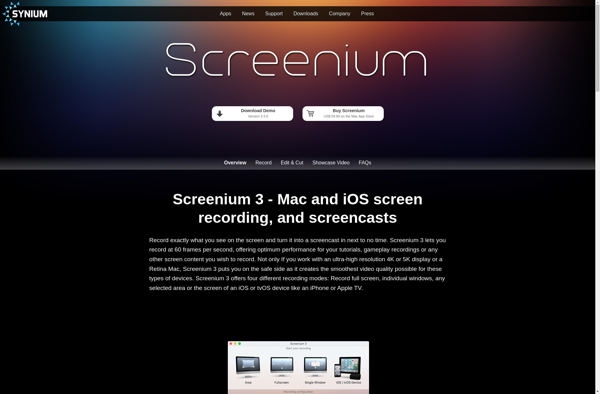
Screenium is a feature-rich yet easy-to-use screen recorder and video editor designed exclusively for macOS. First released in 2008 by Synium Software, Screenium aims to provide Mac users with a powerful but intuitive tool for capturing high-quality screen recordings as well as editing and post-processing recorded videos.Some key features of...
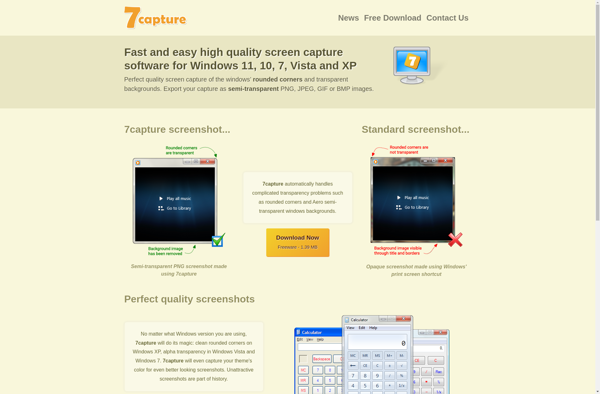
7capture is an open source screen capture and screen recording tool available for Windows, Linux and macOS. It provides an easy way to take screenshots, annotate images, and record screencasts with audio narration.Some key features of 7capture include:Lightweight and fast performance for recording smooth videoVarious annotation tools like arrows, shapes,...