
CRX4Chrome
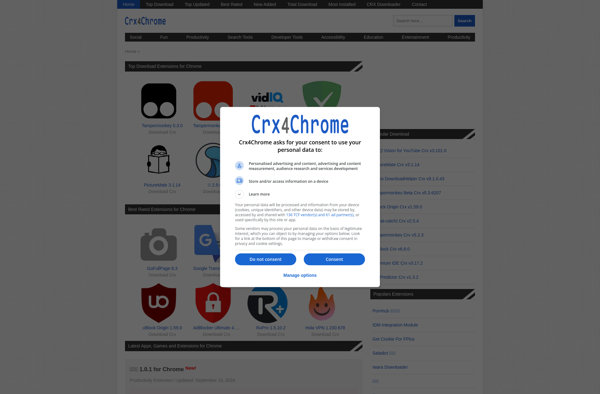
CRX4Chrome: Manage Extensions for Google Chrome
CRX4Chrome is a Chrome extension manager that allows you to easily find, install, update, and remove extensions from your Chrome browser. It provides a clean interface to search the Chrome Web Store and manage your extensions.
What is CRX4Chrome?
CRX4Chrome is a free extension manager for Google Chrome that makes it easy to find, install, update, and remove extensions. It provides an interface within Chrome to browse and search the Chrome Web Store for extensions. Once you find an extension you want, you can install or update it with one click.
Some key features of CRX4Chrome include:
- Search Chrome Web Store extensions
- Sort extension results by rating, users, or last updated
- View screenshots, descriptions, and detailed info about extensions
- Install, update, enable/disable, and uninstall extensions
- Organize extensions into groups/folders
- Backup and restore your extensions
- Update all extensions with one click
- View permissions required by each extension
- Dark mode support
By centralizing extension management in the browser, CRX4Chrome makes it much easier to discover, install, and manage the myriad extensions available for Chrome. If you use a lot of extensions, it can help you keep them organized and up-to-date.
CRX4Chrome Features
Features
- Search and browse Chrome Web Store extensions
- One-click install and update of extensions
- Bulk remove extensions
- Backup and restore extensions
- Dark mode support
- Keyboard shortcuts
Pricing
- Freemium
Pros
Cons
Official Links
Reviews & Ratings
Login to ReviewThe Best CRX4Chrome Alternatives
View all CRX4Chrome alternatives with detailed comparison →
Top Web Browsers and Chrome Extensions and other similar apps like CRX4Chrome
Here are some alternatives to CRX4Chrome:
Suggest an alternative ❐
Product Hunt


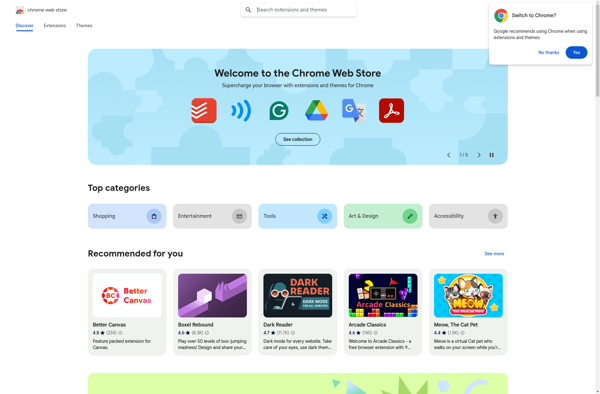
Chrome Web Store

Chrome Extensions Archive

Plugins Addons Extensions


Mozilla Add-ons