Desktop Magic Engine
Desktop Magic Engine: Visual Scripting Platform
Automate tasks and processes on your computer with Desktop Magic Engine, a visual scripting platform that lets anyone build desktop automation projects without coding.
What is Desktop Magic Engine?
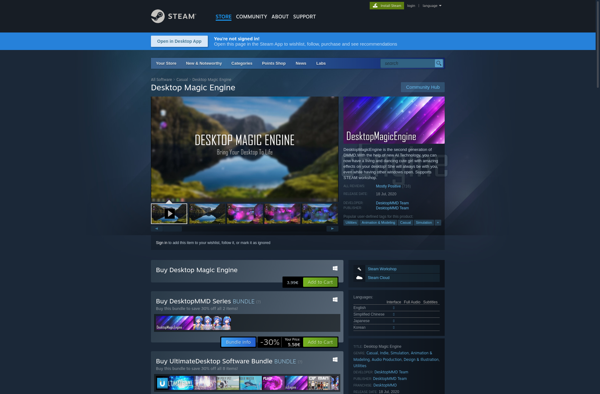
Desktop Magic Engine is a visual scripting and desktop automation platform for Windows. It provides a drag-and-drop interface for automating repetitive tasks, integrating applications, and developing workflows on your computer.
With Desktop Magic Engine, you can create automation projects (called Magic) by simply connecting colorful prebuilt blocks, without needing to write any code. It has an extensive library of over 300 blocks across categories like computer control, text processing, UI automation, web automation, and more.
You build your automation visually by dragging blocks into the editor and configuring them through their input fields. For example, you can automatically move or click the mouse, type text, launch programs, extract data from documents, interact with websites - all by dragging and dropping. Desktop Magic integrates with popular apps like Chrome, Outlook, Excel, Adobe PDFs etc.
The platform aims to open up the power of automation to everyone. With its easy-to-use interface, prebuilt blocks, and tutorials - both beginner and advanced users can build projects to boost their productivity. It also offers seamless Windows Shell Integration to trigger automations through hotkeys or by monitoring system events.
Desktop Magic Engine Features
Features
- Visual scripting interface
- Prebuilt automation blocks
- Desktop task automation
- Customizable workflows
- Scheduled task execution
- Cross-platform compatibility
- Integrations with various applications
Pricing
- Freemium
- One-time Purchase
- Subscription-Based
Pros
Cons
Official Links
Reviews & Ratings
Login to ReviewThe Best Desktop Magic Engine Alternatives
View all Desktop Magic Engine alternatives with detailed comparison →
Top Development and Automation and other similar apps like Desktop Magic Engine

DPET : Desktop Pet Engine


Desktop NEKO Girl

Desktop Kanojo


Ultimate Desktop Character Engine

Nyanco Desktop Mascot