Digital Audio Converter

Digital Audio Converter: Convert Audio Formats Easily
A digital audio converter is software that can convert audio files between different formats like MP3, WAV, WMA, FLAC, etc. It allows you to easily convert your music library between formats for compatibility with different devices and software.
What is Digital Audio Converter?
A digital audio converter is a type of software used to convert audio files between different formats, bitrates, and sampling rates. Some of the most common formats supported include MP3, WAV, WMA, FLAC, AAC, AIFF, and more.
The main purpose of using a digital audio converter is to convert audio file formats for compatibility purposes across different media players, programs, devices, and platforms. For example, you may need to convert your MP3 music library to WAV files for loading onto a CD or convert your FLAC files to MP3 to play on a smartphone or MP3 player. Audio converters also allow changing bitrates for shrinking file sizes or boosting quality, as well as upsampling or downsampling sampling rates.
Some key features to look for in digital audio converter software include:
- Support for all major audio formats you need to convert between
- Batch processing to convert multiple files at once
- Ability to edit metadata like artist name, album, genre during conversion
- Advanced audio editing like clipping, cropping, merging, adjustable compression
- Presets for popular devices/media players/platforms
- Fast conversion speed and maintaining decent output quality
- User-friendly interface with ability to preview changes made
Overall, a digital audio converter provides an indispensable tool for any music library to convert audio file types for any compatibility needs across the array of media programs, players, and devices used in personal and professional audio workflows.
Digital Audio Converter Features
Features
- Convert audio files between various formats (MP3, WAV, WMA, FLAC, etc.)
- Batch conversion for converting multiple files at once
- Customizable output settings (bitrate, sample rate, etc.)
- Support for a wide range of audio codecs
- Ability to extract audio from video files
- Metadata editing and preservation
- Intuitive user interface
Pricing
- Free
- Freemium
- One-time Purchase
- Subscription-Based
Pros
Cons
Reviews & Ratings
Login to ReviewThe Best Digital Audio Converter Alternatives
View all Digital Audio Converter alternatives with detailed comparison →
Top Audio & Music and Audio Conversion and other similar apps like Digital Audio Converter
Here are some alternatives to Digital Audio Converter:
Suggest an alternative ❐
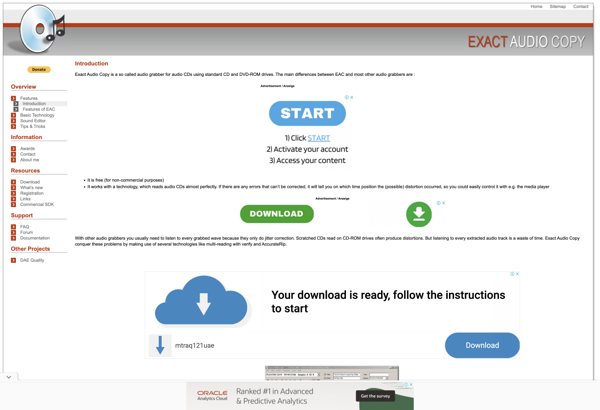
Exact Audio Copy
Format Factory
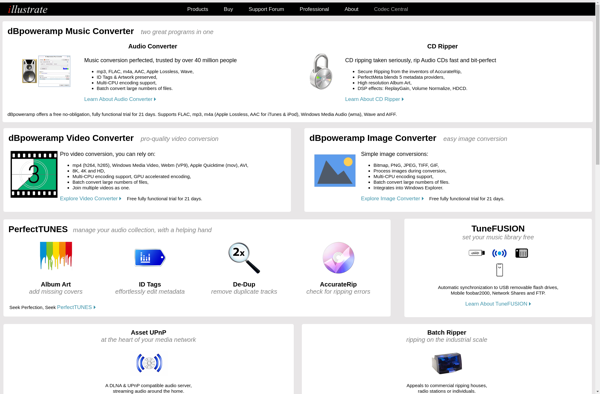
DBpoweramp
CDex
File Converter
Pazera Free Audio Extractor
Fre:ac

EZ CD Audio Converter
Asunder
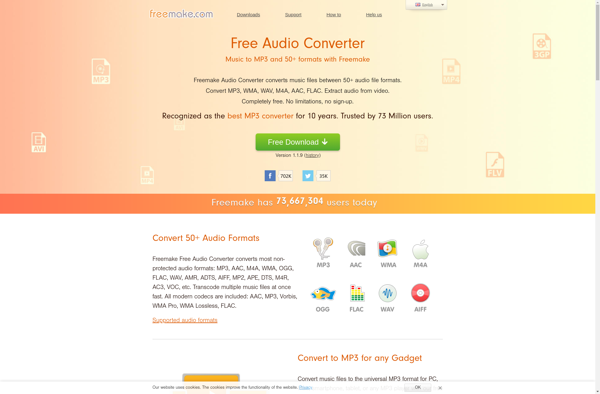
Freemake Audio Converter

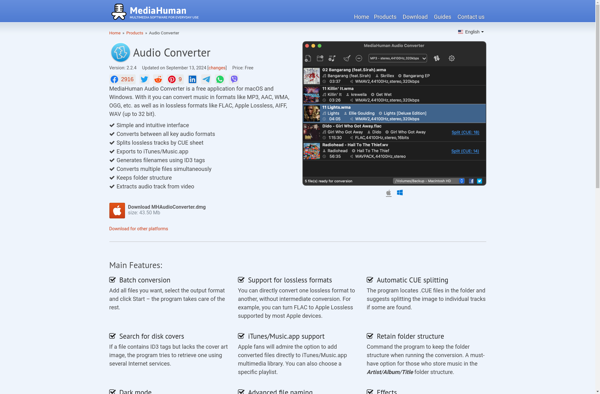
MediaHuman Audio Converter

AllMusicConverter
Video to Audio
Switch