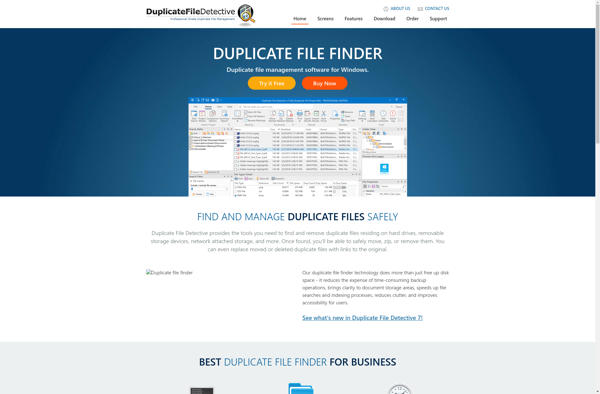
Duplicate Directories and Files Finder
Duplicate Directories and Files Finder: Find & Remove Duplicates
Discover a software tool to scan your drives for duplicate files and folders, deleting unwanted copies to save disk space.
What is Duplicate Directories and Files Finder?
Duplicate Directories and Files Finder is a utility software designed to help users identify and remove duplicate files and folders on their computers or storage drives. It provides an easy way to find redundant copies of files that are taking up unnecessary space.
The software performs an in-depth scan of your selected drives and builds an internal index of all files based on their content. It then analyzes this index and flags any files that have identical content as duplicates. You can choose to scan specific folders or entire drives including external USB drives and network mapped drives.
Once the scan is complete, the software presents an intuitive interface that allows you to browse through the duplicate files it found. You can view them by folder location or as a single grouped list. Useful information such as file name, path, size and modification date is provided to help you decide which ones to delete.
Deleting the duplicates is as easy as selecting them and hitting the delete button. The software is designed to only delete the true duplicate files, while keeping one original copy intact. This ensures you don't lose any unique files or data.
Key features include flexible scanning of multiple drives, customizable scan depth, ignored folder exclusions, automated merge deletes and a portable mode that doesn't require installation. Overall, Duplicate Directories and Files Finder provides a simple yet powerful way to reclaim wasted hard drive space taken up by unnecessary duplicate files and folders.
Duplicate Directories and Files Finder Features
Features
- Scans local and network drives for duplicate files and folders
- Identifies duplicates based on file content, not just file names
- Provides a visual representation of duplicate files and folders
- Allows selective deletion of duplicate items to save disk space
- Supports various file types including documents, media files, and more
- Provides detailed reports and statistics on duplicate data
- Offers options to exclude certain files or folders from the scan
- Supports scheduling of regular scans to keep track of new duplicates
Pricing
- Free
- Freemium
- One-time Purchase
Pros
Cons
Official Links
Reviews & Ratings
Login to ReviewNo reviews yet
Be the first to share your experience with Duplicate Directories and Files Finder!
Login to ReviewThe Best Duplicate Directories and Files Finder Alternatives
View all Duplicate Directories and Files Finder alternatives with detailed comparison →
Top File Management and Duplicate File Finder and other similar apps like Duplicate Directories and Files Finder
Here are some alternatives to Duplicate Directories and Files Finder:
Suggest an alternative ❐
Duplicate Cleaner

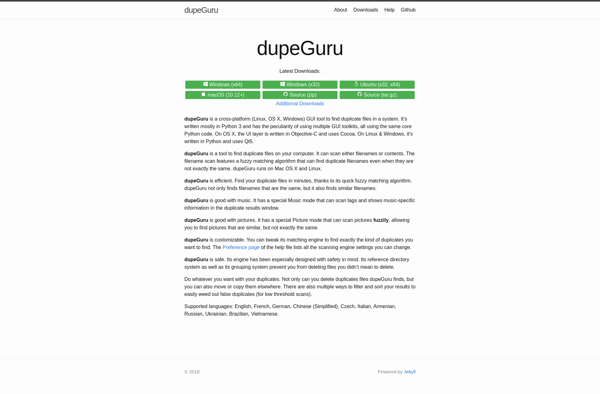
DupeGuru

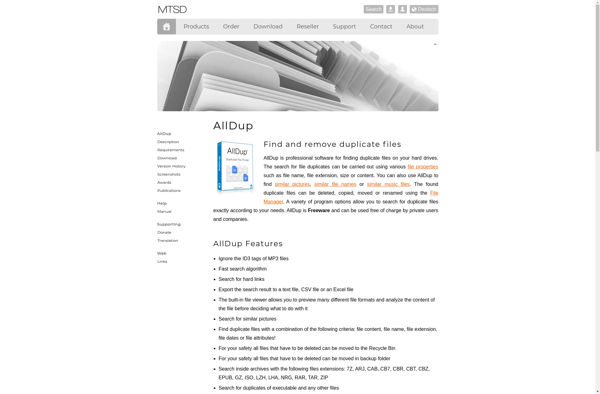
AllDup

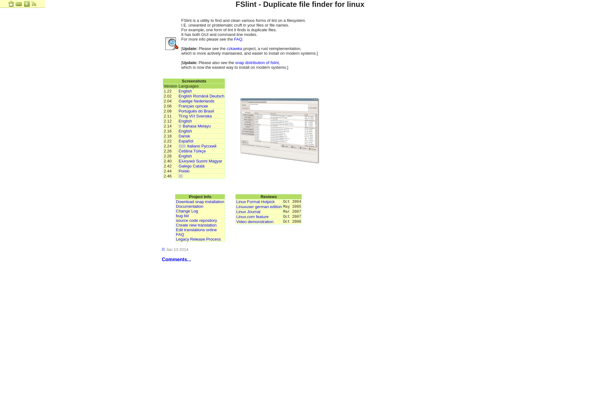
FSlint

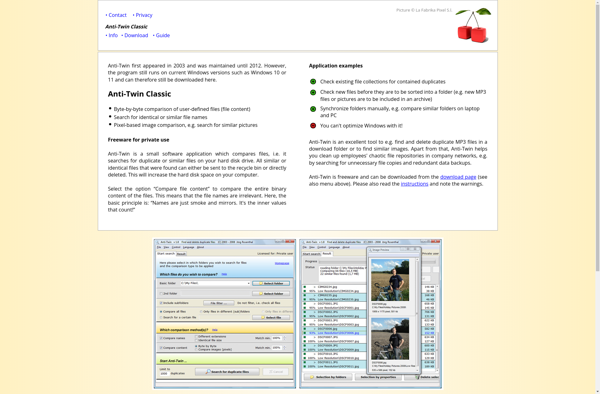
Anti-Twin

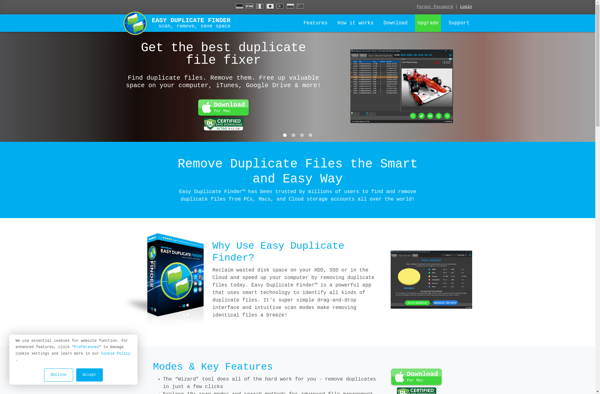
Easy Duplicate Finder

CloneSpy

Auslogics Duplicate File Finder

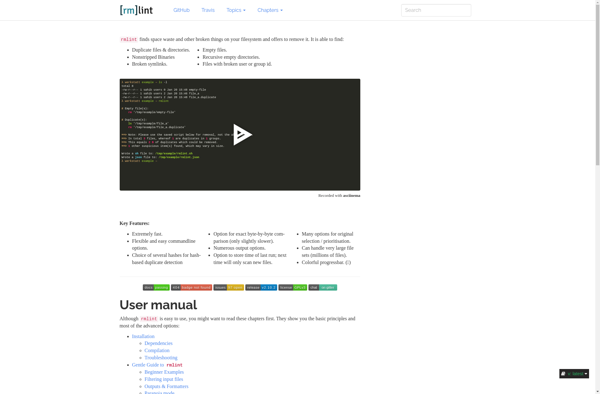
Rmlint
Duplicate File Detective