EasyCut Pro
What is EasyCut Pro?
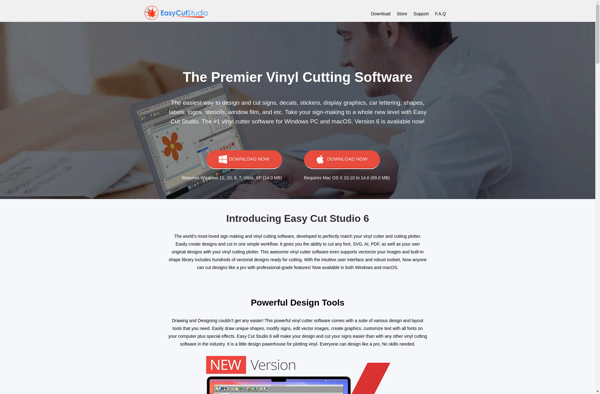
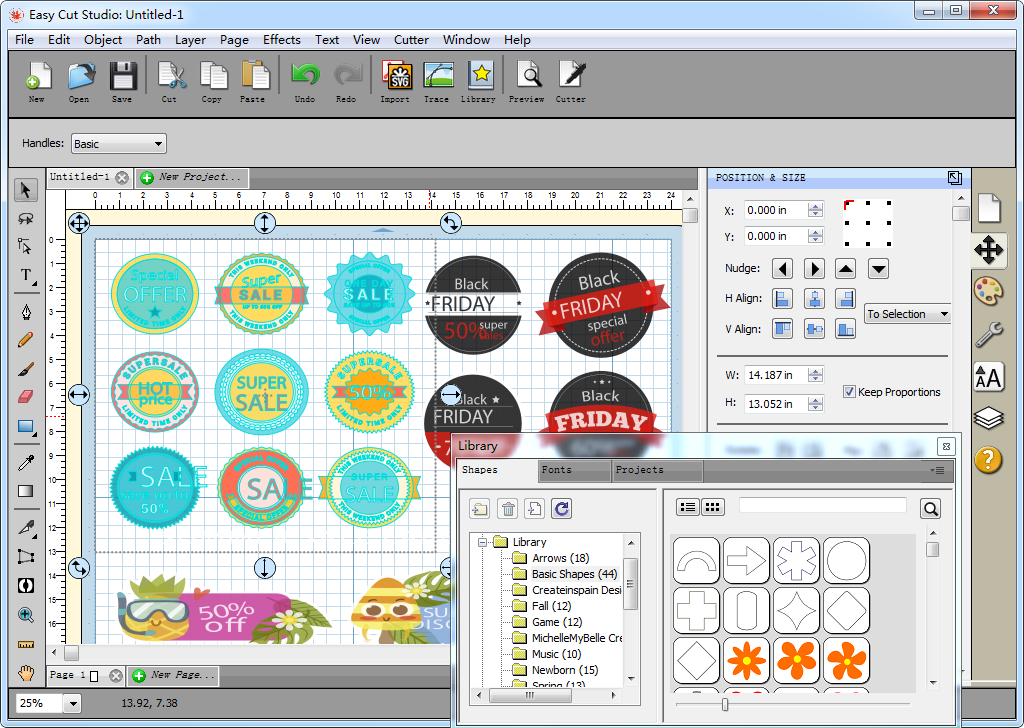
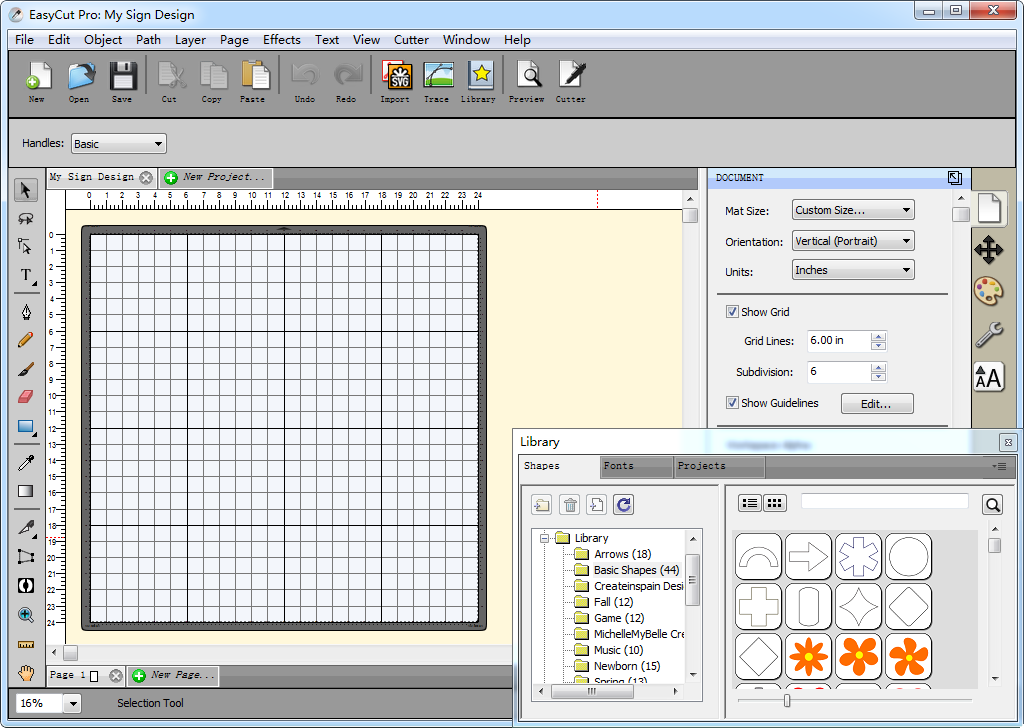
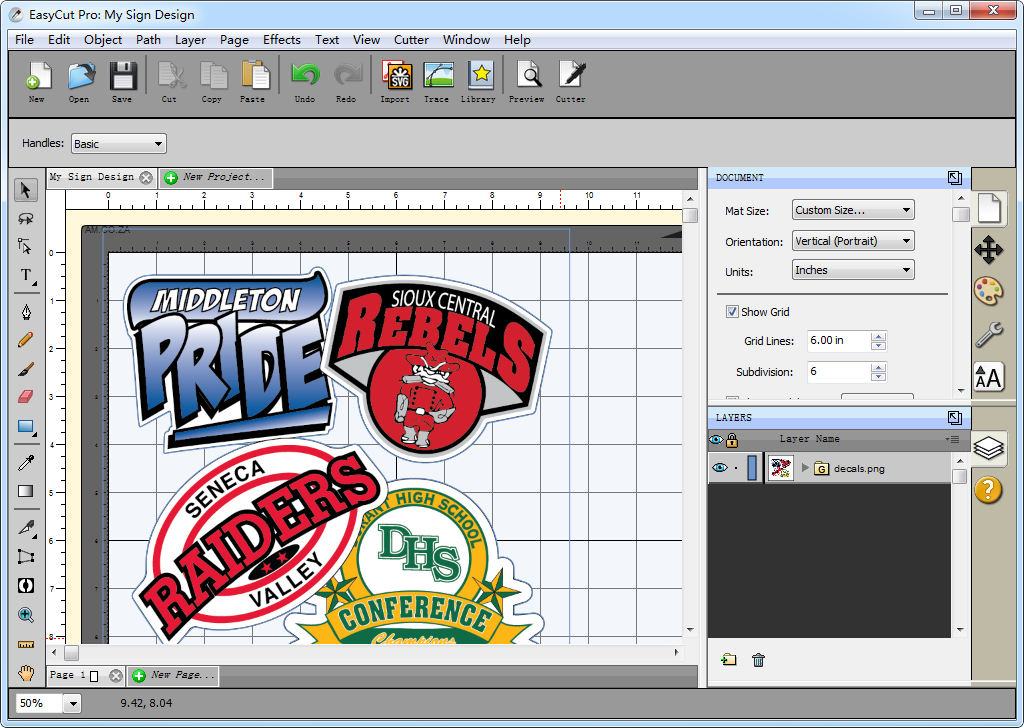
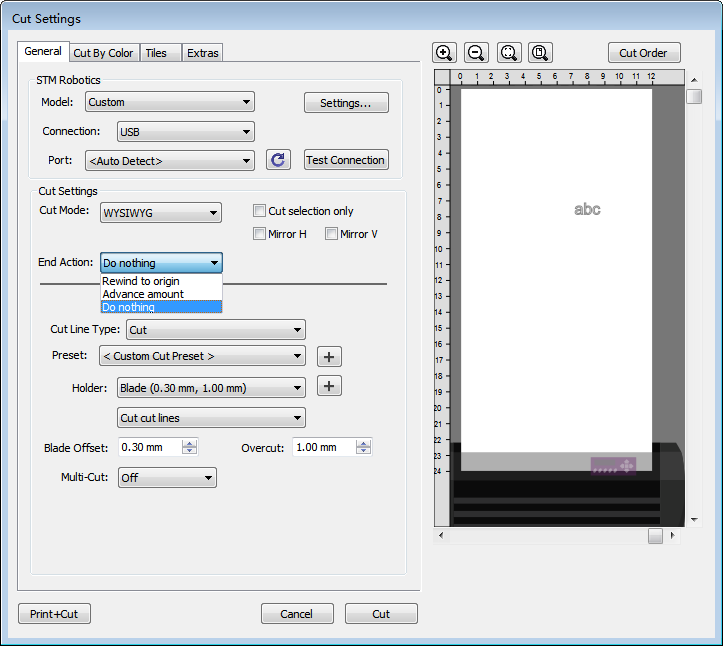
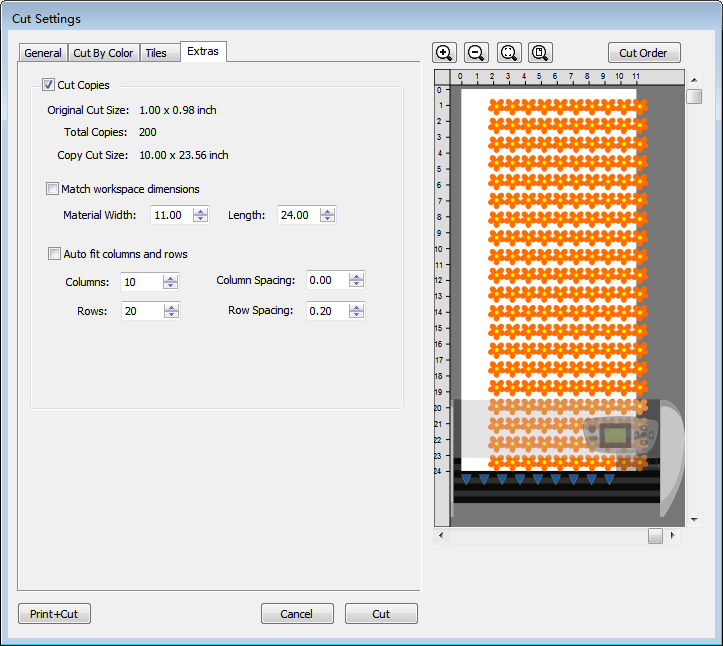
EasyCut Pro is the most comprehensive software solution for sign design, layout, and vinyl cutting. It enables you to create professional signs, lettering, logos, stencils, posters, decals, and stickers using your vinyl cutter or cutting plotter. The software is fully compatible with a wide range of popular cutting plotters and vinyl cutters, including but not limited to Roland, GCC, Graphtec, Secabo, Summa, Ioline, Jinka, SkyCut, MOMO, Saga, KNK, Silhouette, TENETH, VicSign, Kasa, Foison, USCutter, UKcutter, Redsail, Liyu, Rabbit, Creation PCut, Pixmax, Vevor, Siser, LOKLiK, HP, and Vinyl Express machines. With EasyCut Pro, you can cut any font already installed on your computer. Its advanced design and layout tools help streamline your workflow, making sign production faster and easier. The software includes powerful features such as raster-to-vector (auto-tracing) conversion and contour cutting, enabling you to achieve precise Print and Cut results by easily designing contour paths. EasyCut Pro offers a wide range of productivity-enhancing tools, including the ability to weld or join shapes, weed excess vinyl, and use registration marks for accurate print and cut alignment. It also supports rhinestone creation, tiling, cuttable shadows, and cutting by color separation. Additional features include 3D extrude effects, fitting text or objects to a path, and cutting multiple copies with flexible options to cut only what you need. Ideal for both hobbyists and professionals, EasyCut Pro is the perfect companion for your vinyl cutter or plotter. It is now fully compatible with Windows 11.
Official Links
EasyCut Pro Screenshots and Videos
Reviews & Ratings
Login to ReviewThe Best EasyCut Pro Alternatives
View all EasyCut Pro alternatives with detailed comparison →
Top and other similar apps like EasyCut Pro

Easy Cut Studio