
EasyMotion
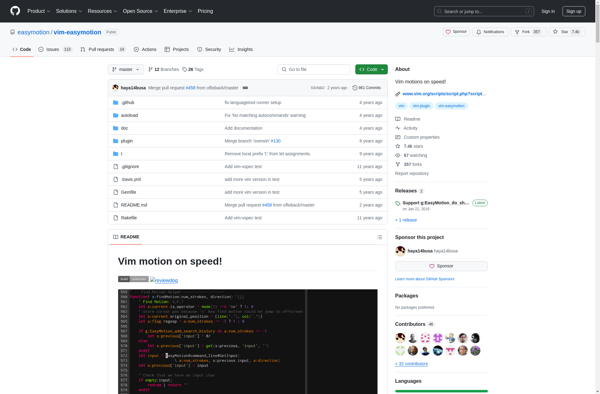
EasyMotion: Interactive File Navigation for Vim Plugin
EasyMotion is a Vim plugin that provides an interactive way to quickly jump to any location in a file. It highlights potential jump targets and allows easily jumping to them with simple key presses.
What is EasyMotion?
EasyMotion is a plugin for the Vim text editor that aims to improve navigation efficiency. It works by highlighting potential jump targets in the text and allowing the user to quickly get to them with very little typing.
When triggered, EasyMotion will analyze the visible text and highlight certain characters (by default alphabetical characters). The user then presses the key for the highlight they want to jump to, and EasyMotion will move the cursor there.
This makes jumping very fast compared to default Vim movement commands. For example, instead of using the 'f' command and then a character to search for, you just press the highlighted key. This also eliminates miscounted jump repetitions.
EasyMotion is customizable and supports different highlighting styles, keys, and motions. Some examples are highlighting lines, blocks, or words instead of characters. It can be triggered to search from the current location or act more like enhanced Vim movement.
Overall, EasyMotion reduces the keystrokes and mental effort required for navigation. Experienced Vim users rely on it for faster editing. It is one of the most popular Vim plugins due to improving a core Vim weakness - quickly getting around files.
EasyMotion Features
Features
- Interactive motion
- Highlight jump targets
- Quickly jump to locations in a file
- Configure custom mappings
- Integrates with Vim motions and text objects
Pricing
- Free
- Open Source
Pros
Cons
Reviews & Ratings
Login to ReviewThe Best EasyMotion Alternatives
View all EasyMotion alternatives with detailed comparison →
Top Development and Text Editors and other similar apps like EasyMotion
No alternatives found for EasyMotion. Why not suggest an alternative?







