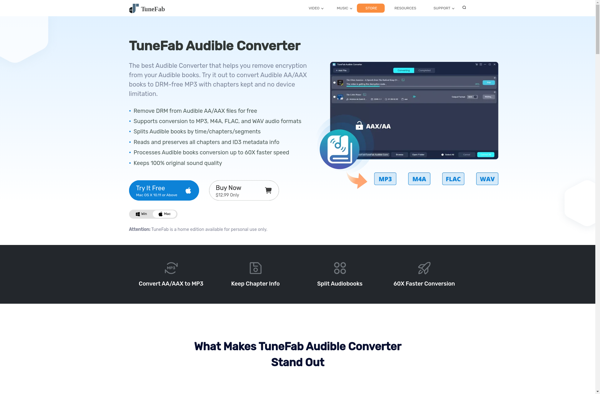
Epubor Audible Converter

Epubor Audible Converter: Remove DRM Protection
Convert Audible audiobooks to MP3 and M4B formats, preserving chapters and metadata with Epubor Audible Converter software
What is Epubor Audible Converter?
Epubor Audible Converter is a desktop software application designed to convert Audible audiobooks (.aa, .aax) files into more common and flexible formats like MP3 and M4B while preserving the chapter structure. It can remove the DRM (Digital Rights Management) protection that Audible applies to the audiobook files it sells, allowing users full ownership and portability over the content they have purchased.
Some key features of Epubor Audible Converter include:
- Converts Audible files (.aa, .aax) to MP3, M4A, M4B formats while retaining chapter markers
- Removes DRM protection from Audible books without impacting sound quality
- Preserves ID3 metadata like book details and cover art in the output files
- Allows users to freely transfer converted Audible books to smartphones, tablets, computers without DRM restrictions
- Fast batch conversion capability to handle multiple Audible books
- Simple user interface that's easy to navigate
Overall, Epubor Audible Converter provides an efficient way for Audible audiobook owners to get full control over their purchased content by stripping DRM and converting to more flexible formats. This allows listening across more devices while retaining important chapter details.
Epubor Audible Converter Features
Features
- Converts Audible audiobooks to MP3, M4B and other formats
- Removes DRM protection from Audible books
- Preserves chapters and metadata during conversion
- Supports batch conversion of multiple Audible books
- Allows customization of output settings like bitrate and sample rate
- Works on Windows and Mac OS
Pricing
- One-time Purchase
Pros
Cons
Official Links
Reviews & Ratings
Login to ReviewThe Best Epubor Audible Converter Alternatives
View all Epubor Audible Converter alternatives with detailed comparison →
Top Audio & Music and Audio Conversion and other similar apps like Epubor Audible Converter
Here are some alternatives to Epubor Audible Converter:
Suggest an alternative ❐
ViWizard Audio Converter
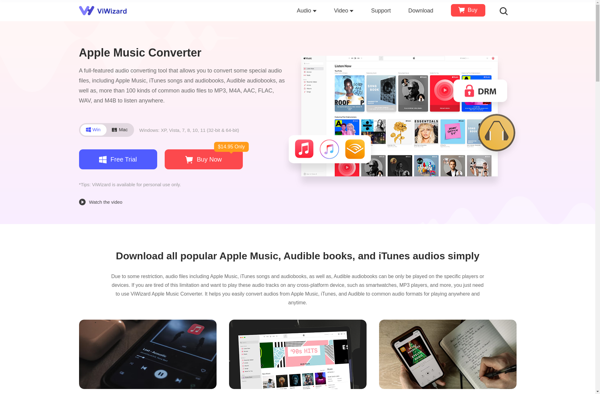

TuneFab Audible Converter