ExeScript
ExeScript: Open-Source Scripting Language
An open-source scripting language and interpreter for automation, testing, and prototyping with a simple syntax similar to Bash, allowing execution of external programs and scripts.
What is ExeScript?
ExeScript is an open-source, cross-platform scripting language and interpreter designed for automation, testing, and prototyping. It has a simple, easy-to-learn syntax that is similar to Bash shell scripting.
Some key features of ExeScript include:
- Ability to easily execute external programs and scripts
- Variables, functions, loops, and other basic scripting capabilities
- Support for regular expressions and text processing
- Portable across Windows, Mac OS X, and Linux
- Embeddable as a scripting engine into other applications
- Small footprint, single self-contained executable file
ExeScript is useful for creating scripts to automate tasks, setup testing frameworks, build lightweight prototypes, and more. It can interact with the filesystem, command line, environment variables, and other system components to facilitate automation. The syntax is designed to be familiar to those with experience in shell scripting.
While not as full-featured as languages like Python or Perl, ExeScript provides a simple, approachable way to create utility scripts and prototypes. It prioritizes ease of use over complex capabilities. With its portable executable and permissive MIT open-source license, ExeScript is easy to integrate and distribute.
ExeScript Features
Features
- Open-source scripting language
- Simple syntax similar to Bash
- Automation, testing, and prototyping capabilities
- Ability to execute external programs and scripts
Pricing
- Open Source
Pros
Cons
Official Links
Reviews & Ratings
Login to ReviewThe Best ExeScript Alternatives
View all ExeScript alternatives with detailed comparison →
Top Development and Scripting Languages and other similar apps like ExeScript

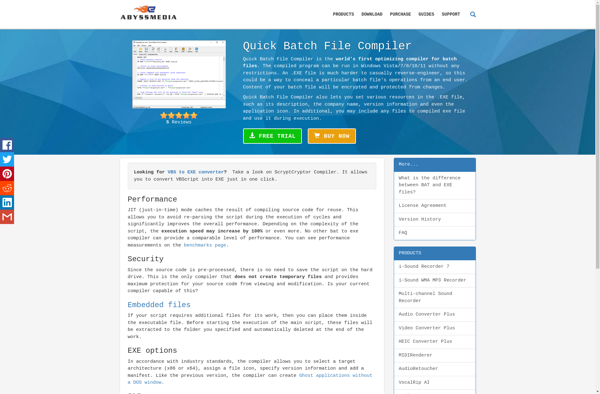
Quick Batch File Compiler

Bat to Exe Converter

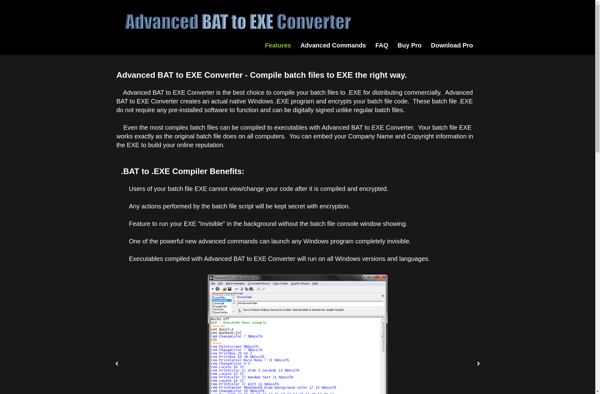
Advanced BAT to EXE Converter

Batch Compiler

BatExe

Binbash