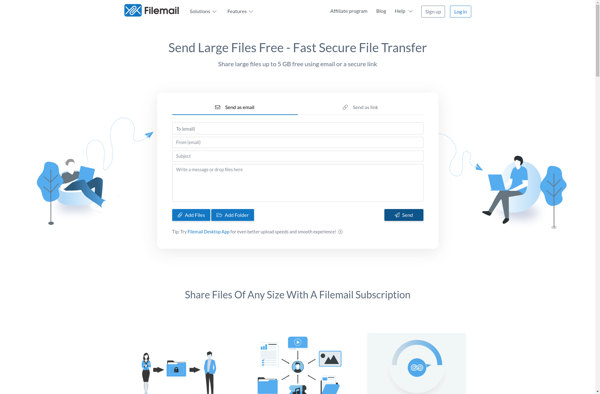
Filemail is a file sharing service that allows users to easily send large files through email. It works by uploading files to Filemail's servers and generating a link that can be shared through email instead of attaching the large files directly.
A file sharing service that enables users to upload files to its servers and share a link via email instead of attaching large files directly.
What is Filemail?
Filemail is an online file sharing and transfer service that aims to solve the common email attachment size restrictions. It allows users to securely send large files up to 5GB through email without attachments.
Here's how it works: Users upload their large files to Filemail's cloud servers. Filemail then generates a unique download link for those files. This link can be shared through email, allowing the recipient to simply click the link to download the original large files from Filemail's servers.
Some key benefits of Filemail include:
Send large email attachments up to 5GB in size
Encrypts files stored on their cloud servers using bank-level security
Allows recipients to preview files online before downloading them
Tracks downloads and views for each file share
Customizable download pages and options
14-day storage for sent files
With its easy-to-use interface and focus on security, Filemail serves as a convenient, reliable alternative to sending giant email attachments that may get blocked or rejected by recipient email servers.
Filemail Features
Features
Easy file sharing
Large file upload support
Secure file transfer
Email integration
Customizable branding
Tracking and notifications
Mobile app support
Pricing
Free
Freemium
Subscription-Based
Pros
Simple and user-friendly interface
Ability to send large files up to 50GB
Secure file transfer with encryption
Tracking and notification features
Customizable branding options
Cons
Limited free plan with storage and file size restrictions
Paid plans can be more expensive compared to competitors
No collaboration or team features in the basic plan
What Is MEGA?MEGA is an end-to-end encrypted cloud storage service offering 20GB of free storage — significantly more than most competitors. Founded by Kim Dotcom in 2013, it emphasizes privacy with zero-knowledge encryption where only you hold the decryption keys.Key FeaturesAll files are encrypted on your device before upload using...
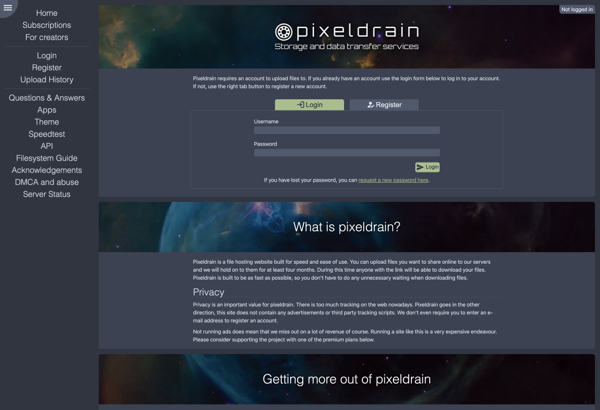
Pixeldrain is a free online file sharing and image hosting service launched in 2019. It allows users to upload, store, and share files and images without requiring registration. Some key features of Pixeldrain include:Clean and simple interface - Easy drag and drop uploading, minimal designNo signup required - Anyone can...
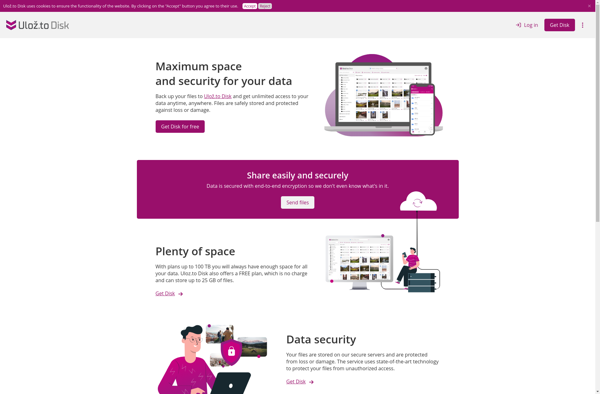
Ulozto.net is a popular file hosting service launched in 2006 and based in the Czech Republic. It allows users to upload and share various files such as documents, photos, videos, music, etc. with other users or the public.Some key features of Ulozto.net include:Ability to upload files up to 2GB in...
Send Anywhere is a free P2P file sharing service that enables users to transfer files between devices securely without using cloud storage. It allows for sharing large files up to 10GB in size quickly and easily between computers, smartphones, tablets, and other devices using a 6-digit key. Some key features...
MediaFire is a file hosting, file synchronization, and cloud storage service launched in 2006. Users can upload documents, photos, videos, music, and other media files to MediaFire servers which can then be accessed privately or shared publicly via links.A key feature of MediaFire is its simplicity and ease of use...
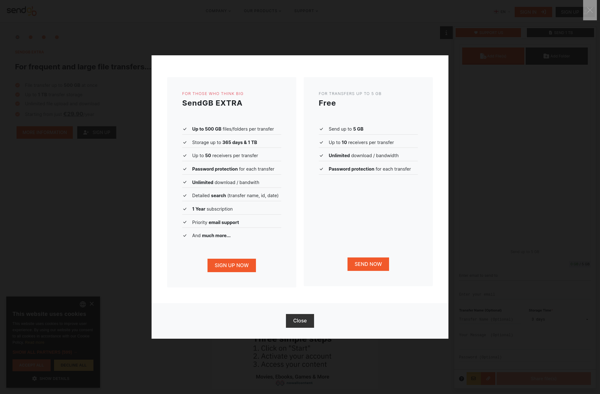
SendGB.com is a popular free file sharing service that makes it easy to transfer large files over the internet. Founded in 2021, SendGB aims to provide a simple yet robust cloud-based platform for sending big files that may be too large for email attachments.Some key features of SendGB include:Ability to...
4Shared is a popular file hosting and sharing service founded in 2005. It allows users to store, share and access files online through its cloud storage platform. 4Shared offers both free and premium account options with varying storage limits, download speeds, and additional features.With a free 4Shared account, users get...
Uptobox is a popular file hosting and sharing service founded in 2011. It allows users to upload files up to 1GB in size for free and share them with others via links. Uptobox offers both free and premium account options.With a free Uptobox account, users get 1GB of storage space...
Volafile is a secure file sharing platform designed to let users easily share files while maintaining control and privacy. Some key features of Volafile include:File expiration - Users can set an expiration timeframe after which shared files are automatically deleted from Volafile's servers. This ensures files don't live indefinitely in...
FileTransfer.io is a free online file transfer service that makes it easy to share large files that may be too big to attach to an email. It allows users to upload files up to 2GB in size for free through a simple drag-and-drop interface right in the web browser.Once a...
Ufile.io is a free cloud-based file sharing and storage platform that makes it easy to store, access and share your files online. It offers 2GB of free storage space and unlimited bandwidth for uploading and downloading files.Some key features of Ufile.io include:Intuitive drag and drop interface to upload files to...
Jetbytes is an innovative software solution that facilitates fast and secure file transfers for individuals and businesses alike. Whether you need to send large files beyond typical email attachment limits or share sensitive documents confidentially, Jetbytes has you covered.Some key features that make Jetbytes stand out include:Intuitive drag-and-drop interface for...
Teleporter is a lightweight, cross-platform file transfer application designed for quickly sharing files between devices on a local network. With its intuitive drag-and-drop interface, Teleporter makes transferring files between desktops, laptops, phones and tablets as easy as dragging the file and dropping it into the receiving device's folder.Once installed on...