
Finch 3D
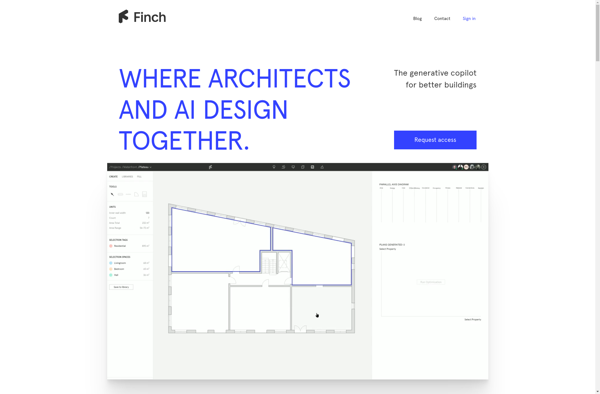
Finch 3D: Browser-Based 3D Design and Modeling Tool
Finch 3D is a browser-based 3D design and modeling tool. It allows users to create 3D models and animations without needing to install any software or plugins. Finch 3D is easy to use with an intuitive drag-and-drop interface.
What is Finch 3D?
Finch 3D is a powerful yet user-friendly 3D design and modeling application that runs directly in web browsers. With Finch 3D, users can create professional 3D models and animations without needing to install any additional software or plugins.
Key features of Finch 3D include:
- Intuitive drag-and-drop interface for easy 3D modeling
- Comprehensive set of modeling tools including extrude, cut, and bend
- Support for importing and exporting models in various file formats
- Built-in library of 3D parts and components
- Collaboration tools for working together on 3D projects in real-time
- Animator to add movement and interactivity to 3D models
- Supports all major browsers including Chrome, Firefox, Edge, and Safari
As a cloud-based solution, Finch 3D makes advanced 3D modeling capability accessible to anyone with a computer and internet connection. It's an ideal tool for hobbyists, designers, engineers, and students looking to create 3D prototypes, models, and concepts online.
Finch 3D Features
Features
- Browser-based 3D design and modeling
- Drag and drop interface
- No software installation required
- Create 3D models and animations
- Collaboration tools
- Import/export various 3D file formats
Pricing
- Free
- Freemium
- Subscription-Based
Pros
Cons
Official Links
Reviews & Ratings
Login to ReviewThe Best Finch 3D Alternatives
View all Finch 3D alternatives with detailed comparison →
Top Development and 3D Modeling and other similar apps like Finch 3D
No alternatives found for Finch 3D. Why not suggest an alternative?







