FpsVR
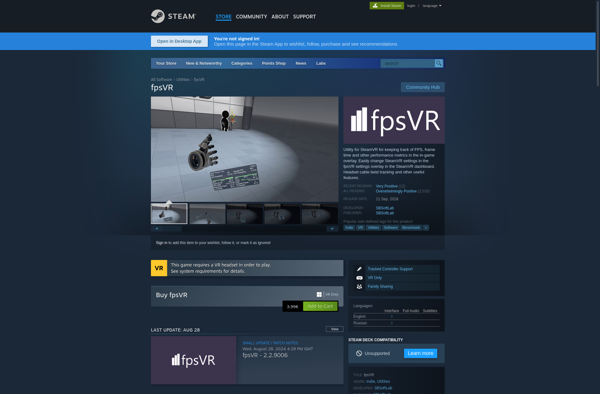
fpsVR: SteamVR Performance Monitoring Utility
A lightweight overlay for monitoring VR performance metrics like framerate, GPU/CPU usage, temperatures and more while in SteamVR.
What is FpsVR?
fpsVR is a utility application designed specifically for use with SteamVR and virtual reality headsets. It provides an in-headset overlay that displays critical performance metrics in real-time to monitor things like framerate, GPU/CPU usage, temperatures and more.
Some key features of fpsVR include:
- Lightweight overlay rendering that aims to minimize performance impact
- Framerate and frametiming graphs
- Detailed system utilization specs for CPU, GPU, RAM usage
- Tracking of various temperature readings from GPU, CPU and more
- Controller input battery status
- Ability to position overlay anywhere in field of view
- Support for Oculus and other OpenVR headsets
- In-headset adjustment of settings
By providing vital VR gameplay performance stats directly within virtual reality, fpsVR enables users to monitor framerates, temperatures, system loads and other metrics to troubleshoot issues or ensure a smooth experience without having to remove their headset. It aims to provide detailed performance data in a non-intrusive way optimized for virtual reality.
FpsVR Features
Features
- Displays FPS, frametime, GPU/CPU usage
- Customizable UI with moveable widgets
- Supports SteamVR and Oculus
- Can be toggled on/off in VR
- Graph history of metrics
- Alerts for performance issues
Pricing
- Freemium
Pros
Cons
Official Links
Reviews & Ratings
Login to ReviewThe Best FpsVR Alternatives
View all fpsVR alternatives with detailed comparison →
Top Gaming Software and Performance Monitoring and other similar apps like FpsVR
Here are some alternatives to FpsVR:
Suggest an alternative ❐
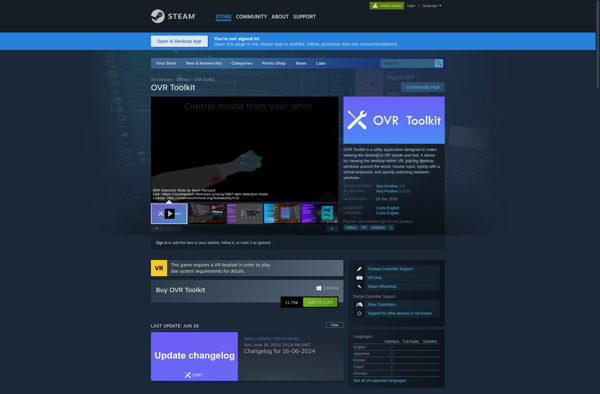
OVR Toolkit

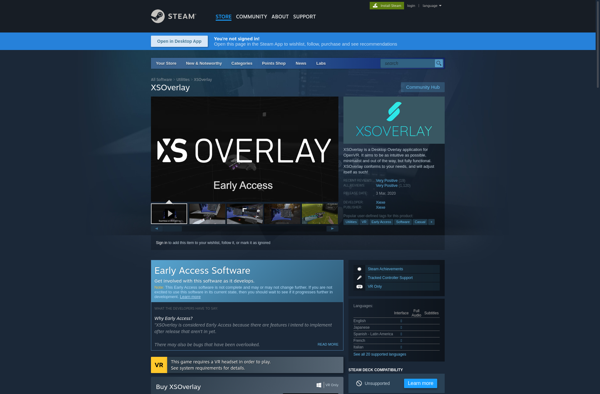
XSOverlay

Desktop+ VR Overlay