Imagus

Imagus: Enhance Image Viewing on the Web
Imagus browser extension allows users to view images at full size or original resolution by hovering over the thumbnail, featuring zooming, gallery view, image resizing, and saving images.
What is Imagus?
Imagus is a free, open source browser extension available for Firefox, Chrome, Opera, and Edge. It dramatically improves the image browsing experience on the web.
The key feature of Imagus is the ability to view full size images by simply hovering your mouse over thumbnails. This allows you to quickly zoom in on any image without having to click through or open it in a new tab. The full size image pops up temporarily in an overlay as you hover.
In addition to zooming, Imagus has several other useful viewing options. You can resize images with the mouse wheel, view EXIF data, enter fullscreen gallery view, save images to your hard drive, share directly to social networks, and more. The settings are highly customizable to fit individual preferences.
By providing instant previews, Imagus saves huge amounts of time and clicks when browsing image heavy sites. It works on most major sites out of the box, including Reddit, Twitter, Facebook, Wikipedia, Amazon, Flickr, and more. The community maintained compatibility list has over 250 sites.
As an add-on, Imagus doesn't require any new user accounts or learning curves. It seamlessly integrates with your browsing experience. Imagus is free, open source, and secure, ensuring transparency and data privacy for users.
Imagus Features
Features
- Hover-to-zoom functionality
- Gallery view for image collections
- Image resizing and scaling
- Ability to save images directly from the web page
Pricing
- Free
Pros
Cons
Official Links
Reviews & Ratings
Login to ReviewThe Best Imagus Alternatives
View all Imagus alternatives with detailed comparison →
Top Web Browsers and Browser Extensions and other similar apps like Imagus
Here are some alternatives to Imagus:
Suggest an alternative ❐
Hover Zoom


ImgTip

Image Max URL


Thumbnail Zoom Plus
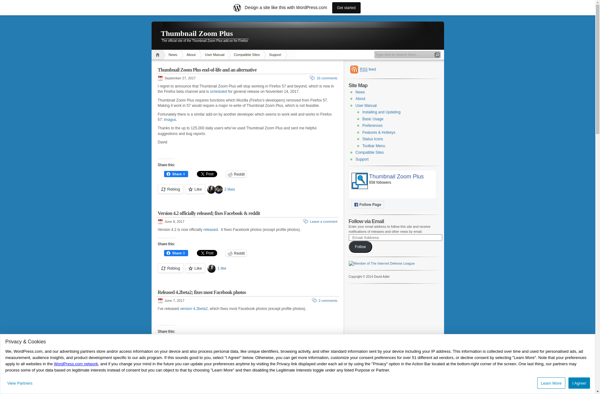

Image Preview (Chrome extension)

Hover Zoom+


ImagePreviewer


Hover for Safari
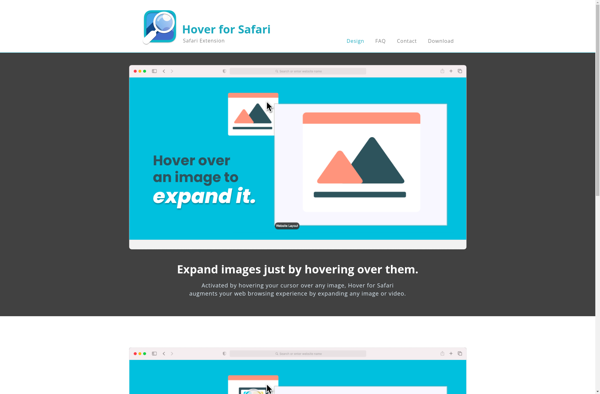

Image Preview (Firefox addon)

Hover Free

Power Zoom

Mouseover Popup Image Viewer


ImageZoomer