JCppEdit
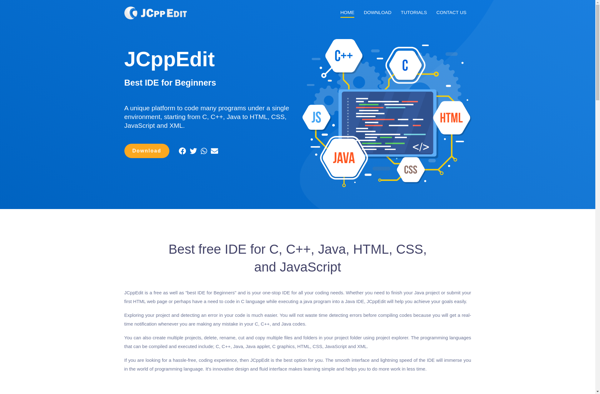
JCppEdit: Lightweight C/C++ Development Editor
A cross-platform editor for C/C++ development with features like code editing, syntax highlighting, code folding, completion, symbol support, and integrated build tools.
What is JCppEdit ?
JCppEdit is a feature-rich yet lightweight integrated development environment (IDE) specifically designed for C/C++ development. It is available for Windows, Linux, and macOS as a standalone application with no dependencies.
JCppEdit provides extensive editing and coding assistance capabilities to enhance productivity. Key features include:
- Syntax highlighting for C/C++, including advanced support for language standards like C++11
- Automatic code completion drawing from user symbol libraries
- Real-time error checking and reporting
- Code folding for easy structuring and navigation
- Support for multiple compilers and build tools like GNU Make
- Integrated debugger with breakpoints and step execution
- Project management with folder-based workspaces
The intuitive user interface has been optimized for efficient C/C++ development workflows. Users can work on multiple source code files organized into projects, leverage coding helpers like class view and parameter info popups, and compile or build projects without leaving the editor.
JCppEdit balances features and functionality with performance. It starts up quickly and runs fast, even on large codebases. The small footprint makes it well-suited for everyday C++ editing tasks.
JCppEdit Features
Features
- Code editing
- Syntax highlighting
- Code folding
- Completion
- Symbol support
- Integrated build tools
Pricing
- Open Source
Pros
Cons
Official Links
Reviews & Ratings
Login to ReviewThe Best JCppEdit Alternatives
View all JCppEdit alternatives with detailed comparison →
Top Development and Code Editors and other similar apps like JCppEdit

JetBrains Rider

SyncJEdit