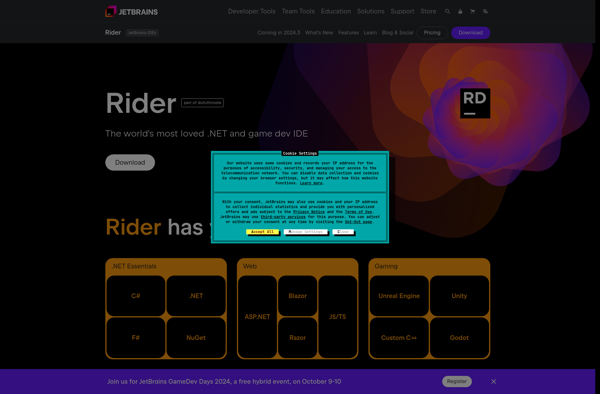
JetBrains Rider is a fast and powerful cross-platform .NET IDE created specifically for .NET developers. It provides advanced code editing and navigation features for C#, VB.NET, F#, JavaScript, TypeScript and other .NET languages.
A cross-platform IDE specifically for .NET developers, offering advanced code editing and navigation features for C#, VB.NET, F#, JavaScript, TypeScript and other .NET languages.
What is JetBrains Rider?
JetBrains Rider is a versatile .NET IDE (integrated development environment) designed for .NET developers working on Windows, macOS, and Linux. It provides rich support for multiple .NET languages and frameworks including C#, VB.NET, F#, ASP.NET, .NET Core, Xamarin, and Unity.
Key features of JetBrains Rider include:
Fast performance and small memory footprint
Intelligent code completion, navigation, and refactoring
Built-in unit testing tools
Exceptional debugger supporting both .NET Framework and .NET Core
Seamless integration with source control systems like Git, Subversion, Perforce, and Team Foundation Server
Side-by-side editing of different file versions
Powerful project analytics to detect flaws and duplicate code
Support for web applications, services, SQL databases, and more
Cross-platform design allowing developers to switch effortlessly between OSes
Hundreds of extensions available in the Rider plugin repository
Overall, JetBrains Rider combines the innovations of ReSharper and IntelliJ IDEA to create the ultimate .NET toolset enhancing developer productivity for projects small and large across Windows, macOS, and Linux desktops.
JetBrains Rider Features
Features
Intelligent code completion
Powerful debugging
Integrated unit testing
Git integration
Refactoring and code analysis tools
Cross-platform support
Pricing
Subscription-Based
Pros
Fast and responsive interface
Great C# and .NET support
Excellent code navigation
Lots of productivity boosting features
Customizable keyboard shortcuts
Cons
Expensive subscription model
Steep learning curve
Can be resource intensive
Limited community and extensions compared to VS Code
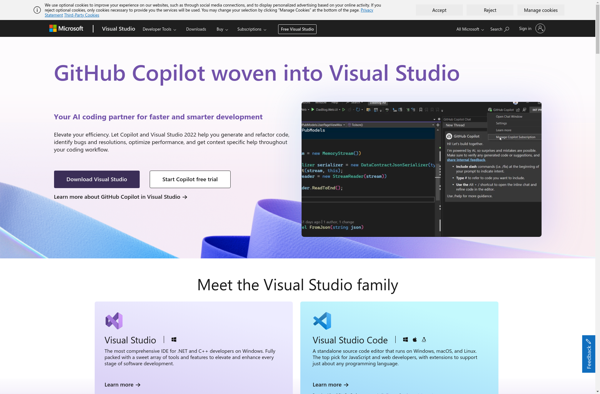
Microsoft Visual Studio is a fully-featured integrated development environment (IDE) for creating applications on the Windows platform as well as web and cloud platforms. First released in 1997, Visual Studio has become one of the most popular and widely-used IDEs for software development.Visual Studio supports a wide range of programming...
Code::Blocks is a free, open-source, cross-platform integrated development environment (IDE) that supports multiple compilers including GCC, Clang, and Visual C++. It features a plug-in architecture that makes it easily extensible and configurable for many programming languages. Code::Blocks simplifies the build process and helps manage projects of any size.Code::Blocks is designed...
Eclipse is a multi-language software development environment comprising an integrated development environment (IDE) and an extensible plug-in system. It is written mostly in Java and can be used to develop applications in Java and other programming languages including C/C++, Python, PHP, and more.Some key features of Eclipse include:Code editors with...
SharpDevelop is a free and open source integrated development environment primarily targeted for development in C#, Visual Basic .NET and other .NET languages. It runs on Windows and provides support for building applications targeting .NET Framework, .NET Core and Mono.Some key features of SharpDevelop include:Intelligent code completion and navigationSupport for...
OpenBeans is an open-source accounting and bookkeeping software designed as an alternative to QuickBooks. It provides a suite of features targeted at small businesses to help manage their finances and accounting.Some of the key features of OpenBeans include:Easy to use graphical interface for managing general ledger, accounts payable/receivable, invoicing, billing,...
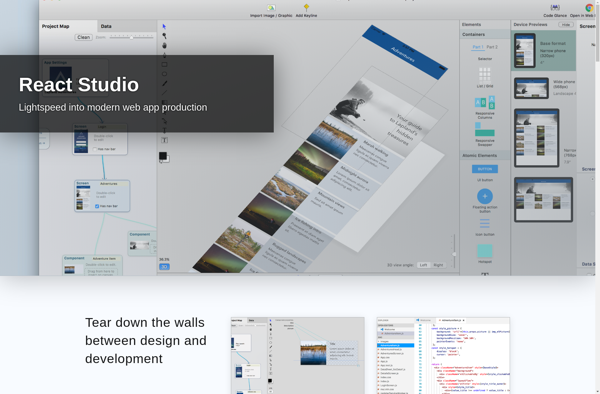
React Studio is a low-code platform that allows you to visually build web and mobile applications using React, without writing any code. It provides a drag-and-drop interface where you can add components like tables, charts, forms, etc. and connect them to create full-stack React apps.Some key features of React Studio:Visual...
Corezoid is a low-code process automation and integration platform designed to help organizations improve operational efficiency. It provides a visual interface to model complex business processes that connect enterprise applications, data sources, APIs and more.Some key capabilities and benefits of Corezoid include:Drag-and-drop workflow designer to visually map out processes without...
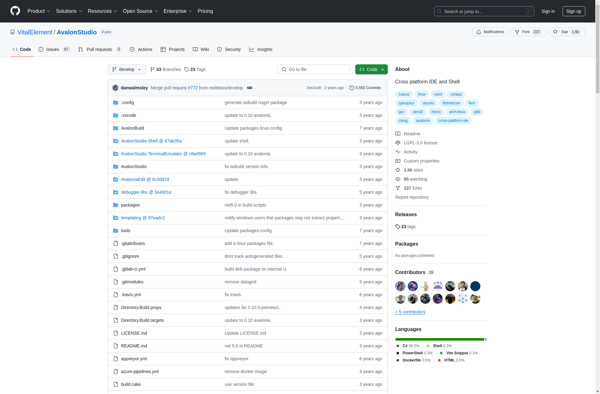
AvalonStudio is a free and open source integrated development environment and shell focused on modern C++ development across Linux, macOS and Windows.Key features include:Intelligent code completion and analysisIntegrated debuggingProject management toolsCustomizable user interfacePlugin architecture to extend functionalityIt is built with flexibility and ease-of-use in mind to provide a lightweight and...
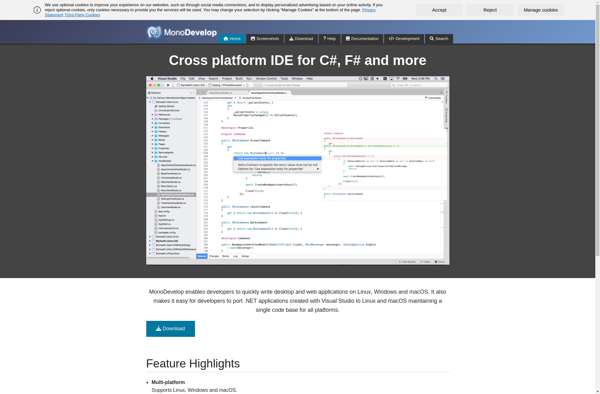
MonoDevelop is a free, open source integrated development environment primarily designed for Linux, macOS, and Windows. It allows developers to create applications with C#, F#, Visual Basic .NET, Vala, Java, and more. Some key features of MonoDevelop include:Supports building .NET applications with C#, F#, VB.NET, and moreGtk# designer for building...
JCppEdit is a feature-rich yet lightweight integrated development environment (IDE) specifically designed for C/C++ development. It is available for Windows, Linux, and macOS as a standalone application with no dependencies.JCppEdit provides extensive editing and coding assistance capabilities to enhance productivity. Key features include:Syntax highlighting for C/C++, including advanced support for...