JSON Hero

JSON Hero: JSON File Editor
A user-friendly JSON editor with syntax highlighting, tree view, validation, and formatting tools for easy editing and analysis of JSON data.
What is JSON Hero?
JSON Hero is a feature-rich JSON file editor and viewer for Windows. It aims to provide a smooth and efficient experience for working with JSON data, whether your needs are basic formatting and validation or more advanced manipulation and analysis.
Some of the key features of JSON Hero include:
- - Intuitive visual interface with a tabbed file explorer, tree view of JSON structure, code and form editors
- - Syntax highlighting, auto-completion, validation, and auto formatting tools to prevent and fix errors
- - Find & replace across multiple files for quick editing of even large data sets
- - Comparison tool to easily analyze differences between two JSON files
- - Import/export capabilities with CSV, XML and other formats
- - Runs on any Windows 7 or newer OS with .NET framework installed
In summary, JSON Hero strives to offer a centralized, visual workbench for managing JSON data that enhances productivity for users of all levels. Advanced analysis features combined with a user-friendly interface help both experts and newcomers work faster and more accurate when dealing with JSON files.
JSON Hero Features
Features
- Syntax highlighting
- Tree view of JSON structure
- Validation of JSON data
- Formatting and minifying JSON
- Search and replace
- JSONPath support
- Keyboard shortcuts
- Dark and light themes
Pricing
- Free
- One-time Purchase
Pros
Cons
Official Links
Reviews & Ratings
Login to ReviewThe Best JSON Hero Alternatives
View all JSON Hero alternatives with detailed comparison →
Top Development and Json Editors and other similar apps like JSON Hero
Here are some alternatives to JSON Hero:
Suggest an alternative ❐
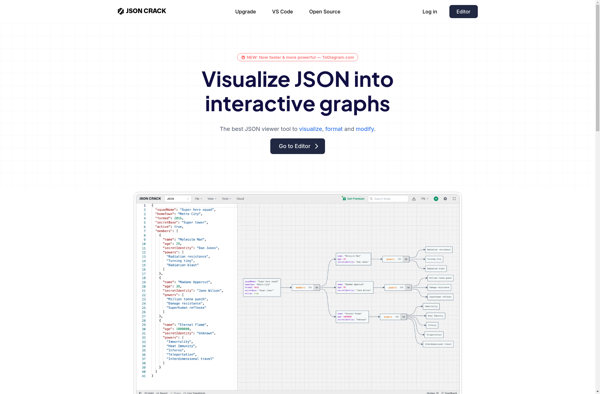
JSON Crack

DevToys


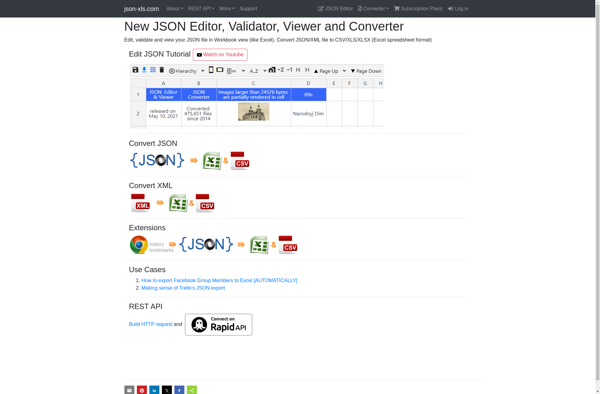
Json-xls.com

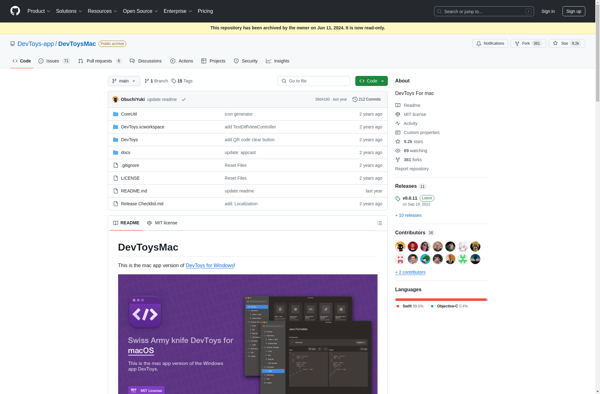
DevToys for Mac

Wtools.io

JSONLint

JSONFormatter.org

JSON Editor Online

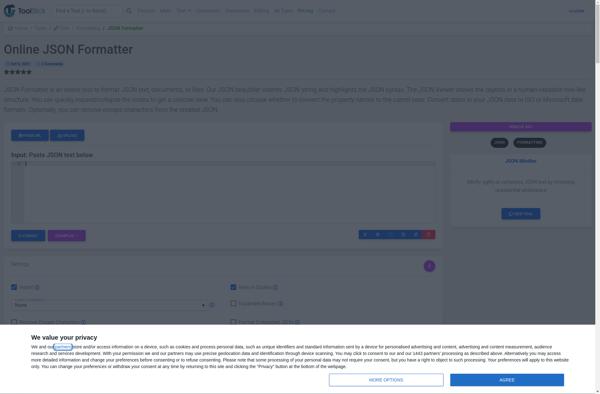
Tool Slick JSON Formatter
XML 2 JSON