Microsoft Print 3D
Microsoft Print 3D
Microsoft Print 3D is a built-in application in Windows 10 that allows users to print 3D objects from 3D models. It provides basic 3D printing functionality for simple projects.
What is Microsoft Print 3D?
Microsoft Print 3D is an application included in Windows 10 that provides basic 3D printing capabilities. It allows users to print 3D objects from 3D models on Windows 10 devices. Some key features of Microsoft Print 3D include:
- Supports common 3D file formats like 3MF, OBJ, and STL
- Allows applying basic modifications like scaling and rotating before printing
- Provides preview of the 3D model before printing
- Includes pre-configured print profiles for common 3D printers
- Has basic print settings like infill percentage, layer height, supports, and rafts
- Can print directly to locally connected 3D printers or to online 3D print services
While more advanced users may want software with more customization options, Microsoft Print 3D is a simple way for Windows users to start experimenting with basic 3D printing without additional software. It works well for simple 3D printing projects using common design files and print settings.
Microsoft Print 3D Features
Features
- Allows printing 3D models to compatible 3D printers
- Supports common 3D model file formats like .stl, .3mf, .obj, .ply, etc.
- Provides basic editing tools like scaling, rotating, mirroring models before printing
- Has preset profiles for quick print settings for common materials and printer types
- Shows preview of model before printing
- Estimates print time and material usage
Pricing
- Free
Pros
Cons
Reviews & Ratings
Login to ReviewThe Best Microsoft Print 3D Alternatives
View all Microsoft Print 3D alternatives with detailed comparison →
Top Office & Productivity and 3D Printing and other similar apps like Microsoft Print 3D
Here are some alternatives to Microsoft Print 3D:
Suggest an alternative ❐
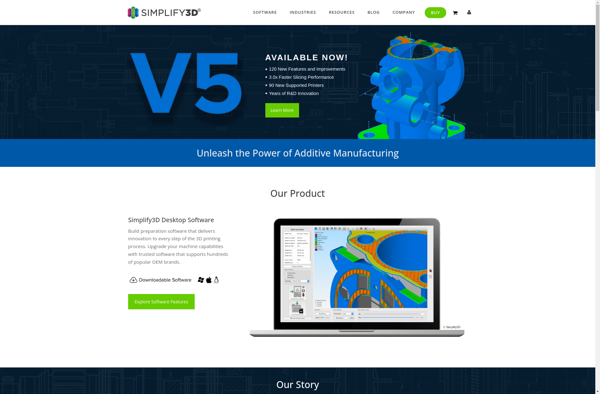
Simplify3D

ReplicatorG

Voxelizer