MKiosk
mKiosk: Lock Down Device
mKiosk software locks down a device to only use selected apps or websites, creating a controlled experience on public devices
What is MKiosk?
mKiosk is a kiosk software designed to lock down tablets, phones, computers or other devices for use as digital signage or public access devices. It allows the owner to restrict a device to only run certain apps or web pages, creating a controlled experience.
Some key features of mKiosk include:
- Whitelisting/blacklisting of apps and websites
- Kiosk mode to lock devices to one app or web page
- Customizable UI and themes
- Remote management of multiple devices
- Usage analytics and device monitoring
- Options for full screen, auto launch on startup, and disabling hardware buttons
- Support for Android, iOS, Windows and Chrome OS
mKiosk is suited for companies wanting to deploy tablets or other devices for interactive directories, digital signage, point of sale systems, self-service kiosks, conference check-ins, trade show displays, and more. It allows full control over the user experience while preventing unwanted usage.
MKiosk Features
Features
- Runs in kiosk mode to lock down device to selected apps/websites
- Prevents access to device settings and other apps
- Customizable design and branding
- Remote management and monitoring
- Supports Android and Chrome OS devices
- Multiple kiosk profiles for different use cases
- Integrates with MDM solutions
- Usage analytics and device diagnostics
Pricing
- Free
- Subscription-Based
Pros
Cons
Official Links
Reviews & Ratings
Login to ReviewThe Best MKiosk Alternatives
View all mKiosk alternatives with detailed comparison →
Top Business & Commerce and Kiosk Software and other similar apps like MKiosk
Here are some alternatives to MKiosk:
Suggest an alternative ❐
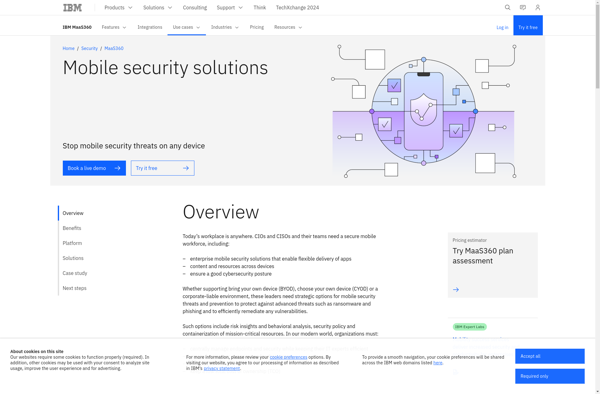
IBM MaaS360

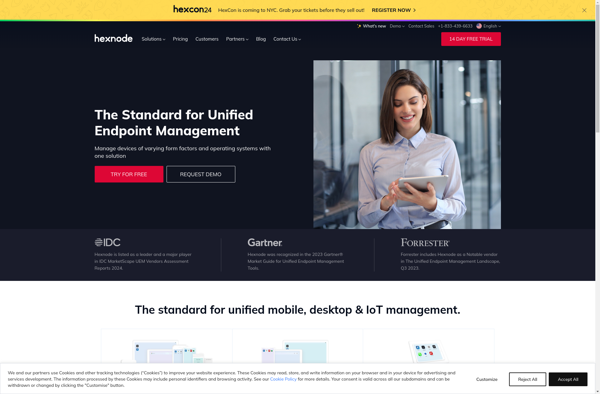
Hexnode UEM

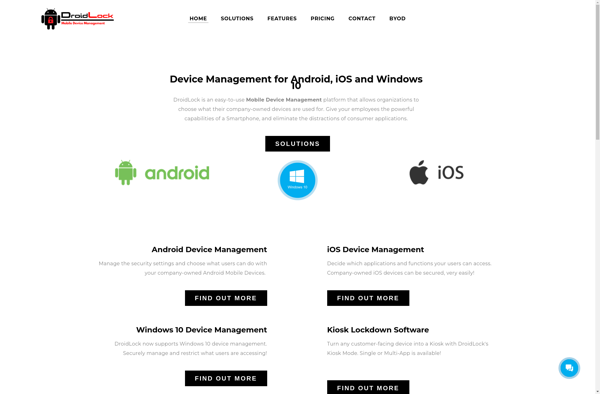
Droidlock MDM