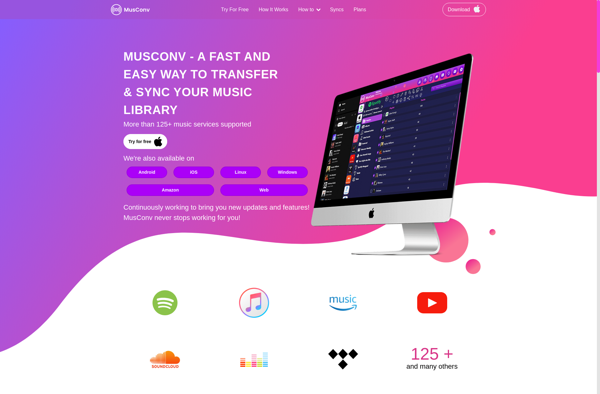
Move to Apple Music

Move to Apple Music: Transfer Music Library to Apple Music
Move to Apple Music is a software that helps you transfer your music library from other services like Spotify to Apple Music. It migrates playlists and recommendations seamlessly.
What is Move to Apple Music?
Move to Apple Music is an application designed to make switching music streaming services to Apple Music quick and easy. It allows you to transfer your playlists, albums, artists and songs from platforms like Spotify, YouTube Music, Deezer and others directly into your Apple Music library.
The software uses high-quality music recognition technology to match your songs and playlists to Apple Music's catalog. It recreates all of your curated content in Apple Music automatically, so you don't have to spend time rebuilding playlists or libraries. It also brings over personalized recommendations from your previous streaming service.
Move to Apple Music simplifies an otherwise tedious process. Whether you have dozens of playlists or just a few albums you want to carry over, the software handles it smoothly. You can be listening to your full music collection on Apple Music in minutes without any hassle. It's a great solution for those switching streaming providers.
Move to Apple Music Features
Features
- Migrates music library from Spotify, YouTube Music, Deezer and other services to Apple Music
- Transfers playlists and recommendations
- Matches songs in other libraries to Apple Music songs
- Easy to use interface
Pricing
- Subscription-Based
Pros
Cons
Official Links
Reviews & Ratings
Login to ReviewThe Best Move to Apple Music Alternatives
View all Move to Apple Music alternatives with detailed comparison →
Top Audio & Music and Music Library Management and other similar apps like Move to Apple Music
Here are some alternatives to Move to Apple Music:
Suggest an alternative ❐
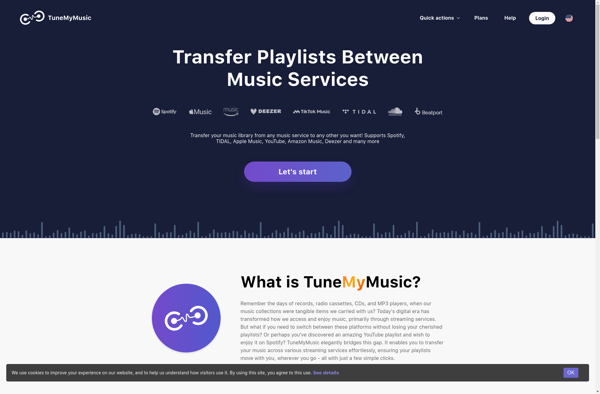
Tune My Music

Free Your Music
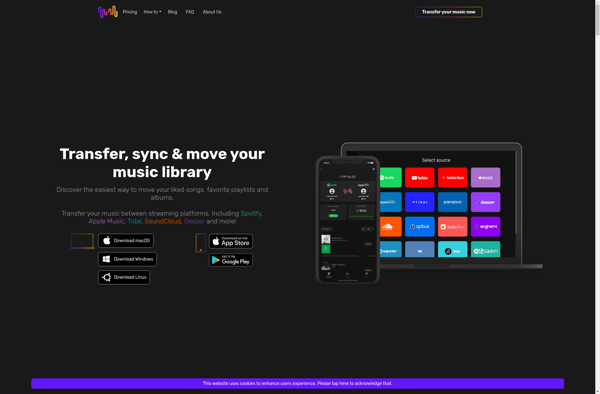

MusConv