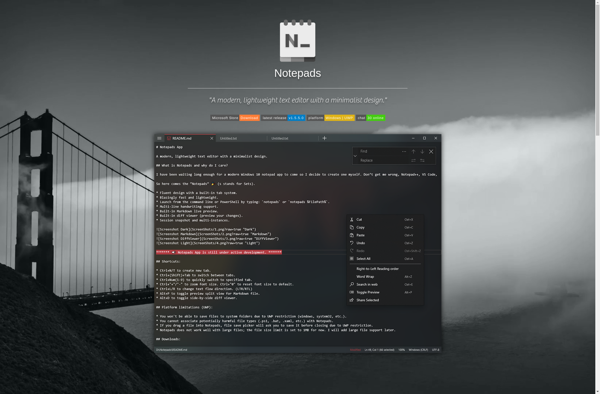
Notepad Next
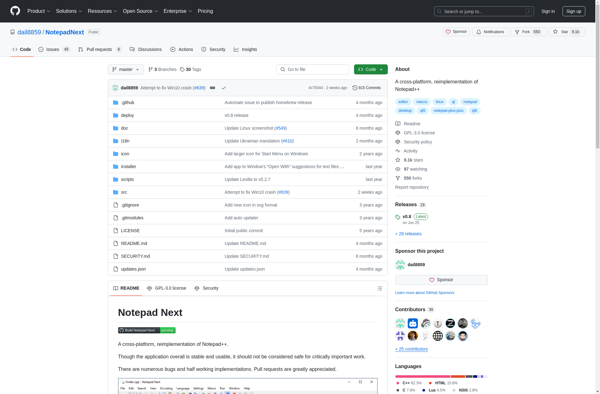
Notepad Next: Free & Open-Source Text Editor
A lightweight, customizable, and extensible text editor for Windows, replacing the default Notepad experience
What is Notepad Next?
Notepad Next is a free and open-source text editor application for Windows designed as an enhanced replacement for the basic Windows Notepad app. It provides a simple, lightweight, and fast way to take notes, write code, and edit text files.
Key features of Notepad Next include:
- Tabbed interface for working with multiple documents
- Syntax highlighting for code files
- Customizable themes and editor colors
- Extendable through plugins
- Mini map for easy navigation
- Search and replace across all open tabs
- Configurable auto-save to prevent data loss
- Export documents to PDF and HTML
- Available in portable version to run off a USB stick
Although Notepad Next retains the simplicity and speed of the original Notepad, it modernizes the experience with conveniences for improved productivity. The open-source development allows advanced users to customize Notepad Next to their needs by building or installing plugins and themes.
Overall, Notepad Next is an excellent modern-day replacement for the dated default Windows Notepad app without becoming overly complex for basic text editing tasks.
Notepad Next Features
Features
- Tabbed interface
- Syntax highlighting
- Code folding
- Auto-completion
- Plugin support
Pricing
- Free
- Open Source
Pros
Cons
Official Links
Reviews & Ratings
Login to ReviewThe Best Notepad Next Alternatives
View all Notepad Next alternatives with detailed comparison →
Top Office & Productivity and Text Editors and other similar apps like Notepad Next
Notepadqq

Notepads