NppToR is a free open source plugin for Notepad++ that allows you to send code from Notepad++ to the R terminal and get the results back in Notepad++. It connects Notepad++ seamlessly with R.
Free, open-source plugin for sending code from Notepad++ to the R terminal and receiving results back in Notepad++.
What is NppToR?
NppToR is a handy plugin for Notepad++ that bridges the gap between editing R code and executing it. It allows you to send code from Notepad++ directly to an R terminal, capturing the results and output right back into Notepad++.
Some key features of NppToR include:
Send selections or entire R scripts from Notepad++ to an R terminal with one click
Capture any prints, messages, warnings, errors, and other output directly into Notepad++ in real-time
Supports both 32-bit and 64-bit versions of R on Windows
Easy to install and configure within Notepad++
Free and open source
By connecting Notepad++ and R together, NppToR creates an integrated R coding environment that is helpful for both writing and debugging R code. It eliminates the context switching between separate apps and allows you to stay focused in Notepad++. For R developers who prefer Notepad++ as their main code editor, NppToR is an essential efficiency tool.
NppToR Features
Features
Send code from Notepad++ to R terminal
Get R output back in Notepad++
Syntax highlighting for R code in Notepad++
Code completion for R code in Notepad++
Integrated R help in Notepad++
Execute R code line-by-line or as a whole script
Pricing
Open Source
Free
Pros
Seamless integration between Notepad++ and R
Easy to send code to R and get results
Adds R support to a great text editor like Notepad++
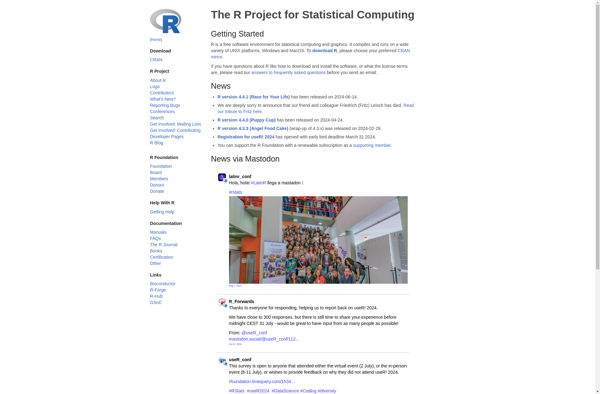
R is an open-source programming language and free software environment for statistical computing, bioinformatics, graphics, data science, and general-purpose programming. The R language provides a wide variety of statistical analysis techniques and graphical capabilities which make it a popular choice for data analysis and visualization.Some key features of R include:Open-source...
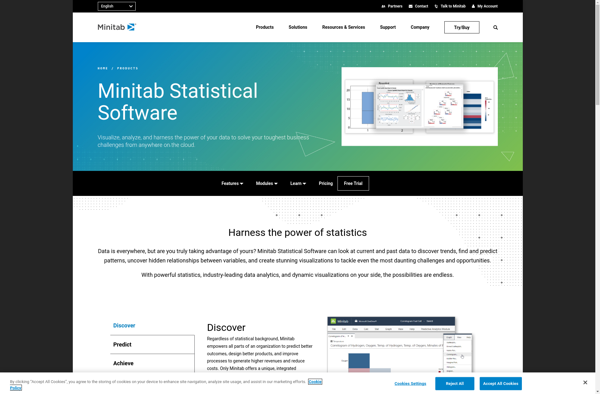
Minitab is a comprehensive software package used for statistical analysis and quality improvement applications. It has a wide range of analytical capabilities including basic statistics, regression analysis, design of experiments, statistical process control charts, reliability analysis, and more.Some key features and benefits of Minitab:User-friendly spreadsheet-style interface for entering, viewing, and...
RStudio is a popular open-source IDE for R, a programming language for statistical computing and graphics. It provides a user-friendly graphical user interface that makes working with R much easier by integrating tools for plotting, debugging, workspace management, and other features.Some key features of RStudio include:Code editor with syntax highlighting,...
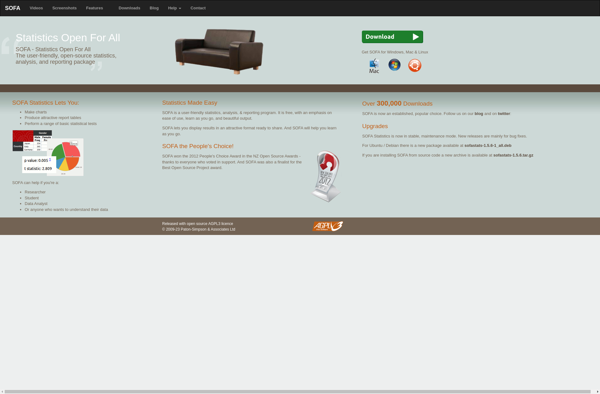
SOFA Statistics is a user-friendly, open-source statistics, analysis, and reporting tool that runs as a desktop application on Windows, Mac, and Linux. It provides an extensive range of statistical methods and visualization tools for exploratory data analysis, data cleaning, model fitting, results reporting, and dashboard creation.Some key features of SOFA...
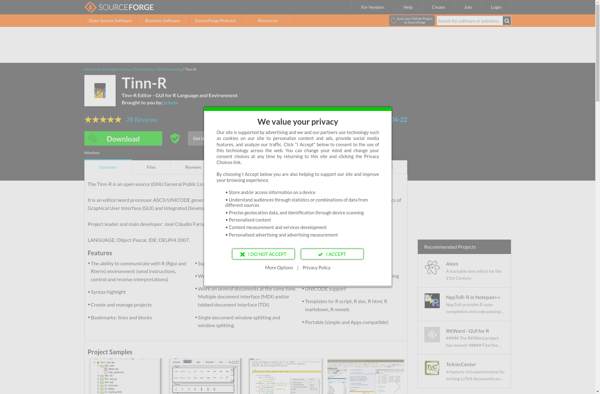
Tinn-R is an open-source, cross-platform text editor and integrated development environment (IDE) designed specifically for the R programming language. It provides a range of useful features for R developers, including:Syntax highlighting for R codeSmart autocompletion of R functions and objectsIntegrated R console for running code directly within the editorProject management...
The R Commander is a basic-statistics graphical user interface for R, an open source programming language and software environment for statistical analysis, data manipulation, and graphics visualization. The R Commander provides a simple way to utilize many R features through menus, dialog boxes, and other user interface controls rather than...
Revolution Analytics' Revolution R is a software environment and suite of tools designed to provide an enhanced user experience for the R programming language. Some key features of Revolution R include:Integrated Development Environment (IDE) - Provides an interface for authoring, debugging, and executing R code, with features like syntax highlighting,...