PDF Toolbox

PDF Toolbox: PDF Editor for Editing, Converting, Merging, Splitting, Compressing and Organizing
A powerful PDF editor with advanced features like OCR, batch processing, and document security, making it an ideal tool for editing, converting, merging, splitting, compressing and organizing PDFs.
What is PDF Toolbox?
PDF Toolbox is a versatile PDF editor for Windows that enables users to efficiently manage their PDF documents. With an easy-to-use interface, PDF Toolbox makes it simple to view, edit, convert, create, organize and secure PDFs.
Key features include:
- Edit PDF text, images, links, pages like a Word processor
- Insert, replace, delete or reorder PDF pages
- OCR to make scanned PDFs searchable and editable
- Annotate with comments, highlights, shapes and stamps
- Redact sensitive text permanently
- Combine files and remove or extract pages
- Compress PDFs for sharing
- Batch process multiple PDFs
- Encrypt and password protect documents
- Compare two PDF documents side-by-side
PDF Toolbox enables both individual and business users to optimize their PDF workflows. Whether you need to edit a few PDF forms or handle document management for an entire organization, its versatility makes it a robust PDF utility for any Windows desktop or laptop.
PDF Toolbox Features
Features
- Edit PDFs
- Convert PDFs to other formats
- Merge multiple PDFs
- Split PDFs
- Compress PDFs
- Organize PDFs
- OCR (optical character recognition)
- Batch processing
- Securing documents
Pricing
- Freemium
- One-time Purchase
- Subscription-Based
Pros
Cons
Reviews & Ratings
Login to ReviewThe Best PDF Toolbox Alternatives
View all PDF Toolbox alternatives with detailed comparison →
Top Office & Productivity and Pdf Tools and other similar apps like PDF Toolbox
Here are some alternatives to PDF Toolbox:
Suggest an alternative ❐
Adobe Acrobat DC

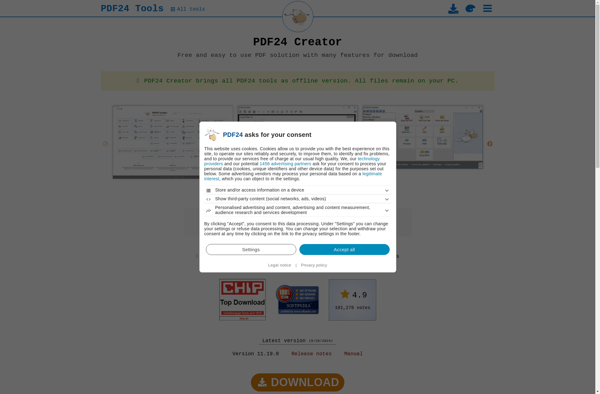
PDF24 Creator
PDF-XChange Editor

Bluebeam Revu


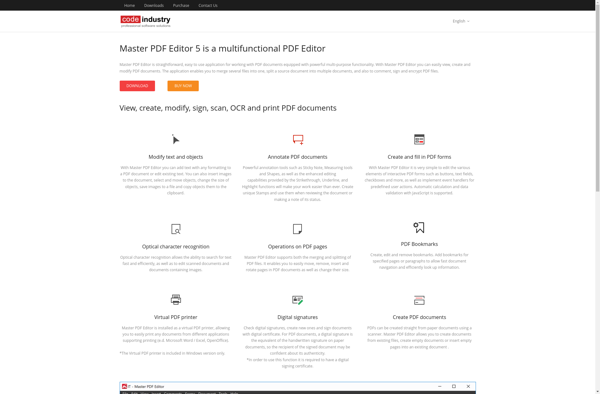
Master PDF Editor

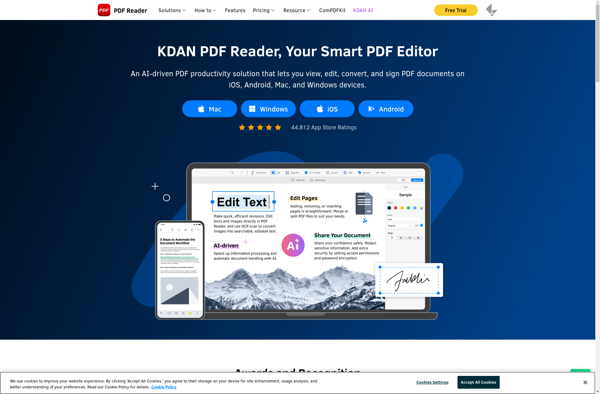
Kdan PDF Reader

PDFsam

Nitro PDF Pro

PDF-Shuffler

PDFill

Foxit PDF Editor

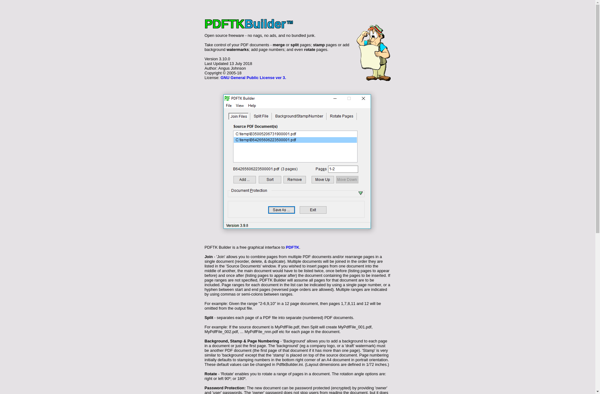
PDFTK Builder

ICombiner