Putty Tab Manager

Putty Tab Manager: Organize and Switch Multiple PuTTY Sessions
A Google Chrome browser extension for effortless management of multiple PuTTY sessions, allowing users to seamlessly organize and switch between connections.
What is Putty Tab Manager?
Putty Tab Manager is a browser extension available for Google Chrome that improves usability and productivity when working with multiple PuTTY terminal sessions. It allows opening multiple PuTTY connections within the Chrome browser in tabs, enabling easy organization and switching between sessions.
Some key features include:
- Launch unlimited PuTTY sessions in Chrome tabs
- Organize connections in folders - supports nesting
- Search to quickly find open sessions
- Tab coloring for quick visual identification
- Session naming and icons
- Reorder tabs by drag & drop
- Save and load tab sessions for quick access
- Supports global hotkeys
- Portable - sessions stored locally
By managing all PuTTY terminals within the browser in tabbed layout, Putty Tab Manager improves productivity by allowing fast switching between connections and avoiding having multiple PuTTY windows open. The visual organization also helps identify and find sessions easier.
Putty Tab Manager Features
Features
- Open multiple PuTTY sessions in tabs within Chrome browser
- Organize PuTTY connections for easy access and switching
- Configure SSH connections within the extension
- Save credentials securely
- Search for connections by name or host
- Reconnect to previous sessions quickly
- Customize appearance of tabs and terminal
Pricing
- Free
Pros
Cons
Reviews & Ratings
Login to ReviewThe Best Putty Tab Manager Alternatives
View all Putty Tab Manager alternatives with detailed comparison →
Top Network & Admin and Ssh Clients and other similar apps like Putty Tab Manager

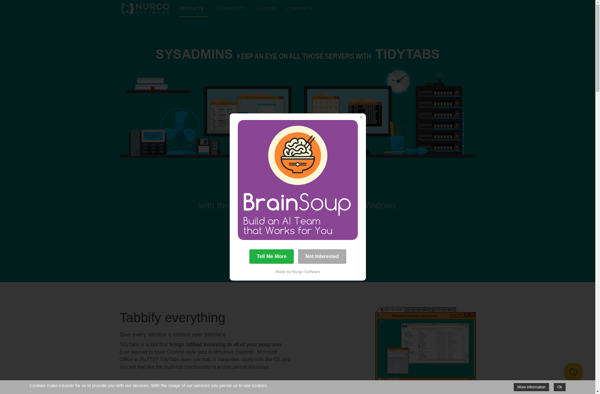
TidyTabs

TaskSpace