
Save Media
Save Media: Free Open Source Browser Extension
Free media saver browser extension, no right click needed, easy image video audio download
What is Save Media?
Save Media is a free and open source browser extension available for Firefox, Chrome, and Chromium-based browsers. It provides a simple one-click option to save media files like images, videos, and audio that are displayed on websites.
Once installed, an icon is added to the toolbar that lets you click on any image, video, or audio file on a web page to immediately save it to your default downloads folder. No need to right-click, go through options, or view the media in a separate tab.
As an open source project, Save Media is transparent in how it handles your data and permissions. It only requires access to read data on websites you visit, and the ability to download files. It works entirely locally without communicating anything back, keeping your browsing private.
With its simple interface and open approach, Save Media strives to make saving interesting media you discover online as easy as possible. It helps eliminate annoying extra steps that get in the way, while respecting user privacy and being transparent about functionality.
Save Media Features
Features
- Save images, videos and audio with one click
- Works on many major websites like YouTube, Twitter, Facebook, Instagram, Reddit, etc
- Open source and free
- Available as browser extension for Chrome, Firefox, Edge
- Can save entire galleries or playlists
- Customizable save folder location
Pricing
- Free
- Open Source
Pros
Cons
Official Links
Reviews & Ratings
Login to ReviewThe Best Save Media Alternatives
View all Save Media alternatives with detailed comparison →
Top Web Browsers and Browser Extensions and other similar apps like Save Media

SnapTube


Youtube Video and Audio Downloader


Free YouTube Download


YTD


Addoncrop YouTube Video Downloader


Youtube Downloader HD


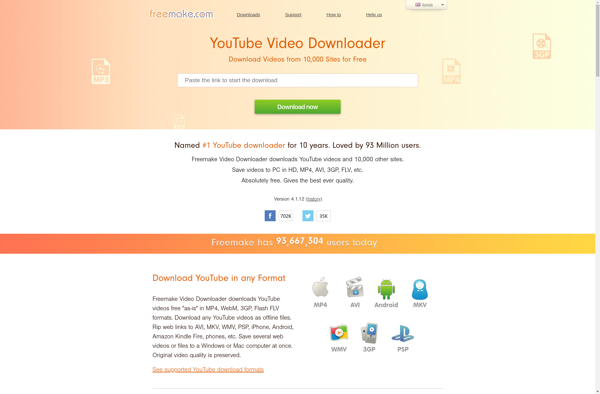
Freemake Video Downloader

StreamFab Downloaders


Airy YouTube Downloader


AnyMusic


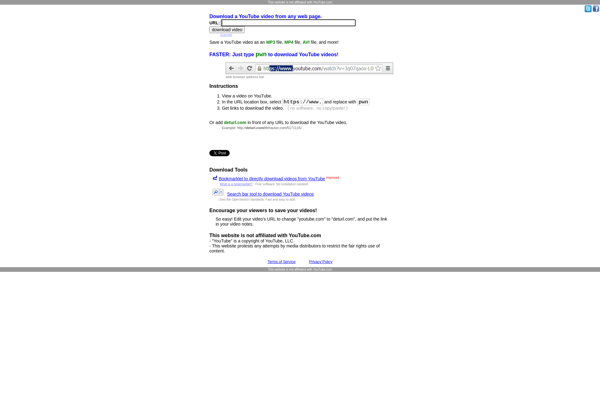
Deturl.com

4k YouTube to MP3