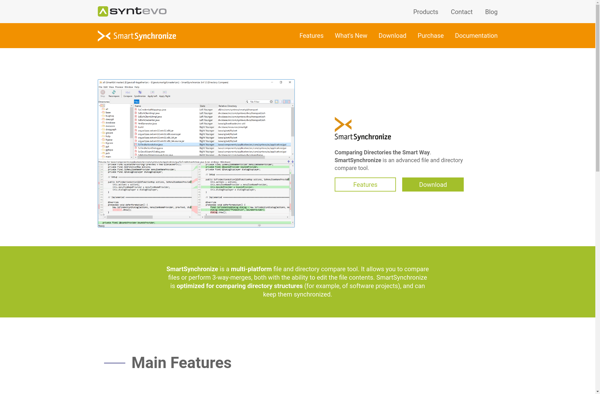
SmartSynchronize is a file synchronization and backup software for Windows, macOS and Linux. It allows easy comparison, synchronization and backup of files and folders between local folders, external drives, FTP servers and cloud storage services.
SmartSynchronize: File Synchronization and Backup Software
SmartSynchronize is a file synchronization and backup software for Windows, macOS and Linux. It allows easy comparison, synchronization and backup of files and folders between local folders, external drives, FTP servers and cloud storage services.
What is SmartSynchronize?
SmartSynchronize is a versatile and powerful file synchronization and backup software available for Windows, macOS and Linux operating systems. It enables easy one-way or two-way synchronization and backup of files, folders, and drives between various sources including:
Local folders and drives
External hard drives and USB drives
Network folders and drives
FTP, SFTP, WebDAV servers
Popular cloud storage services like Google Drive, Dropbox, OneDrive
Some of the key features of SmartSynchronize include:
Intuitive graphical user interface for easy setup and configuration
Flexible and fully customizable synchronization options
Advanced filters to control what gets synced and backed up
Real-time monitoring of sync and backup tasks
Detailed logging and reporting of all file operations
File versioning for backup and history
Data encryption to secure synced files
Unicode support for synchronizing files in different languages
With robust synchronization algorithms, wide protocol support, security features and cross-platform availability, SmartSynchronize is an excellent choice both for home users looking for automated backup solutions as well as businesses and teams needing to sync and share files across different locations and devices.
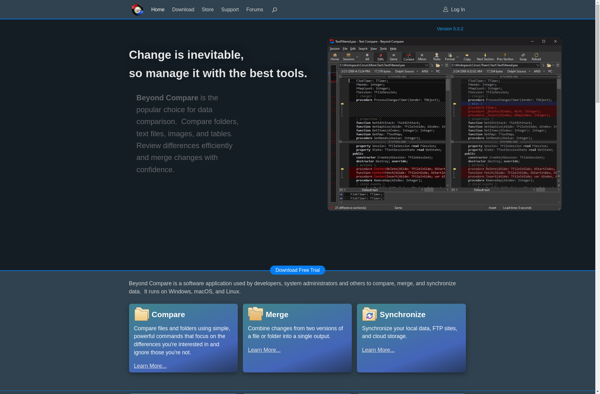
Beyond Compare is a software used for comparing files and folders. It allows users to quickly and easily compare text files such as source code, web pages, Word documents, PDF files and more. Some key features of Beyond Compare include:Fast comparison algorithms that can compare large files and detect differences...
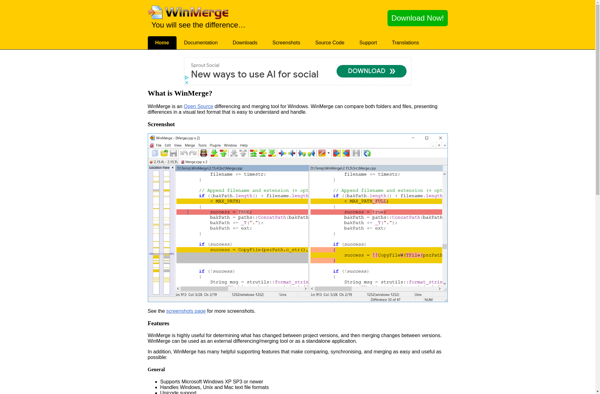
WinMerge is an open-source visual differencing and merging tool for Windows. It allows you to compare both folders and files, clearly presenting differences in a visual text format that is easy to understand and handle.Some of the key features of WinMerge include:Comparing both folders and files, with support for recursionTwo-...
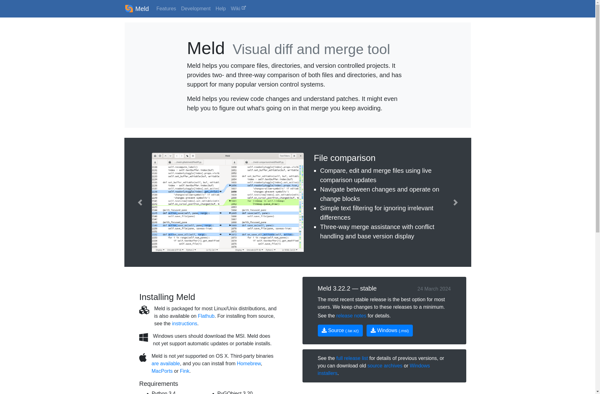
Meld is an open-source visual diff and merge tool available for Linux, macOS and Windows. It enables users to visually compare files, directories and version controlled projects side-by-side. Through color coding and highlighting of differences, it makes it easy to determine exact changes between versions.Key features of Meld include:Intuitive visual...
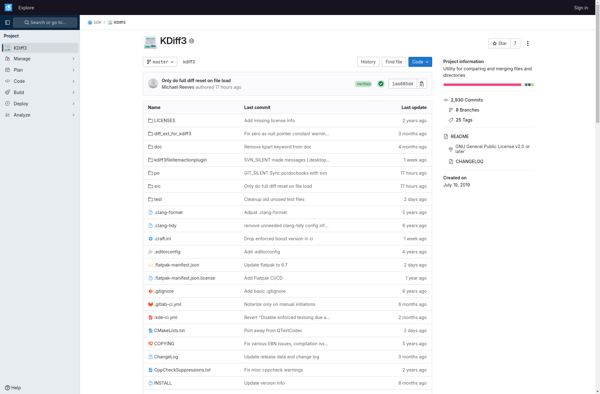
KDiff3 is a powerful yet easy-to-use open source diff and merge tool available free for Windows, macOS, and Linux. It enables software developers and other users to visually compare two or three files or directories, clearly see their differences line-by-line or word-by-word in side-by-side or unified layouts, and safely merge...
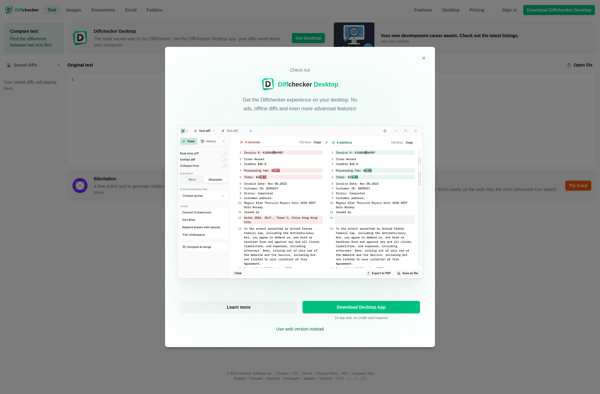
Diffchecker is a free web-based application that allows users to easily compare two text documents and see the differences highlighted. It is an invaluable tool for anyone who needs to check changes between different versions of documents, code, websites, etc.To use Diffchecker, you simply copy and paste the text from...
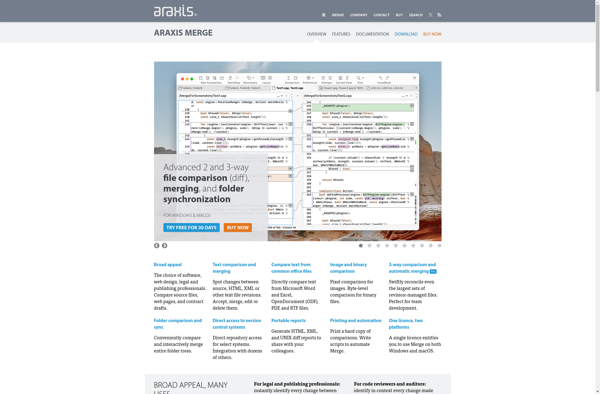
Araxis Merge is a software application designed specifically for comparing and merging files, with a particular focus on source code and textual documents. It enables users to visually compare two or more text-based files, clearly highlighting any differences between them down to the character level.Some of the key features of...
P4Merge is a stand-alone visual diff, merge, and branch tool from Perforce Software. It enables software developers to visually compare changes in files line-by-line, merge code branches, and efficiently resolve merge conflicts.Key features of P4Merge include:Fast visual differencing and merging for text files such as source codeSide-by-side, 3-way, and 2-way...
GNU Diff Utilities is a free and open-source software package used for comparing files and finding differences between them on a line-by-line basis. It is part of the GNU Project and is distributed under the GNU General Public License.Some key features of GNU Diff Utilities include:Ability to compare both text...
Diffinity is an open-source web application that allows users to compare two text documents and clearly see their differences. It serves as an alternative to proprietary tools like Diffchecker or Beyond Compare.To use Diffinity, users simply paste two text documents or code samples into the two text boxes provided on...