SnipSnip is a lightweight screenshot tool for Windows, Mac and Linux. It allows you to easily capture, edit and share screenshots. Key features include customizable screenshot shortcuts, basic image editing tools, and integration with cloud storage services.
SnipSnip: Lightweight Screenshot Tool for Windows, Mac, and Linux
SnipSnip is a lightweight screenshot tool for Windows, Mac and Linux. It allows you to easily capture, edit and share screenshots. Key features include customizable screenshot shortcuts, basic image editing tools, and integration with cloud storage services.
What is SnipSnip?
SnipSnip is a free and open source screenshot tool available for Windows, macOS and Linux operating systems. It provides an easy way to capture, edit, annotate and share screenshots.
Some of the key features of SnipSnip include:
Customizable keyboard shortcuts for taking different types of screenshots like fullscreen, section, window, etc.
Basic image editing tools like crop, resize, rotate, text, arrows, etc. to annotate your screenshots.
Support exporting screenshots in multiple formats like PNG, JPG, PDF, etc.
Integration with cloud storage services like Google Drive, Dropbox, etc. to directly upload screenshots.
A clean and intuitive user interface that is easy to use even for beginners.
Completely free and open source software published under GPL v3.0 license.
Overall, SnipSnip focuses on providing an easy way to create, edit and share screenshots on your desktop. Its small size and active development makes it a great alternative to heavyweight tools for basic screenshotting needs.
SnipSnip Features
Features
Customizable screenshot shortcuts
Basic image editing tools
Integration with cloud storage services
Pricing
Freemium
Pros
Lightweight and easy to use
Works across Windows, Mac and Linux
Lets you quickly capture, edit and share screenshots
Cons
Lacks advanced editing features
May not integrate with some niche cloud storage services
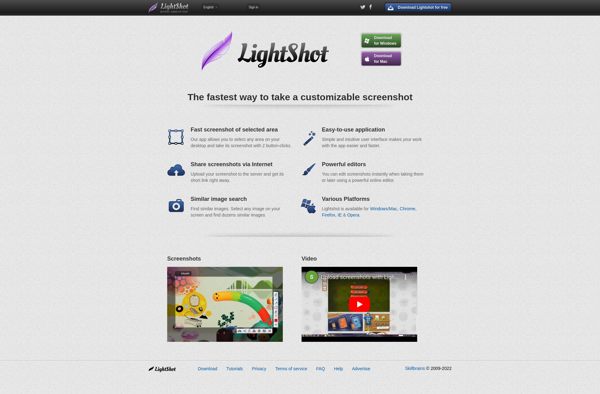
LightShot is a free screenshot application for Windows that provides an easy way to capture, edit, and share screenshots. Some key features of LightShot include:Quickly take full page, region, window, or scrolling screenshots with just a click or keyboard shortcut.Annotate screenshots by adding text, arrows, shapes, blur sensitive info, etc.Basic...
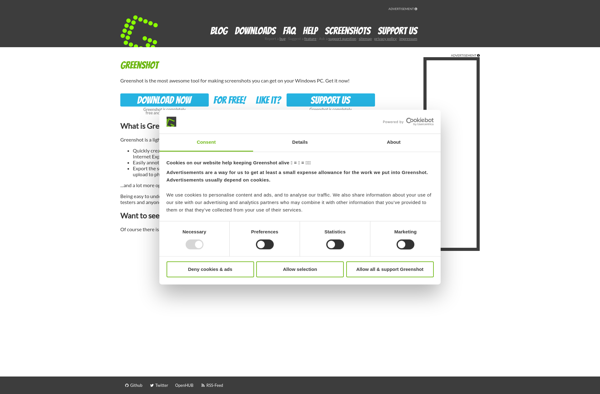
Greenshot is a lightweight, open-source screenshot tool for Windows. It makes capturing, editing, and sharing screenshots easy and quick.With Greenshot, you can capture entire screens, active windows, rectangular regions, as well as scrolling website pages. After taking a screenshot, you can annotate it with lines, arrows, text, shapes, and more....
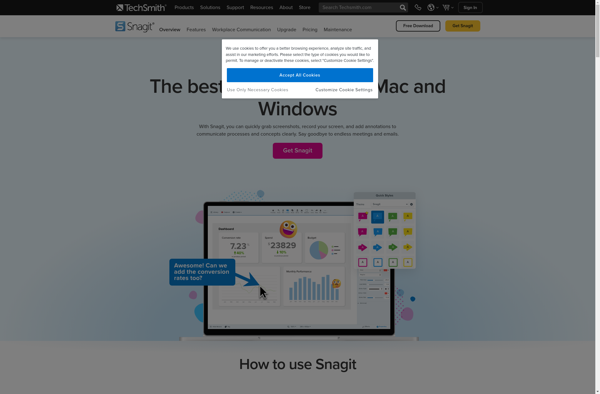
Snagit is a premium screen capture and screen recording software application used to take screenshots, record video, and edit images on Windows and macOS devices. First released in 1990 by TechSmith, Snagit is designed to capture anything visible on your computer screen including windows, menus, full screens, scrolling windows, regions,...
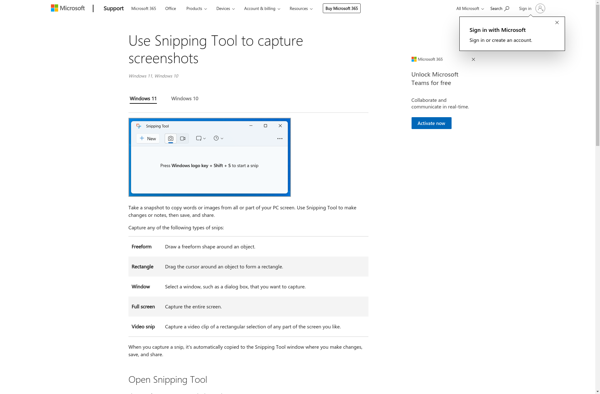
Snipping Tool is a basic screenshot capture utility that has been included in Microsoft Windows since Windows Vista. It provides an easy way for users to take snapshots of their screen, either of a selected region or the entire screen.With Snipping Tool, users can capture screenshots, or 'snips', and then...
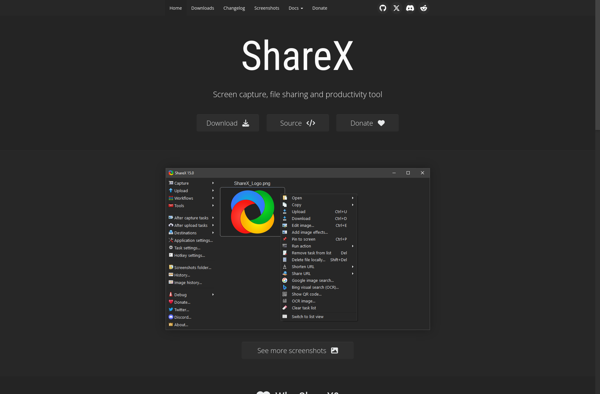
ShareX is a free, open source screenshot utility and screen recorder for Windows. It provides a wide range of capture options beyond just taking basic screenshots, including:Fullscreen, active window, region selection and scrolling capture modesCapture video with optional webcam overlay and annotationsAutomated and hotkey-activated capturingBuilt-in basic image editing features like...
PicPick is a versatile screen capture utility and image editor for Windows. It provides an easy way to take customizable full screen or region-specific screenshots. Key features include:Quickly capture full screen images, active windows, rectangular or free-form regions, as well as scrolling website screenshotsAnnotate screenshots with various shapes, text boxes,...
Spectacle is an open-source, lightweight utility for macOS that allows users to easily organize the windows open on their desktop using customizable keyboard shortcuts. It makes it simple to resize and position windows to maximize screen space and improve workflow.Some of the key features Spectacle offers include:Keyboard shortcuts to move...
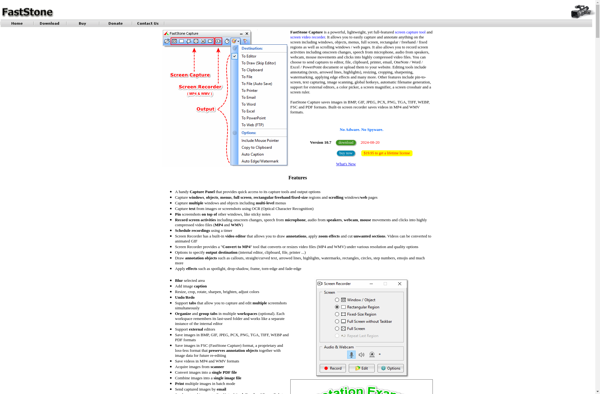
FastStone Capture is a powerful, yet lightweight and easy-to-use screen capture program and screen recorder. It provides all the essential screen capturing needs for home as well as professional users.Some key features of FastStone Capture:Capture anything on the screen including windows, objects, menus, full screen, rectangular/freehand regions and scrolling windows.Annotate...
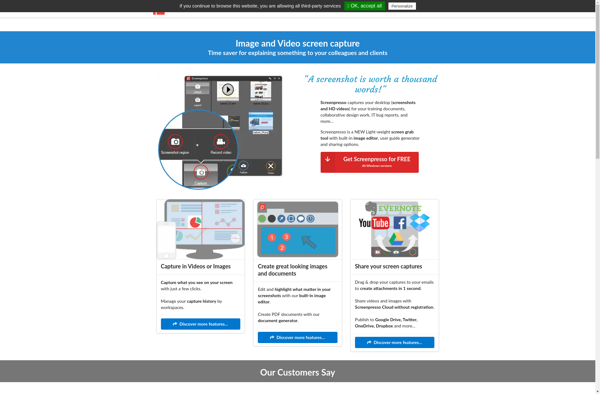
Screenpresso is a feature-rich screen capture and screen recording program for Windows. It makes it easy to take high-quality screenshots, annotate them, and create screen recordings.With Screenpresso you can:Quickly take fullscreen, region, window, scrolling, and text screenshotsAnnotate screenshots with shapes, arrows, text, etc.Record on-screen activity, microphone audio, and webcamExport screenshots...
The Evernote Web Clipper is a browser extension available for Google Chrome, Mozilla Firefox, Microsoft Edge, and Apple Safari. It provides a quick and easy way to save web content that you want to reference later into your Evernote account.With just a click, you can clip entire web pages or...
Nimbus Capture is a feature-rich screenshot and screen recording tool for Windows. Developed by NCH Software, Nimbus Capture allows users to capture still images of their computer screen, record video of on-screen activity, annotate images and recordings, and export captures in various file formats.Some key features of Nimbus Capture include:Quickly...