
Swifticons
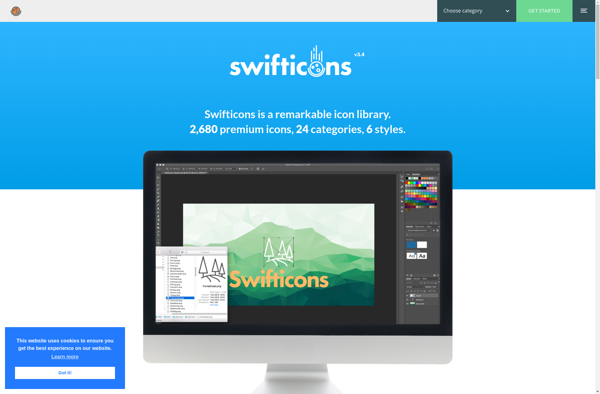
Swifticons: iOS App Icon Generator
Swifticons is an iOS app icon generator that allows designers to quickly create app icons for their iOS apps. It has a simple drag and drop interface to upload images, choose icon templates and then export all the correctly sized icons.
What is Swifticons?
Swifticons is an iOS app icon generator that streamlines the process of creating the many sized app icons needed for iOS apps. As iOS devices come in multiple sizes, from the iPhone SE to the 12.9" iPad Pro, app developers need to provide appropriately sized app icons so they look crisp on all devices.
The Swifticons app allows designers to simply drag and drop their base app icon image and then choose from a selection of common icon templates like a colored background circle or square. Swifticons will then automatically generate all the icons from 1024x1024 down to 29x29 pixels that developers need to include in their app projects.
By handling much of the repetitive resizing work and exporting each icon PNG correctly named, Swifticons enables designers to generate iOS icons in minutes instead of hours. Its simple and intuitive interface makes the process quick and painless. Designers can also access more advanced features like adding backdrops, corners and shadows to craft a unique look and feel.
With Swifticons taking care of the busy work, designers can focus their efforts on iterating and improving their icon design rather than resizing. This helps speed up the development process and get their apps to market faster.
Swifticons Features
Features
- Drag and drop interface to upload images
- Choose from a variety of icon templates
- Export correctly sized icons for iOS apps
- Customizable icon styles and colors
- Batch processing of multiple icons
Pricing
- Freemium
Pros
Cons
Official Links
Reviews & Ratings
Login to ReviewThe Best Swifticons Alternatives
View all Swifticons alternatives with detailed comparison →
Top Development and App Development and other similar apps like Swifticons
No alternatives found for Swifticons. Why not suggest an alternative?







