Syncro SVN Client is a Subversion client for Windows, Mac & Linux that provides version control for individual developers and small teams. It has a intuitive interface allowing users to manage, compare, commit and browse repository revisions.
Syncro SVN Client: Subversion client for Windows, Mac & Linux
Syncro SVN Client provides version control for individual developers and small teams with an intuitive interface for managing, comparing, committing and browsing repository revisions.
What is Syncro SVN Client?
Syncro SVN Client is a desktop application providing integrated Subversion client functionality for individual developers and small teams on Windows, Mac and Linux operating systems. It offers a user-friendly and intuitive interface to make working with Subversion repositories easy and efficient.
Some of the key features of Syncro SVN Client include:
Intuitive explorer-style interface for browsing repositories
Powerful searching, filtering and comparison tools for repository contents
Advanced conflict resolution during merges and updates
Repository browsing features like repository history, revision graph, revision properties
Shelving for temporarily storing changes without committing them
Changelists to group files before committing them
Annotations to view detailed line-by-line change information
Remote command execution support
Syncro SVN Client is well-suited for individual developers, small and medium sized development teams that need to manage, compare, commit and browse revisions in their Subversion repositories. Its graphical user interface aims to make Subversion repository interactions faster and easier.
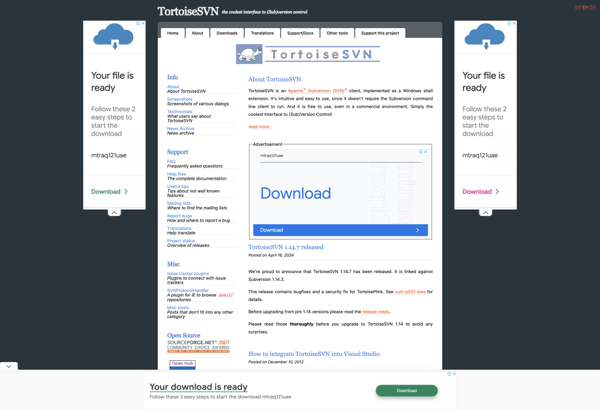
TortoiseSVN is a free, open source client for the Subversion version control system on Windows. It integrates directly into Windows Explorer, enabling users to perform version control actions via simple right-click context menus rather than having to use the command line client or an external GUI.Key features of TortoiseSVN include:Intuitive...
SmartSVN is a feature-rich Subversion client for Windows, Mac and Linux operating systems. It provides a user-friendly graphical interface to manage Subversion repositories and perform version control operations.Key features of SmartSVN include:Cross-platform support across Windows, Mac and LinuxIntuitive graphical interface for Subversion repository access and managementRevision graph for visualizing project...
kdeSVN is a feature-rich graphical client for the Subversion version control system, designed specifically for integration with the KDE desktop environment on Linux. It provides a user-friendly interface for Subversion repositories, allowing users to efficiently manage local working copies, commit and update changes, view detailed revision logs and diffs, resolve...
AnkhSVN is an open-source Subversion extension and plugin for Microsoft Visual Studio. It integrates version control capabilities into the IDE, allowing developers to access and manage their Subversion repositories and perform version control tasks without leaving Visual Studio.Some of the key features of AnkhSVN include:Commit, update, revert, diff, log and...
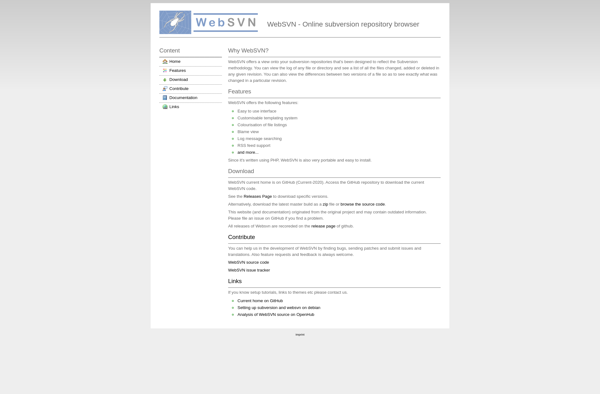
WebSVN is an open source web-based interface for interacting with Subversion software version control repositories. It provides a convenient way for developers, project managers, and other users to access Subversion repositories and perform version control tasks through a web browser, without needing to install Subversion client software locally.Key features of...
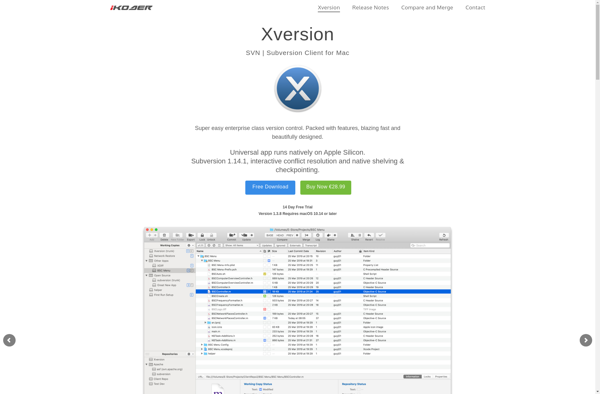
Xversion is an open-source distributed version control system that allows tracking changes to source code or other collections of files and coordinating work on those files among multiple people. It is commonly used in software development to allow multiple developers to collaborate on the same codebase.Some key features of Xversion...
RapidSVN is an open-source Subversion client for Windows, Linux and Mac OS X operating systems. It provides a graphical user interface to easily access Subversion repositories and perform common version control tasks.Key features of RapidSVN include:Check out code from a Subversion repositoryCommit and update file changesView revision history and compare...
Slik SVN is a free, cross-platform Subversion client with an intuitive graphical user interface. It allows you to easily manage and work with local and remote SVN repositories without needing to use command line commands.Some of the key features of Slik SVN include:Commit, update, revert changes and view revision historyResolve...
Version control software is an essential tool for engineers working on software projects. It helps manage changes to source code files over time while maintaining a history of those changes. Version control enables tracking code modifications, comparing earlier versions to newer ones, merging changes made by multiple developers working on...