TimerApp is a simple, free timer application for Windows, Mac, and Linux. It allows users to set countdown timers and stopwatches to time activities. Key features include multiple customizable timers, alarm sounds, and data exporting.
TimerApp: Simple Countdown Timer for Windows, Mac, and Linux
TimerApp is a simple, free timer application for Windows, Mac, and Linux. It allows users to set countdown timers and stopwatches to time activities. Key features include multiple customizable timers, alarm sounds, and data exporting.
What is TimerApp?
TimerApp is a free, cross-platform timer and stopwatch application for Windows, Mac, and Linux operating systems. With an easy-to-use interface, TimerApp aims to provide users with a reliable way to keep track of time for daily activities, projects, sports, cooking, and more.
Some key features of TimerApp include:
Multiple countdown timers and stopwatches that can run simultaneously
Fully customizable timer names, durations, alarms, colors, and sounds
Unlimited history of all timers and stopwatches
Data export to CSV files
Minimalist, ad-free interface
Cross-platform - works on Windows, Mac, and Linux
Free and open source
Whether you need to time that perfect cup of tea, track productivity for work projects, or just set some reminders for daily routines, TimerApp provides an easy way to schedule and monitor multiple timed events. With a simple click, you can start, stop, reset any number of timers and stopwatches tailored specifically for your needs. Give TimerApp a try for your timing needs!
TimerApp Features
Features
Countdown timers
Stopwatch functionality
Multiple customizable timers
Alarm sounds
Data exporting
Pricing
Free
Pros
Simple and easy to use
Free to download and use
Available on multiple platforms (Windows, Mac, Linux)
Cons
Limited customization options
No advanced features like scheduling or task management
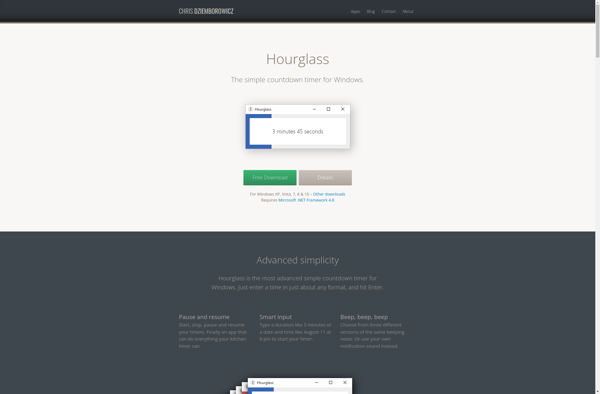
Hourglass is a simple yet powerful time tracking application available for Windows, Mac and Linux operating systems. It allows users to track how much time they are spending on tasks, projects, and categories with an easy-to-use stopwatch interface.Some key features of Hourglass include:Clean and intuitive user interface for starting, stopping,...
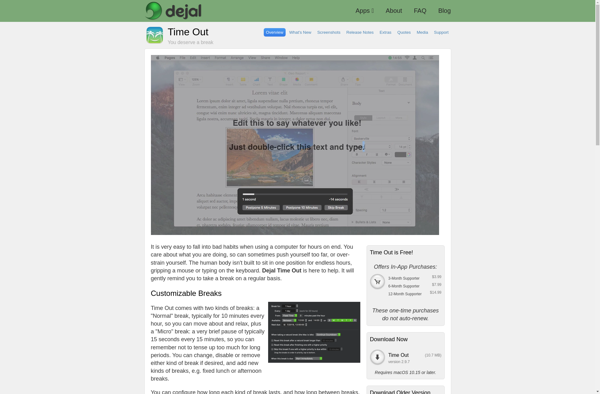
Time Out is a time tracking and employee productivity application. It provides users with the ability to track how much time they spend on different tasks such as projects, meetings, phone calls, and more. With robust reporting, Time Out gives visibility into where time is being spent, helping to identify...
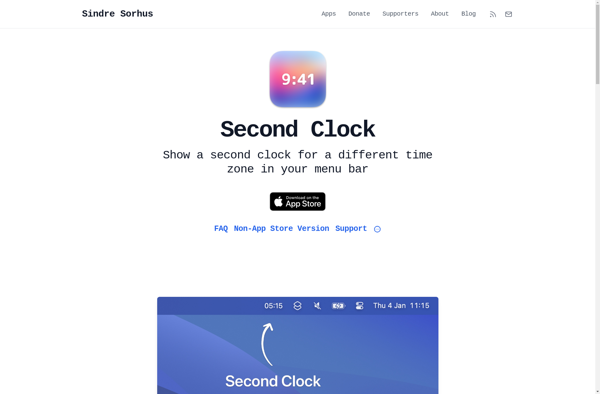
Second Clock is a free, open-source time tracking and productivity software for Windows. It allows users to track the time spent on tasks and projects, generating insightful reports and productivity analytics.Some key features of Second Clock include:Easy time entry tracking with ability to add tags and notesSupport for tracking billable...
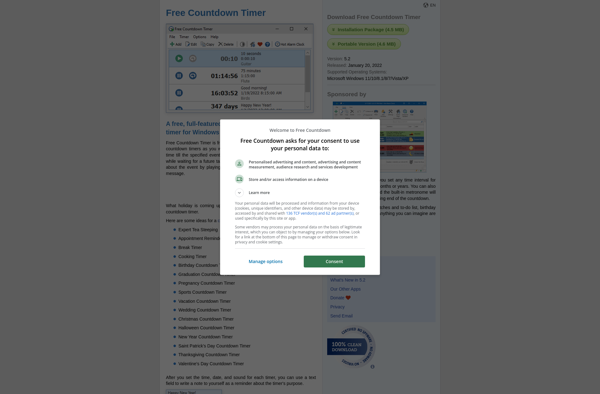
Free Countdown Timer is a free, online tool that allows users to create customizable countdown timers for upcoming events or deadlines. With an easy-to-use interface, it enables users to set a countdown date and time, give the timer a title, pick colors and background images, choose alarm sounds, and generate...
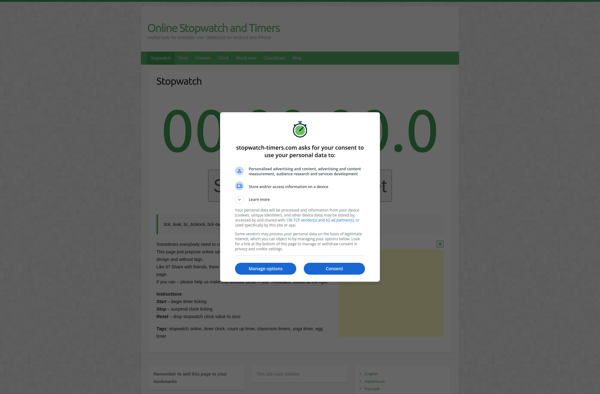
Online Stopwatch and Timers is a feature-rich web app that offers flexible and customizable stopwatch and timer tools for time tracking. As an online solution, it can be accessed from any device with an internet browser, requiring no downloads or installations.Key features include:Multiple simultaneous stopwatches and countdown timersCustomizable timer durations,...
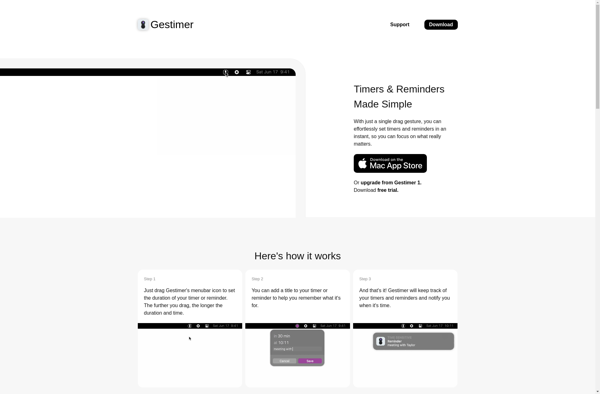
Gestimer is a free and open source time tracking and productivity application available for Windows, Mac and Linux operating systems. It offers an intuitive interface to start, stop and manage timers for tracking time spent on work, projects, tasks or activities.Some key features of Gestimer include:Start/Stop timers with the ability...
Tomato Timer is a free online timer tool designed to help boost productivity and focus through the Pomodoro technique. The Pomodoro technique breaks work down into 25 minute chunks separated by short 5 minute breaks. After every 4 Pomodoros, or work chunks, you take a longer 15-30 minute break.Tomato Timer...