udevil is a command line program for Linux that provides convenient mounting and unmounting of external devices without a password. It allows automated mounting based on device labels and UUIDs.
A Linux utility for easy mounting and unmounting of external devices without a password, with features like automated mounting based on device labels and UUIDs.
What is Udevil?
udevil is a lightweight command line program for Linux operating systems that enables easy mounting and unmounting of external storage devices without requiring admin privileges or passwords. It works by wrapping common Linux utilities like mount, umount, and lsblk to provide a simpler and more user-friendly interface.
Some key features of udevil include:
Automated mounting of devices based on labels or UUIDs - udevil can detect when a device is connected and mount it to a specified mount point automatically, without user intervention.
Mounting devices without sudo or root privileges - by leveraging Udisks2/UDisks, udevil can mount external drives for non-root users.
User-friendly device names - displays common device names like /dev/sdb1 instead of device UUIDs.
Unmounting drives with a single udevil command - no need to track down mount points.
Configurable through .udevil.json file - custom device names, mount points, etc. can be set in a config file.
In summary, udevil simplifies working with external drives, USB devices, CD/DVD discs and more by automating much of the mounting, unmounting and device management that typically requires convoluted linux commands or root privileges. Its simple interface and configuration file enables productivity gains for end users.
Udevil Features
Features
Mounts and unmounts external devices from the command line
Automates mounting based on device labels and UUIDs
Does not require sudo or root password for mounting/unmounting
Supports USB drives, CD/DVD drives, Samba shares, etc.
Pricing
Free
Open Source
Pros
Very convenient for mounting devices without a password
Good for scripting and automation needs
Lightweight and fast compared to GUI file managers
Handles mounting of many device types
Cons
Less user-friendly than GUI mounting tools
Requires learning command line syntax
Lacks features like desktop notifications or icons after mounting
usbmount is a small and lightweight utility program for Linux operating systems that handles the mounting of USB mass storage devices automatically. When a USB drive, SD card, or other storage device is connected to the computer via USB port, usbmount will mount it and make it available for access...
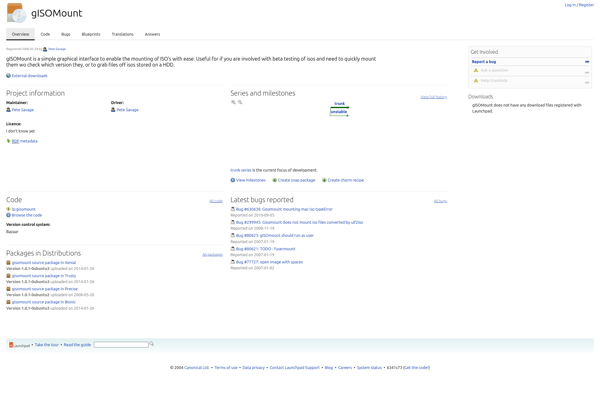
gISOmount is an open-source graphical user interface software application used for mounting and unmounting disk image files in Linux operating systems. It provides an easy way to virtually insert and access the contents of disk image files such as ISO, BIN, NRG, and various other formats.Some key features of gISOmount...
mountall is a utility program that is part of the Ubuntu, Debian, and other Linux distributions. It is responsible for mounting all filesystems automatically during system startup based on the configuration file /etc/fstab.On system boot, mountall reads the /etc/fstab file to determine which filesystems need to be mounted. It will...
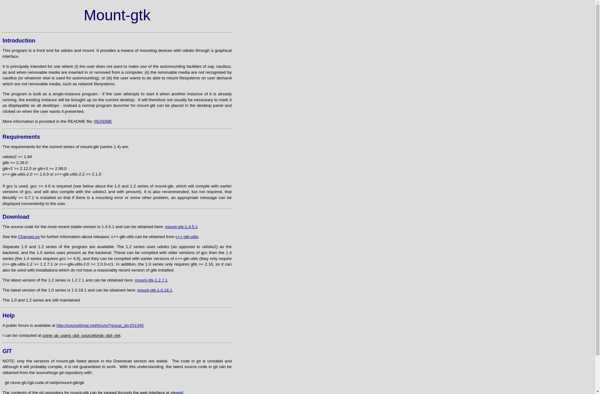
mount-gtk is a graphical tool for mounting and unmounting drives and partitions on Linux systems. It provides a user-friendly interface to the underlying udisks service, allowing you to easily mount and access removable media and disk partitions without using the command line.Some key features of mount-gtk include:Simple interface for mounting/unmounting...
mountpy is an open-source Python library focused on analyzing microscopy images. It provides a range of tools for common tasks in biological image processing:Reading and writing common microscopy image formats like TIFF, PNG, and OME-TIFFVisualizing images and segmentation resultsSegmenting images using thresholding, watershedding, active contours, and moreRegistering images using phase...
Pmount is a lightweight, command-line program that allows Linux users to easily mount and unmount removable storage devices such as USB drives, SD cards, smartphones, MP3 players, tablets, digital cameras, and more. It provides a simple interface to the pmount kernel functionality.When a removable device like a USB drive is...