UFOCapture
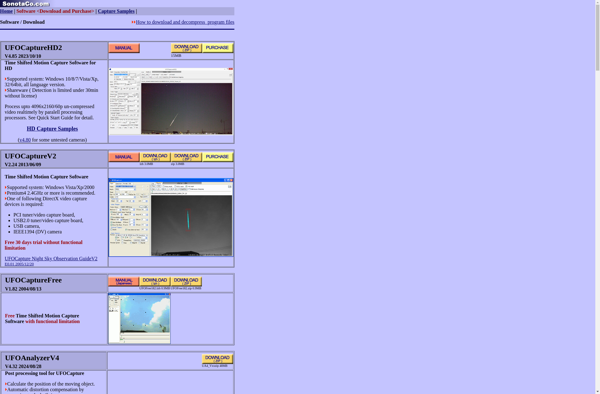
UFOCapture: Free Meteor Trail Detector & Camera Controller
Free, open-source program for Windows detecting fast moving objects in the night sky, controls connected cameras, and automatically takes photos and videos
What is UFOCapture?
UFOCapture is a free, open-source Windows application designed for astrophotography and detecting fast moving objects in the night sky like meteors, satellites, airplanes, and UFOs. It works by controlling connected cameras like DSLRs, webcameras, and astronomical CCD cameras and watching the live video feed for movement.
When motion is detected, UFOCapture can automatically capture images or video. It has adjustable sensitivity settings to filter out noise and only capture relevant events. The software also allows manual control to take images. UFOCapture overlays information like timestamps and star maps on the footage.
Some key features include:
- Controlling Canon, Nikon, and other SLR cameras
- Live view with adjustable contrast and brightness
- Automatic or manual image capture
- Detection settings to filter noise and false positives
- Location, time, and star map overlay
- Saving images and video in multiple formats
- Tripod and shutter control
- Windows compatibility
UFOCapture has advanced settings to maximize capture of fast moving celestial objects like meteors and satellites. It can be a very affordable solution for amateurs getting into astrophotography compared to expensive specialized equipment.
UFOCapture Features
Features
- Detects fast moving objects like meteors, satellites, airplanes
- Controls connected cameras to automatically capture images/video
- Open-source codebase
- Works on Windows platforms
- Has adjustable sensitivity settings
- Can overlay telemetry data on images
- Saves images and video to file
Pricing
- Free
- Open Source
Pros
Cons
Official Links
Reviews & Ratings
Login to ReviewThe Best UFOCapture Alternatives
View all UFOCapture alternatives with detailed comparison →
Top Science & Education and Astronomy and other similar apps like UFOCapture
No alternatives found for UFOCapture. Why not suggest an alternative?