UnCSS

UnCSS

UnCSS is a tool that removes unused CSS from stylesheets. It analyzes HTML files and the CSS files that apply to them, then removes any CSS rules that are not used by the HTML.
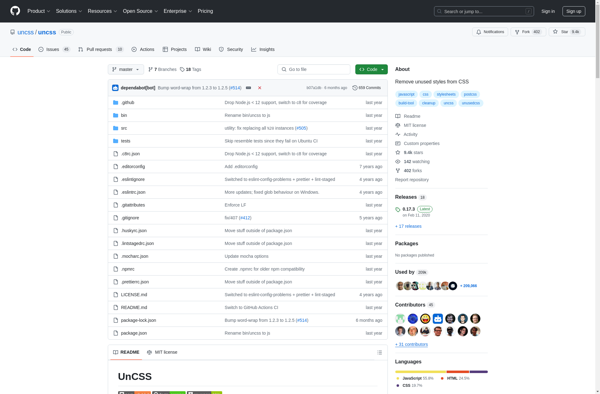
UnCSS screenshot

UnCSS: Removes Unused CSS

UnCSS is a tool that analyzes HTML files and CSS stylesheets to remove unused CSS rules, providing a more efficient and streamlined user experience.

What is UnCSS?

UnCSS is an open source tool that removes unused CSS from stylesheets. It analyzes HTML files and the CSS files that apply to them, then removes any CSS rules that are not used by the HTML.

UnCSS works by crawling the HTML files and building a stylesheet containing only the CSS rules that are actually used. It parses the files to detect classes, IDs and element names used in the HTML. It also executes JavaScript on the pages in order to detect CSS rules applied dynamically.

By removing unused CSS, UnCSS can greatly reduce stylesheet file sizes. This helps pages load faster by minimizing the amount of CSS that needs to be downloaded. It also cleans up CSS files by getting rid of obsolete rules and clutter.

UnCSS can be installed as an NPM module and run from the command line. It has plugins for Grunt and Gulp available as well. UnCSS has options to ignore certain class names or elements from removal. It can also keep a whitelist of selectors that should not be removed.

Overall, UnCSS is a useful optimization tool for cleaning and streamlining stylesheets. It removes unused CSS automatically without needing manual stylesheet audits and tweaking.

UnCSS Features

Features

  1. Removes unused CSS rules from stylesheets
  2. Analyzes HTML files and applied CSS files
  3. CLI and Node.js API available
  4. Supports processing multiple files
  5. Handles @import rules
  6. Ignores CSS rules from user-defined selectors

Pricing

  • Open Source

Pros

Reduces stylesheet file size

Improves page load speed

Simplifies CSS maintenance

Integrates into build processes

Cons

Limited support for dynamic CSS

May break complex stylesheets

Requires configuring ignore selectors

CLI use has learning curve

Reviews & Ratings

Login to Review
No reviews yet

Be the first to share your experience with UnCSS!

Login to Review

The Best UnCSS Alternatives

Top Development and Css and other similar apps like UnCSS

Here are some alternatives to UnCSS:

Suggest an alternative ❐
PurifyCSS icon
PurifyCSS

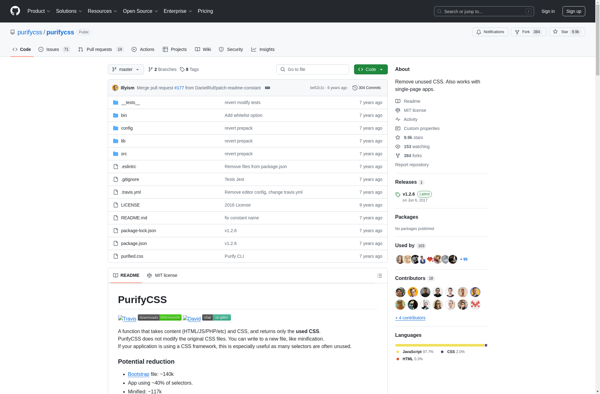
PurifyCSS is an open-source tool for optimizing CSS files by removing unused CSS selectors. It analyzes the HTML, JavaScript, and CSS within a web project to determine which selectors are actually being used. It then generates an optimized CSS file containing only the CSS rules that are needed for the...
PurifyCSS image
Helium CSS icon

Helium CSS

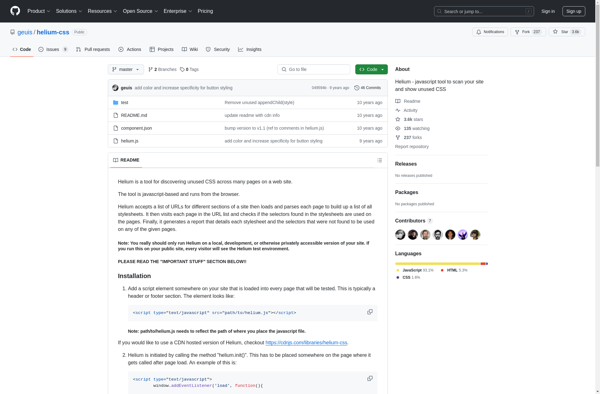
Helium CSS is an open-source, lightweight CSS framework for rapidly building responsive websites and web apps. Here are some key things to know about Helium CSS:Includes a 12-column grid system for easy page layouts and responsive designComes with pre-designed UI components like buttons, navigation, cards, modals, etc. to accelerate developmentOffers...
Helium CSS image
Purgecss icon

Purgecss

Purgecss is an open-source tool that helps optimize the size of CSS files by removing unused CSS selectors. It works by scanning your HTML, JS, markdown, Pug, etc. files for class names, IDs, and other CSS selectors. It then compares these to the selectors defined in your CSS files and...
Purgecss image
UCSS icon

UCSS

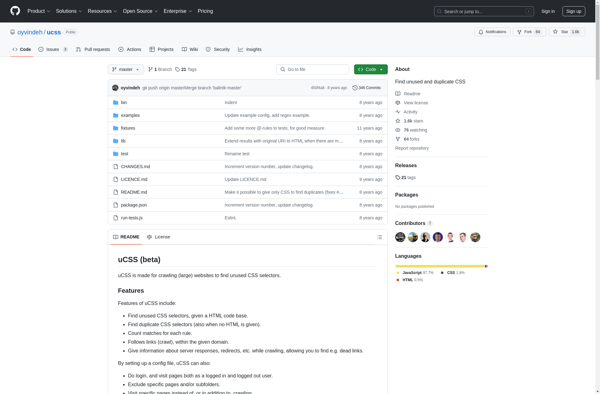
uCSS is an open-source CSS preprocessor that extends the basic capabilities of regular CSS. It adds useful features like variables, mixins, functions, color functions, math operations, and more to help write more organized, maintainable CSS code.Some key features of uCSS include:Variables - Define values like colors, fonts, sizes, etc. once...
UCSS image
DropCSS icon

DropCSS

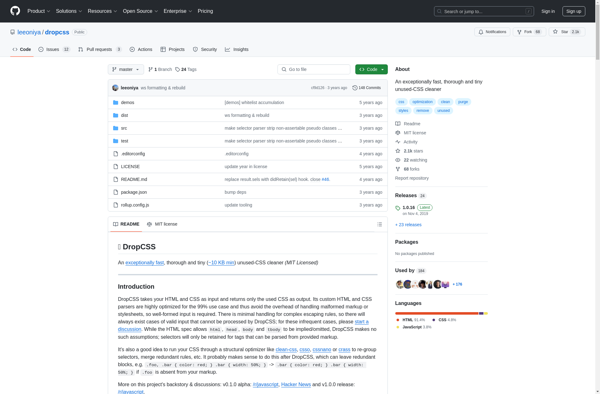
DropCSS is a Chrome extension that analyzes unused CSS selectors on a webpage and removes them instantly to reduce file size and improve performance. It scans the HTML and CSS code to detect selectors that are not used or referenced on the page. This helps eliminate unnecessary code that is...
DropCSS image