
Visual Studio Express
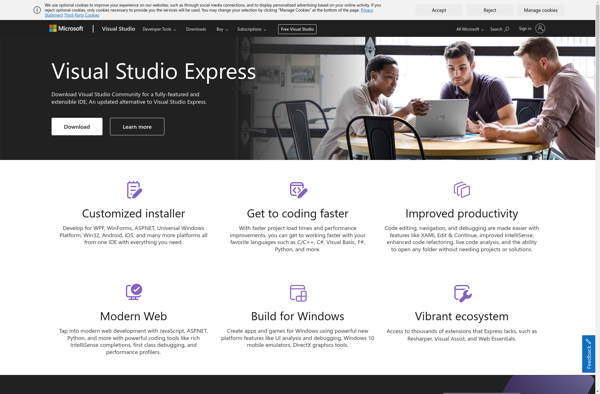
Visual Studio Express: Free IDE for Building Desktop & Web Apps
A free, lightweight version of Microsoft's popular Visual Studio integrated development environment offering core code editing, debugging, and compiling features for C#, Visual Basic, C++, and more.
What is Visual Studio Express?
Visual Studio Express is a free, lightweight integrated development environment (IDE) from Microsoft. It provides developers with many of the same core features as Visual Studio Professional and Community editions, but is targeted at students, hobbyists, and independent developers building desktop, web, and mobile apps.
Some key capabilities and benefits of Visual Studio Express include:
- Supports development in C#, Visual Basic, C++, JavaScript, and more
- Code editor with intellisense, debugging, and compiling features
- Designers and tools for building Windows, web, and mobile apps
- Seamless integration with source control systems like Git and Azure DevOps
- Extensibility via plugins and rich ecosystem of extensions
- Easy upgrade path to more robust Visual Studio editions
While Visual Studio Express omits some advanced developer productivity features, it delivers a capable, approachable free IDE for learning, education, and basic application building across various platforms and languages. It serves as an easy on-ramp for getting started with Visual Studio.
Visual Studio Express Features
Features
- Code editing
- Debugging
- Compiling
- IntelliSense code completion
- Git integration
- Extensibility with plugins
- Support for web, desktop, mobile development
- Built-in emulator
- Templates for quick start
Pricing
- Free
Pros
Cons
Official Links
Reviews & Ratings
Login to ReviewThe Best Visual Studio Express Alternatives
View all Visual Studio Express alternatives with detailed comparison →
Top Development and Ides and other similar apps like Visual Studio Express
No alternatives found for Visual Studio Express. Why not suggest an alternative?







