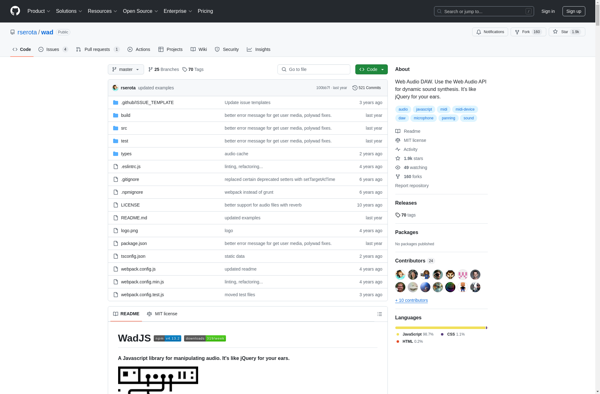
Web Audio DAW
Web Audio DAW: Run Music Production in Your Browser
A Web Audio DAW is a digital audio workstation that runs in a web browser, allowing music production and editing capabilities without needing to install software. It utilizes web technologies like JavaScript and Web Audio API to provide basic DAW features in-browser.
What is Web Audio DAW?
A Web Audio DAW, or Web-Based DAW, refers to a digital audio workstation that runs in a web browser rather than as a desktop application. This allows for music production, recording, editing, and mixing capabilities entirely within a web interface, without needing to download or install any software.
Web Audio DAWs rely on modern web technologies like HTML5, JavaScript, Web Audio API, and other browser capabilities to emulate many of the key features found in traditional DAW software. This includes multi-track audio editing, MIDI sequencing, virtual instruments, effect plugins, mixing, and more.
Some key benefits of using a Web Audio DAW include:
- Accessibility - They can run on any device with a compatible web browser, rather than being limited to a specific operating system.
- Collaboration - Some provide collaboration tools for working on projects with others online.
- Convenience - No installation required, just open the site in a browser to start working.
- Cross-platform - Will work similarly across macOS, Windows, Linux, ChromeOS, iOS, and Android.
Limitations compared to traditional desktop DAWs include less processing power, simpler interfaces, and limited selection of virtual instruments. But Web Audio DAWs are improving rapidly and can already fulfill many basic music production needs inside the browser.
Popular options for Web Audio DAWs include Soundation, BandLab, Soundtrap, and Audiotool. The technology also allows for development of customized music applications on the web for specific use cases or vertical markets.
Web Audio DAW Features
Features
- Web-based interface for music production and editing
- Utilizes the Web Audio API for audio processing
- Supports MIDI input and output
- Includes basic DAW features like tracks, mixing, effects, and more
- Allows collaboration and real-time editing with other users
- Supports export to common audio file formats
- Cross-platform and accessible from any device with a web browser
Pricing
- Free
- Freemium
- Subscription-Based
Pros
Cons
Official Links
Reviews & Ratings
Login to ReviewThe Best Web Audio DAW Alternatives
View all Web Audio DAW alternatives with detailed comparison →
Top Audio & Music and Digital Audio Workstations and other similar apps like Web Audio DAW

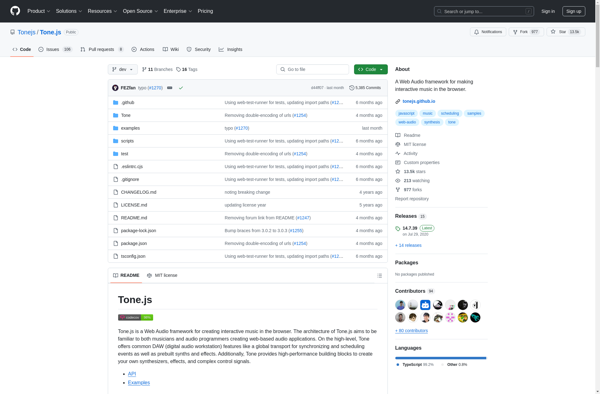
Tone.js

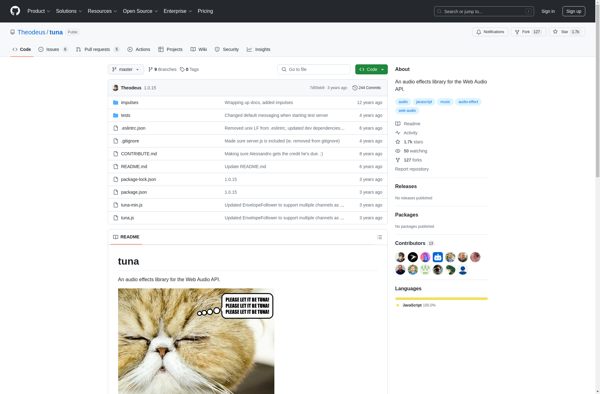
Tuna.js

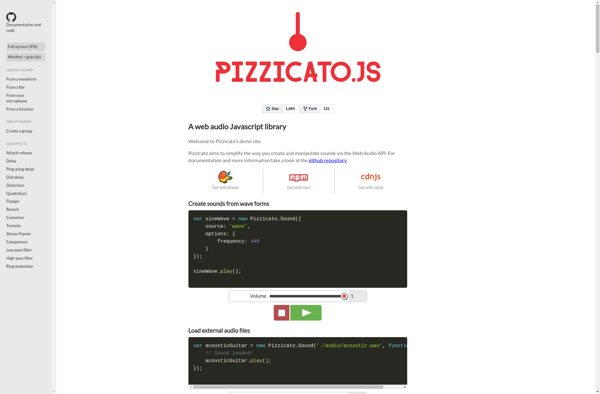
Pizzicato.js