WebHuddle
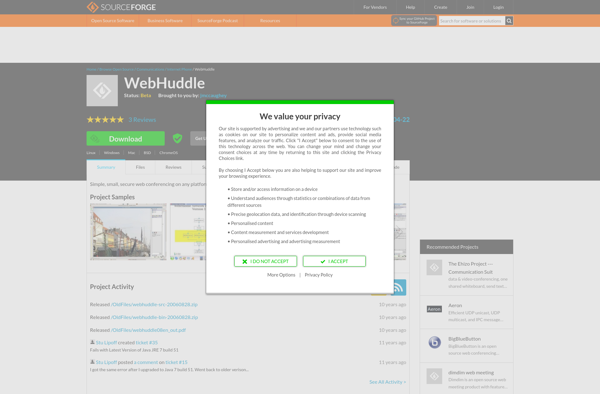
WebHuddle: Real-Time Collaboration and Web Conferencing
Web conferencing and screen sharing software with features like video conferencing, screen sharing, file sharing, whiteboards, chat, and more, designed for easy use across devices.
What is WebHuddle?
WebHuddle is a feature-rich web conferencing and screen sharing platform designed for seamless collaboration and productivity. With WebHuddle, you can host interactive meetings, webinars, virtual events with HD video conferencing, crystal clear audio, and smooth screen sharing.
Key features of WebHuddle include:
- HD video meetings - Face-to-face conferences with up to 100 participants.
- Screen sharing - Share your screen, slides, applications for live demonstrations.
- Recording and playback - Record your sessions for future reference.
- Smart whiteboard - Annotate, illustrate ideas with the built-in whiteboard.
- Chat and surveys - Engage participants with messaging and polls.
- Cross-platform support - Use WebHuddle across desktop and mobile devices.
- Integration with calendaring apps - Set up meetings via Outlook, Google and Office 365 calendars.
- Custom branding - Add your logo, brand colors to customize your meeting space.
With an intuitive interface and robust moderator controls, WebHuddle makes online collaboration productive and hassle-free. Its enterprise-grade security keeps your meetings and data safe. Overall, WebHuddle is a reliable and versatile web conferencing platform for organizations of any size.
WebHuddle Features
Features
- Video conferencing
- Screen sharing
- File sharing
- Whiteboards
- Chat
- Works across devices
Pricing
- Freemium
- Subscription-Based
Pros
Cons
Official Links
Reviews & Ratings
Login to ReviewThe Best WebHuddle Alternatives
View all WebHuddle alternatives with detailed comparison →
Top Online Services and Web Conferencing and other similar apps like WebHuddle
Here are some alternatives to WebHuddle:
Suggest an alternative ❐
OpenMeetings

Join.me


AnyMeeting


FreeScreenSharing.com