
Ambivid

Ambivid: Free Video Editing Software
Free and open source video editing software for Windows, Mac and Linux with features like trimming, splitting, transitions, titles, audio editing and more.
What is Ambivid?
Ambivid is a free and open source video editing software available for Windows, Mac and Linux operating systems. It provides a simple yet powerful video editing interface for basic editing needs.
With Ambivid, you can import various video, audio and image formats and arrange them on the timeline. It includes tools to trim, split, crop, rotate and stitch video clips. You can also add transitions, titles, overlays and background music to your videos.
The audio editing features allow adjusting audio levels, attaching audio clips, mixing multiple tracks etc. Filters can be used to alter the visual appearance of the videos.
It saves the edited videos in common formats like MP4, MOV, AVI etc. The interface is easy to use with various panels for media library, timeline editing, preview and export.
Ambivid supports extensive keyboard shortcuts and even scripting for advanced tasks. The best parts are - no watermarks, completely free and open source.
Ambivid Features
Features
- Basic video editing tools like trimming, splitting, transitions, titles, audio editing
- Multi-track timeline for arranging clips
- Support for most common video, audio and image formats
- Chroma key for green screen effects
- Real-time previews when editing
- Export video in various resolutions and formats
Pricing
- Free
- Open Source
Pros
Cons
Official Links
Reviews & Ratings
Login to ReviewThe Best Ambivid Alternatives
View all Ambivid alternatives with detailed comparison →
Top Video & Movies and Video Editing and other similar apps like Ambivid
Here are some alternatives to Ambivid:
Suggest an alternative ❐
Enhancer for YouTube


YouTube Plus


Unhook

Magic Actions for YouTube

Turn Off the Lights


Light Switch

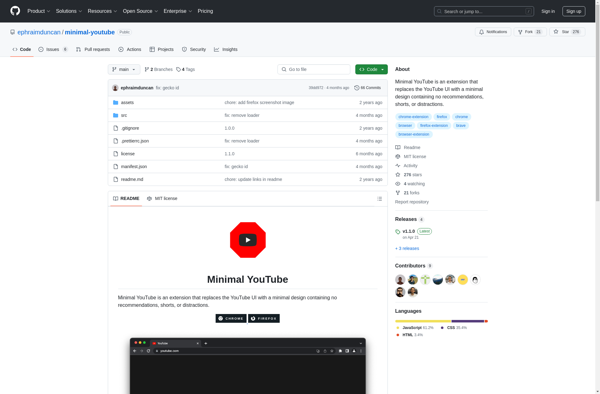
Minimal YouTube

YouTube Enhancer Plus

Remove Watched From Youtube Related Videos


Ambient Aurea