Animated Text Studio
Animated Text Studio
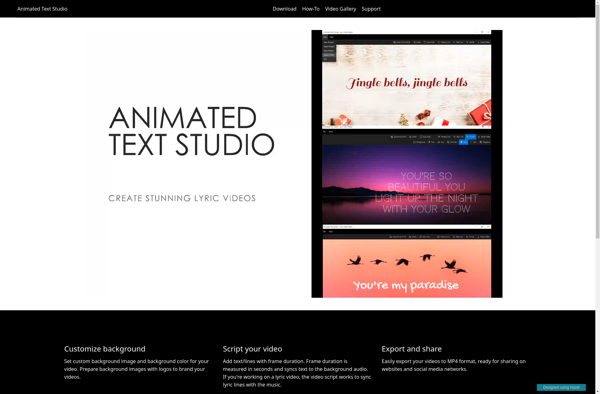
A Windows software for creating animated text effects and kinetic typography videos with over 250 customizable text animations and effects, using a drag-and-drop timeline interface.
What is Animated Text Studio?
Animated Text Studio is a software application for Windows that specializes in creating animated text effects and kinetic typography videos. It provides an easy-to-use drag-and-drop timeline interface that allows users to add text layers and apply from over 250 customizable text animations such as fades, wipes, spins, bounces, and more to create professional-looking animated text and title sequences.
Some key features of Animated Text Studio include:
- Intuitive drag-and-drop timeline for adding text layers and applying animations
- Over 250 customizable text animations and effects
- Support for importing images, videos, and audio
- Hundreds of dynamic text templates and themes
- Creative visual effects like particles and distortions
- Ability to create animations synced to audio
- Export animations as MP4, GIF, or image sequences
- Useful for creating title sequences, kinetic typography videos, logo reveals, transitions, and more
With its user-friendly interface and extensive creative capabilities, Animated Text Studio provides an ideal tool for businesses, marketers, video creators, and graphic designers to make compelling animated text effects and typography videos.
Animated Text Studio Features
Features
- Drag-and-drop timeline interface
- Over 250 text animations and effects
- Animated backgrounds and video overlays
- Customizable motion paths
- Text tracking and masking
- Audio reactive animations
- Export as video or image sequence
Pricing
- One-time Purchase
Pros
Cons
Official Links
Reviews & Ratings
Login to ReviewThe Best Animated Text Studio Alternatives
View all Animated Text Studio alternatives with detailed comparison →
Top Video & Movies and Video Editing and other similar apps like Animated Text Studio

Animoto


Lyricue