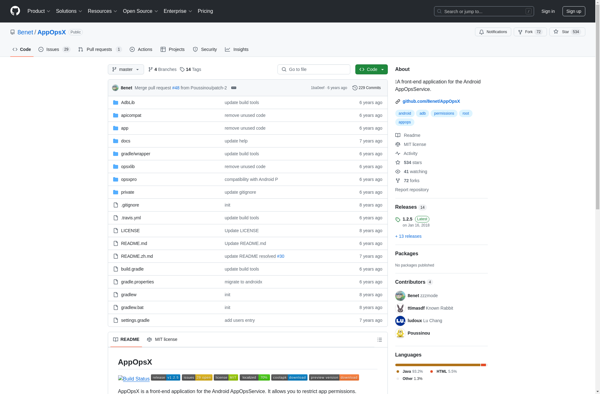
App Ops
App Ops: Manage App Permissions
App Ops is an open-source Android app that provides granular control over app permissions. It allows users to easily view and modify what data and device features each app has access to.
What is App Ops?
App Ops is an open-source application for Android that gives users more control over app permissions. It provides a simple interface to view and modify what kind of data and device functionality each installed app has access to.
Using App Ops, you can selectively revoke permissions that you may deem unnecessary or invasive for any given app. For example, you may not want a flashight app to have access to your contacts or location data. App Ops makes it easy to restrict its permissions to only what is needed for its core functionality.
Key features of App Ops include:
- View all installed apps and their associated permissions
- Selectively toggle permissions on or off for each app
- Options for controlling permissions related to location, camera, microphone, contacts, calendar, SMS, phone calls, and more
- Open-source code that respects user privacy
- Actively maintained and updated
For Android users concerned about overreaching apps and protecting their personal data, App Ops provides granular control over app permissions for selectively restricting access when desired. Its intuitive interface makes it easy to manage permissions with just a few taps.
App Ops Features
Features
- View app permissions
- Selectively revoke app permissions
- Monitor data/feature access in real time
- Backup/restore permission settings
- Open source codebase
Pricing
- Open Source
Pros
Cons
Official Links
Reviews & Ratings
Login to ReviewThe Best App Ops Alternatives
View all App Ops alternatives with detailed comparison →
Top Security & Privacy and App Permissions and other similar apps like App Ops

XPrivacyLua
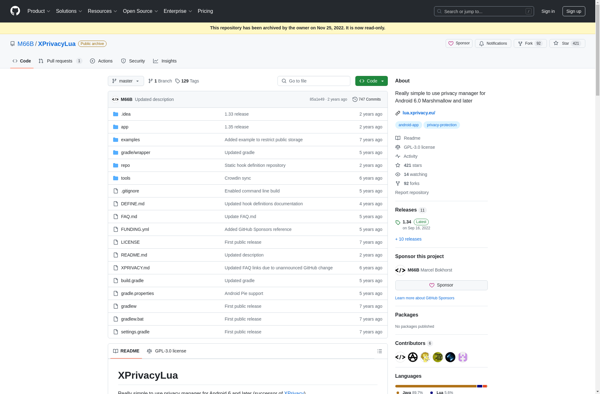

AppOpsX