App Sketcher is a web-based tool that allows users to easily design mobile app prototypes and wireframes. It has a simple drag-and-drop interface to add UI elements like buttons, menus, and input fields. Key features include export options to PNG, PDF, HTML, and code, as well as
App Sketcher: Design Mobile App Prototypes & Wireframes
A web-based tool for easy mobile app design with a drag-and-drop interface, export options, and collaboration features.
What is App Sketcher?
App Sketcher is a user-friendly web application for rapidly prototyping and mocking up mobile app designs. With an intuitive drag-and-drop interface, non-developers can easily create realistic representations of their app concepts without coding.
Some key capabilities and benefits of App Sketcher include:
Drag-and-drop placement of common mobile UI elements like buttons, menus, inputs, tab bars, and more
Design templates and wireframing tools tailored specifically for iOS and Android platforms
Dynamic linking between screens and pages to navigate between app flows
Instant exporting of designs as PNGs, PDFs, interactive HTML prototypes, or source code
Real-time collaboration allowing teams to work together on app ideas
Commenting tools to provide annotations and feedback directly on designs
Extensive component libraries featuring material design, iOS, and other popular UI elements
Responsive prototypes supporting various device sizes and orientations
Stylesheets to quickly apply color schemes and typography
Repeat grid tool to easily generate lists, galleries, decks and other repeating patterns
Overall, App Sketcher aims to bridge the gap between early-stage conceptualization and functional prototypes for mobile applications. Its focus on speed, simplicity, and collaboration makes it an attractive option for startups, non-technical founders, enterprises, UX teams, and developers scoping out app concepts.
App Sketcher Features
Features
Drag-and-drop interface to design app prototypes
Library of UI elements like buttons, menus, input fields
Export options to PNG, PDF, HTML and code
Collaboration tools to share and get feedback on designs
Lucidchart is a cloud-based diagramming application that allows users to collaborate and share diagrams in real time. It is used by over 30 million users and integrates with popular applications like Google Workspace, Microsoft Office 365, Confluence, and Jira.With an intuitive drag-and-drop interface, Lucidchart makes it easy for anyone to...
Axure RP is a powerful wireframing, prototyping, and specification software used to design and document websites, web applications, desktop apps, and mobile apps. It allows designers, developers, product managers and other stakeholders to quickly create wireframes and fully interactive prototypes to visualize and test user interfaces and user experiences before...
Balsamiq Wireframes is a rapid low-fidelity wireframing tool designed to help teams quickly mock up and iterate on web and mobile application user interfaces. With Balsamiq, designers can drag and drop pre-built UI components like buttons, menus, and widgets to map out the basic structure and layout of their app...
Pencil Project is a free and open source tool for creating GUI prototypes and mockups for applications and websites. It allows users to rapidly create wireframes and prototypes to visualize designs and layout concepts without any programming knowledge.Key features of Pencil Project include:An easy-to-use graphical interface for quick mockup generationTools...
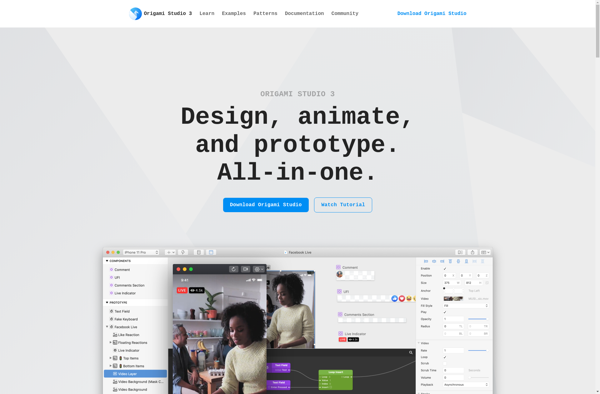
Origami Studio is a free, open-source interactive design and animation tool created by Facebook. It allows designers and developers to design animated and interactive prototypes without needing to write any code.Some key features of Origami Studio include:An intuitive drag-and-drop interface for building interactive prototypes and animationsA physics engine that brings...
Principle is an open-source visual tool for building interactive user interfaces. It allows designers and developers to design, prototype, animate and develop UIs without writing any code.Some key features of Principle:Easy to use drag and drop interface to add and animate layersSupports gestures like tap, drag, pinch, etc. to trigger...
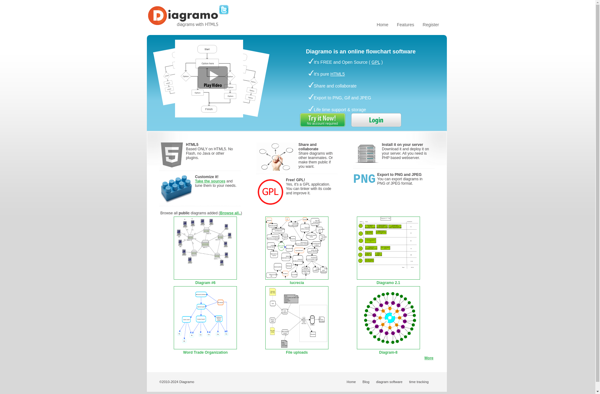
Diagramo is an open-source diagramming and vector drawing software for Windows, Mac, and Linux operating systems. It provides an intuitive and user-friendly interface that allows users to easily create various types of diagrams including flowcharts, UML diagrams, network diagrams, organization charts, ER diagrams, mocks, prototypes, and more.Some key features of...
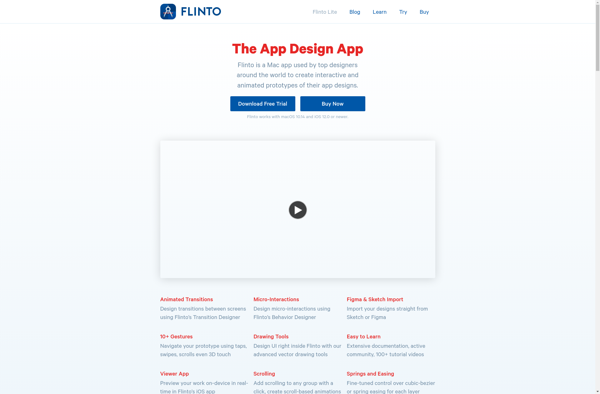
Flinto is a prototyping and mockup tool used to create interactive prototypes and mockups for mobile, web, and desktop applications. It provides a simple drag-and-drop interface to quickly add elements like text, images, buttons, form fields and more to artboards and link between artboards to create a clickable prototype.Some key...
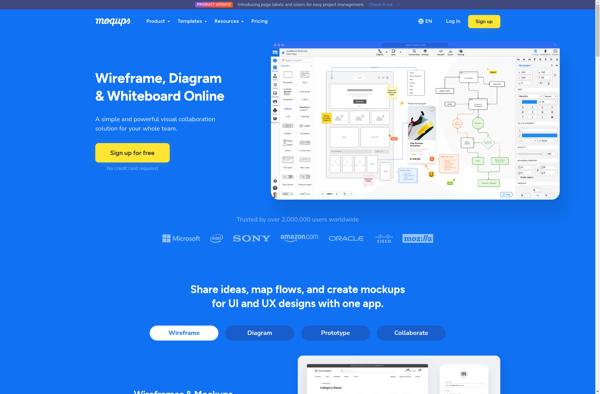
Moqups is a user-friendly web-based wireframing and mockup application that enables designers and developers to quickly create intuitive prototypes for websites, web apps, mobile apps and more. With an easy-to-use drag and drop interface, Moqups makes it simple to add pre-designed UI elements like buttons, forms, icons and more to...
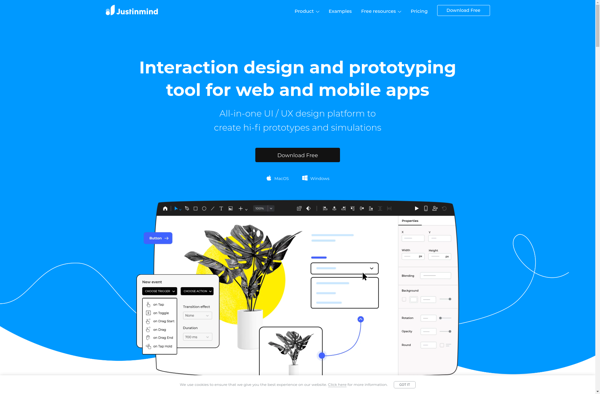
Justinmind is a user interface design and prototyping tool used by designers and developers to create interactive prototypes for web and mobile applications. It allows you to quickly mockup designs, workflows and interactions without needing to write any code.With Justinmind, you can import sketches or design mockups created in other...
Mockingbird is a web-based application designed specifically for creating, sharing, and previewing interactive mockups and prototypes for websites, mobile apps, and more. Its intuitive drag-and-drop interface allows anyone to easily arrange layouts, linking pages together just like an actual app or website.Some key features and benefits of Mockingbird include:Reusable interface...