
Atom Draw
Atom Draw: Free Vector Graphics Editor
A free, open-source vector graphics editor for Windows, Mac and Linux to create 2D illustrations, diagrams, UI mockups, logos and more
What is Atom Draw?
Atom Draw is a free, open-source vector graphics editor available for Windows, Mac and Linux operating systems. It provides users with a wide range of vector drawing tools to create 2D illustrations, diagrams, UI mockups, logos, icons and more.
Some of the key features of Atom Draw include:
- Intuitive user interface with customizable workspaces
- Drawing tools like pen, pencil, geometric shapes, bezier curves, text, etc.
- Boolean operations like union, difference, intersection, etc.
- Layers and groups for better organization
- Import/export to common formats like SVG, PDF, etc.
- Works offline with local file management
- Open architecture to extend functionality via plugins
- Touch support for drawing on touch-enabled devices
Atom Draw is built using web technologies like JavaScript, Canvas, SVG. It runs natively on all platforms giving it OS-native look and feel. The editing engine has been optimized for large vector drawings. Overall, Atom Draw provides amateur designers and developers a strong alternative to commercial tools like Adobe Illustrator or Sketch.
Atom Draw Features
Features
- Vector graphics editing
- Layers and groups
- Bezier curves
- Text tool
- Shape tools
- Gradient and pattern fills
- Export to PNG, JPG, SVG, etc.
Pricing
- Free
- Open Source
Pros
Cons
Official Links
Reviews & Ratings
Login to ReviewThe Best Atom Draw Alternatives
View all Atom Draw alternatives with detailed comparison →
Top Development and Code Editors and other similar apps like Atom Draw

Snapchat

Wisaw
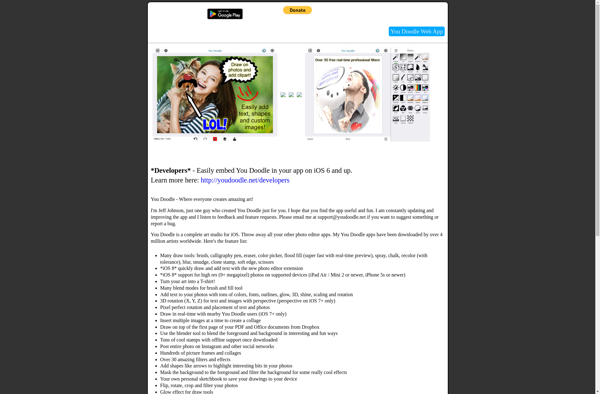
You Doodle

Szoter








