Wisaw
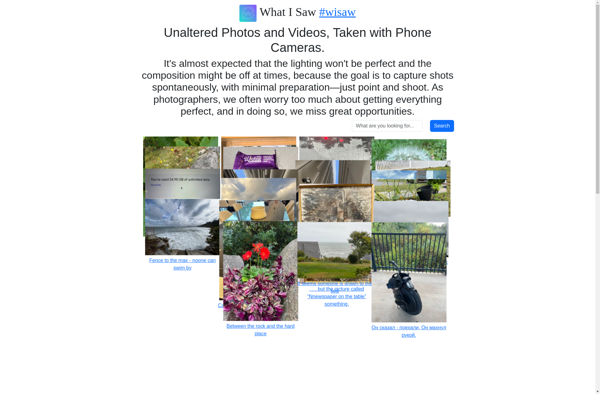
Wisaw: Powerful Photo & Video Editing Software for Windows
A professional-grade photo and video editing software offering intuitive and customizable tools for editing, enhancing, and manipulating images and videos.
What is Wisaw?
Wisaw is a feature-rich yet easy-to-use photo and video editing software for Windows. It provides a wide range of powerful tools and effects that rival those found in premium software like Adobe Photoshop and Premiere Pro.
With Wisaw, users can perform basic editing tasks like cropping, resizing, and color correction, as well as more advanced techniques like layer masking, clone stamping, and lens distortion fixes. Its hundreds of filters, overlays, and adjustment layers allow endless creative options for enhancing photos.
On the video side, Wisaw enables multi-track timeline editing with an array of transitions, titles, effects, and audio editing capabilities. It supports all major video, image, and audio formats for flexible workflows.
An intuitive drag-and-drop interface makes editing efficient, while extensive export options let users output projects for print, web, and mobile devices. Wisaw also features non-destructive editing, allowing users to revert back to original files anytime.
With its excellent balance of power and ease-of-use plus its reasonable one-time payment pricing, Wisaw is a great option for photography enthusiasts, creative professionals, and casual users alike looking for advanced photo and video editing tools.
Wisaw Features
Features
- Non-destructive editing
- Layer-based editing
- Masking
- Advanced selection tools
- Lens correction
- Noise reduction
- HDR Merge
- Panorama stitching
- RAW file support
- 3D editing tools
Pricing
- Subscription-Based
Pros
Cons
Official Links
Reviews & Ratings
Login to ReviewThe Best Wisaw Alternatives
View all Wisaw alternatives with detailed comparison →
Top Photos & Graphics and Photo & Video Editing and other similar apps like Wisaw





Snapchat

Kik


YouCam



WebcamMax

ATalk


MSQRD

Pixelfed


Lollicam

Fabby

Pinngle


Tinode

Randos

Atom Draw

EchoWaves