Audiojack
Audiojack: Audio Recording and Editing Software for macOSs
Audio recording and editing software for macOS, allows easy recording from microphones and input devices, with waveform editor for trimming, copying, and applying effects.
What is Audiojack?
Audiojack is an easy-to-use digital audio editing application for macOS. Designed with simplicity in mind, it provides a streamlined workflow for recording, editing, and exporting audio files.
With Audiojack, you can quickly record audio from any compatible input device connected to your Mac, including USB microphones, musical instruments, and more. It features a waveform editor that allows you to visually edit audio clips - you can trim, cut, copy, paste, adjust volume envelopes, apply fades, and more.
Built-in effects like reverb, echo, normalization, and noise reduction allow you to polish and enhance recordings without needing to install additional software or plugins. An integrated batch processing tool makes it easy to apply effects and adjustments to multiple files at once.
Once you've finished editing your audio files, Audiojack supports exporting them into all popular formats including MP3, WAV, AIFF, CAF, and more. Whether you just need a simple audio recorder or a more full-featured editing workspace, Audiojack provides an intuitive Mac-based solution.
Audiojack Features
Features
- Waveform editing
- Audio effects
- Audio recording
- Audio conversion
- Audio mixing
- Audio playback
Pricing
- Free
- One-time Purchase
Pros
Cons
Official Links
Reviews & Ratings
Login to ReviewThe Best Audiojack Alternatives
View all Audiojack alternatives with detailed comparison →
Top Audio & Music and Audio Editing and other similar apps like Audiojack
Here are some alternatives to Audiojack:
Suggest an alternative ❐
Proloquo2Go

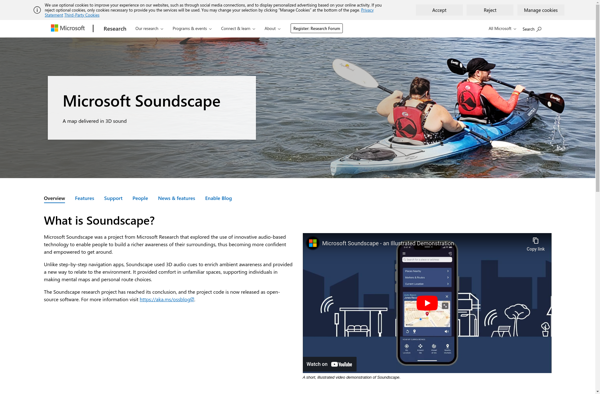
Microsoft Soundscape

Proloquo4Text
Eclipse Soundscapes