
Brime
Brime: Free Open-Source Live Streaming Software
Brime offers features for switching scenes, adding overlays, alerts, chatting with viewers, and more to help content creators live stream games, art, coding, music, and other content.
What is Brime?
Brime is a free, open-source software application for live streaming content on platforms like Twitch, YouTube, Facebook Gaming, and more. It serves as an alternative to paid solutions like Streamlabs OBS Studio with similar core functionality for broadcasters.
Some key features of Brime include:
- Scenes and sources - Add different scenes with various audio, video, image, browser, and text sources like a professional broadcasting software.
- Streaming - Stream to top platforms like Twitch, YouTube, Facebook and more in high quality using custom stream keys.
- Overlays and alerts - Customize your stream with animated overlays, alerts for follows/subscribers, event lists, chat boxes, and more.
- Interaction - Monitor and interact with your viewer chat directly from the Brime interface.
- Customization - Tweak your video, audio, captions, shortcuts, and other options to optimize quality and personalize branding.
- Free and open source - Brime is free to use and the code is publicly available for transparency, community input, and custom additions.
Overall, Brime gives streamers an advanced live streaming studio minus the cost and Lock-ins of solutions like Streamlabs OBS. With open-source accessibility, broadcasters can also shape future development.
Brime Features
Features
- Scene switching
- Overlay and alert capabilities
- Built-in chat
- Streaming for games, art, coding, music, etc.
Pricing
- Free
- Open Source
Pros
Cons
Official Links
Reviews & Ratings
Login to ReviewThe Best Brime Alternatives
View all Brime alternatives with detailed comparison →
Top Remote Work & Education and Live Streaming and other similar apps like Brime
Here are some alternatives to Brime:
Suggest an alternative ❐
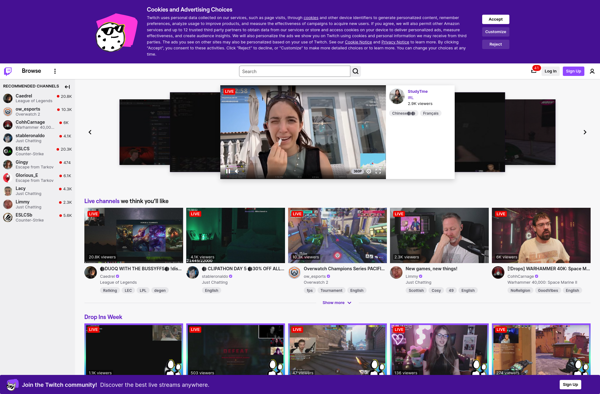
Twitch

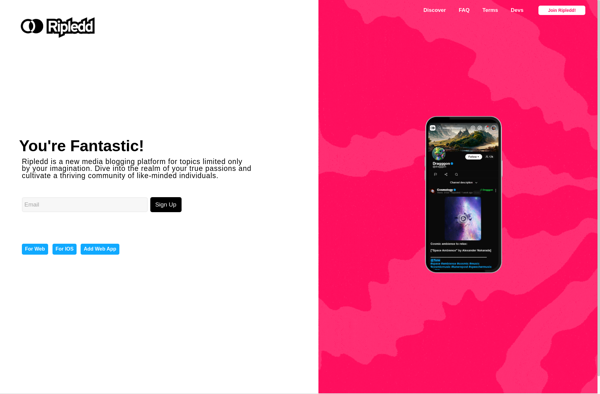
Ripledd

DLive


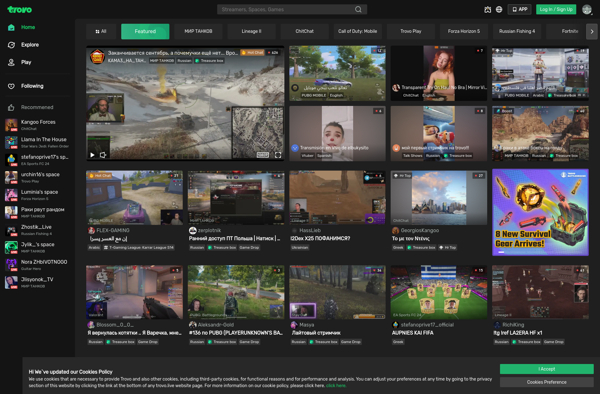
Trovo

Facebook Live







