Build Responsive is a web design tool that allows users to easily create responsive websites. It has a drag and drop interface to build sites, with pre-made sections, layouts, and components. Users can customize colors, fonts, animations and more. It generates clean, modern code
Build Responsive is a web design tool that allows users to easily create responsive websites. It has a drag and drop interface to build sites, with pre-made sections, layouts, and components. Users can customize colors, fonts, animations and more. It generates clean, modern code and is good for quickly mocking up site ideas.
What is Build Responsive?
Build Responsive is a user-friendly web design tool created specifically for designing and building fully responsive websites. With its intuitive drag-and-drop interface, pre-designed sections, layouts, and components, Build Responsive makes it easy for anyone to create a professional-looking responsive site without needing to know code.
Some key features include:
Drag-and-drop website builder with over 100 responsive pre-made section blocks
550+ font icon integrations
Animation effects for images, text, buttons, etc.
Detailed style customization options - colors, fonts, padding, margins, borders, shadows, and more
Responsive breakpoints handling for desktop, tablet and mobile displays
Mobile-first approach and touch-friendly interactions
Clean, valid HTML5 and CSS3 code generated
Build Responsive is ideal formocking up website ideas quickly, building pages and prototypes, or creating full sites for personal portfolios, small businesses, online stores, and more without needing to code. With its flexibility and customizations, you can create unique designs while still having structured sections that ensure a responsive site. And with seamless publishing built-in, you can launch your website with one click.
Build Responsive Features
Features
Drag and drop interface
Pre-made sections, layouts and components
Customizable colors, fonts, animations
Generates clean, modern code
Good for quickly mocking up site ideas
Pricing
Freemium
Subscription-Based
Pros
Intuitive and easy to use
Large library of templates and assets
Great for rapid prototyping
No coding required
Affordable pricing
Cons
Limited customization options
Not ideal for complex or dynamic sites
May still require HTML/CSS knowledge for advanced editing
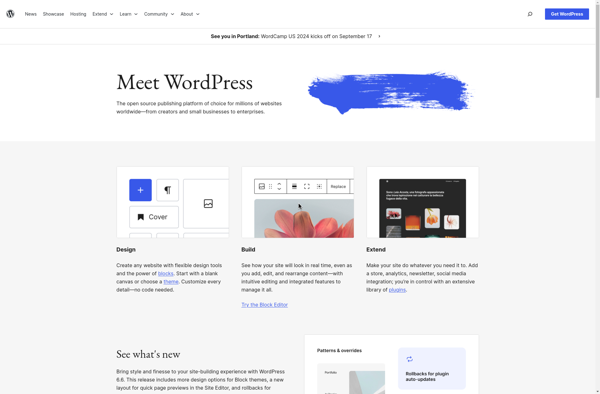
What Is WordPress?WordPress is the world's most popular content management system, powering over 40 percent of all websites on the internet. Originally created as a blogging platform in 2003, it has evolved into a full website builder and application framework used for everything from personal blogs to enterprise websites and...
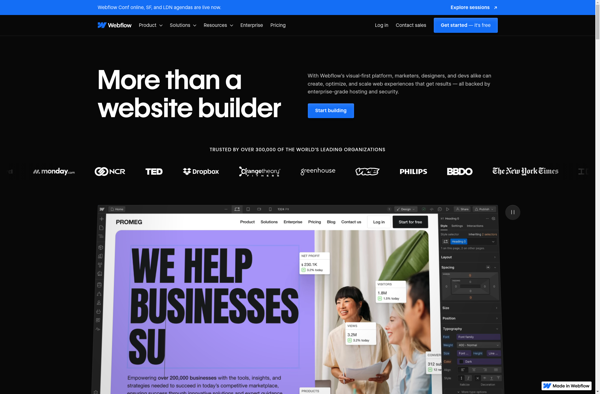
Webflow is a web design and web development software that allows users to build responsive, professional websites visually without needing to write any code. It features a drag-and-drop interface, design templates, animations, interactions and hosting capabilities.Some key features of Webflow include:Visual drag-and-drop builder - Build websites by dragging and dropping...
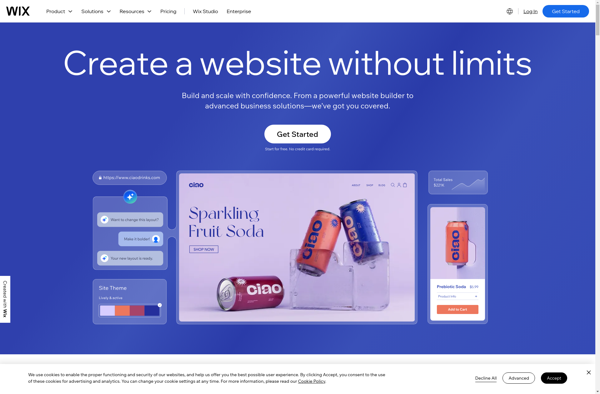
Wix is a leading website builder platform that makes it easy for anyone to create a professional looking website without needing to know how to code. Founded in 2006, Wix aims to provide an accessible yet powerful web design solution for individuals and businesses alike.Some key features of Wix include:Intuitive...
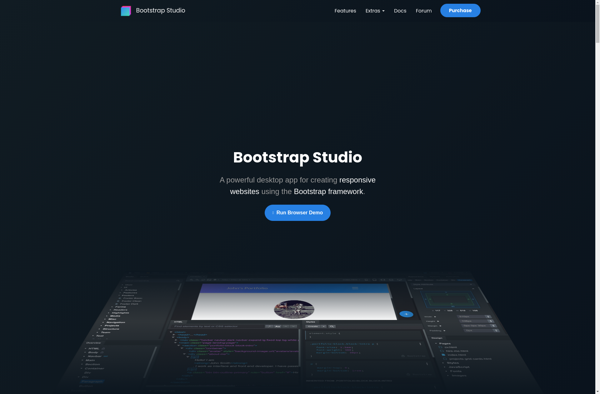
Bootstrap Studio is a desktop application designed specifically for web developers and designers working with Bootstrap. It provides a powerful graphical interface and lots of tools to help you rapidly prototype, design, and customize Bootstrap sites and web apps without writing code.With Bootstrap Studio, you can drag-and-drop elements like text,...
What Is Squarespace?Squarespace is a website builder and hosting platform known for its design-forward templates and all-in-one approach. It provides everything needed to build and run a website — hosting, domains, templates, e-commerce, email marketing, and analytics — without requiring any coding.Key FeaturesSquarespace offers over 100 professionally designed templates that...
Google Sites is a free and easy-to-use website builder from Google. It allows anyone to quickly create simple websites without needing to know how to code. Some key features of Google Sites include:Drag-and-drop interface that makes it simple to add and customize pagesNumerous customizable themes to choose fromIntegrates with other...
Weebly is a popular website builder and hosting platform ideal for small businesses, online stores, portfolios, and more. With an easy-to-use drag-and-drop interface, Weebly makes it simple for anyone to create a professional-looking website without needing to know HTML or CSS.Some key features of Weebly include:Intuitive drag-and-drop site builder -...
Directus is an open-source headless content management system and API for managing SQL databases. It features:An intuitive admin app interface allowing non-technical users to manage content, users, permissions, flows, and more without codingA GraphQL and REST API for accessing and modifying dataSupport for PostgreSQL, MySQL, SQL Server, SQLite, and Oracle...
Jimdo is a user-friendly website builder designed to allow anyone, regardless of technical skill level, to create a website. It was founded in Germany in 2007 and has expanded to serve over 15 million customers globally.Some key features of Jimdo include:Intuitive drag-and-drop interface - Jimdo has an easy WYSIWYG editor...
DEV Community is a free and open source software development community platform launched in 2019. It allows software developers and programmers to publish technical articles, take part in discussions, ask questions, and generally connect with other developers.Some key features of DEV Community include:Article publishing - Developers can publish articles on...