CamBam is CAD/CAM software designed specifically for CNC machining. It allows users to easily design parts and create toolpaths for CNC mills and lathes. CamBam supports 2D and 3D CAD design and includes features like customizable post-processors and toolpath simulation.
What is CamBam?
CamBam is a CAD/CAM (Computer Aided Design/Computer Aided Manufacturing) application designed specifically for CNC (Computer Numerical Control) machining. It allows users to easily design parts, create toolpaths, and generate g-code for CNC mills, lathes, routers, engravers, and other types of CNC machinery.
Some of the key features of CamBam include:
Intuitive 2D and 3D CAD design tools for modeling parts
Comprehensive toolpath creation for 2.5D, 3D, 4-axis, and 5-axis CNC operations
Support for a wide range of CNC machines through customizable post-processors
Detailed toolpath simulation so users can verify parts before machining
CAM automation through use of templates and configurable tool libraries
Technical support and regular software updates from the developers
CamBam makes it easy for hobbyists and professionals to go from idea to finished part by handling the entire design, toolpath creation, g-code generation, and simulation workflow. Its user-friendly interface and flexible licensing options make CamBam a popular choice for small shops on a budget, makerspaces, prototyping teams, woodworkers, crafters, and DIY CNC enthusiasts.
CamBam Features
Features
2D and 3D CAD design
Toolpath generation for CNC mills and lathes
Customizable post-processors for different CNC machines
Toolpath simulation and verification
Support for drilling, pocketing, profiling, engraving, etc
Automatic G-code generation
CAM and CAD in one integrated package
Pricing
One-time Purchase
Pros
Easy to learn and use
Powerful toolpath generation capabilities
Works with many CNC machines thanks to customizable post-processors
Affordable pricing
Good for hobbyists and small manufacturing shops
Cons
Lacks some advanced CAD modeling features
Simulation could be improved
Technical support can be limited
Not as full-featured as more advanced CAM software
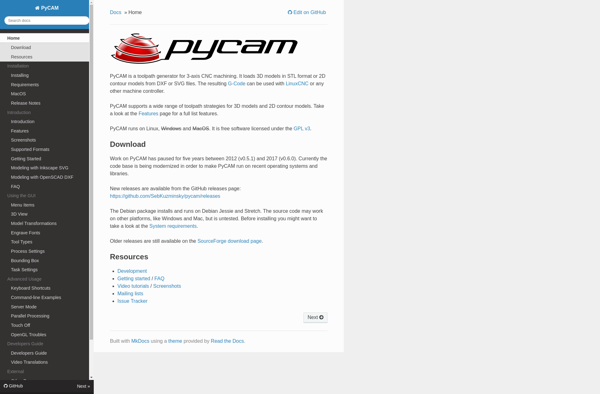
PyCAM is an open-source computer-aided manufacturing (CAM) application for programming CNC machine tools. It allows users to import 3D models, simulate toolpaths, and generate G-code to machine parts on CNC routers, mills, lathes, laser cutters, plasma cutters, and more.Key features of PyCAM include:Cross-platform support for Linux, macOS, and WindowsImport CAD...
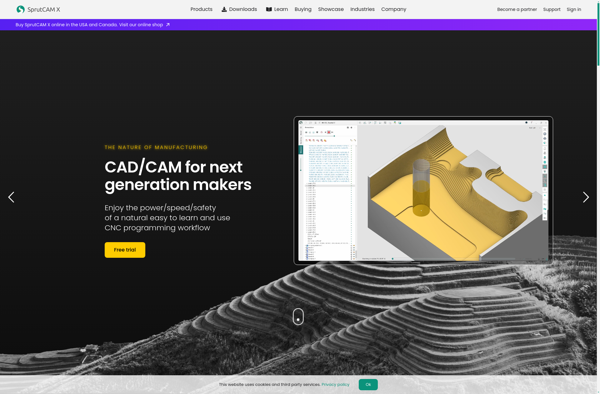
SprutCAM is a feature-rich computer-aided manufacturing (CAM) software used for generating CNC machine toolpaths from CAD models. It supports a wide range of manufacturing processes including 2.5 axis milling, 3-axis milling, 4/5 axis milling, turning, EDM wire cutting, plasma cutting, and laser cutting.Key features of SprutCAM include:User-friendly interface for faster...
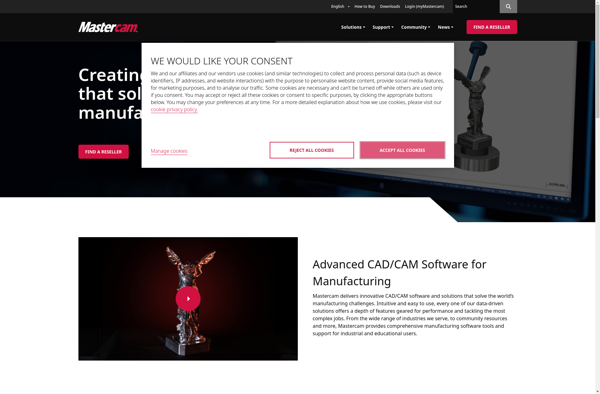
Mastercam is a powerful computer-aided manufacturing (CAM) software designed specifically for programming computer numerical control (CNC) machine tools. It provides an integrated solution for manufacturing technologies such as milling, turning, routing, plasma cutting, laser cutting, waterjet cutting, wire EDM, and more.Mastercam allows users to design 2D and 3D parts from...
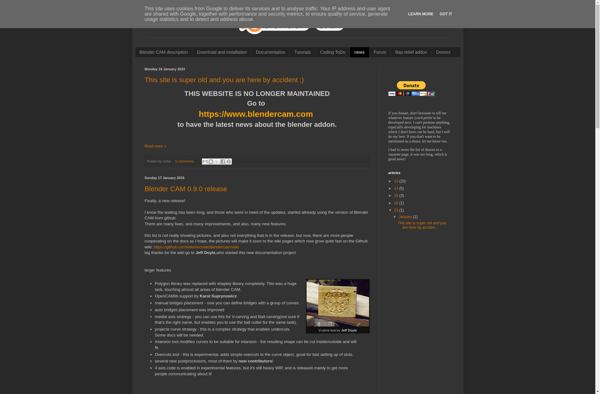
Blender CAM is an open-source CAM (Computer-Aided Manufacturing) toolset that runs inside Blender to generate machining paths and g-code from 3D models. It integrates CAM capabilities like visualization, path simulation, and g-code generation into Blender's 3D modeling and sculpting workspace.Blender CAM aims to provide a low-cost, easy to use CAM...
jscut is an open-source vector graphics editor that runs in web browsers. It allows users to create and edit SVG (Scalable Vector Graphics) images without needing any specialized software other than a standards-compliant browser.Some key features of jscut include:Intuitive drawing and shaping tools like rectangles, ellipses, polygons, paintbrush, etc.Path editing...
DeskProto is a Windows-based CAD/CAM software application designed specifically for machining free-form surfaces on CNC milling machines. It provides an integrated and easy-to-use solution for taking 3D models from design software like CAD programs, scan data from 3D digitizers and scanners, and transforming them into CNC toolpaths for milling parts...
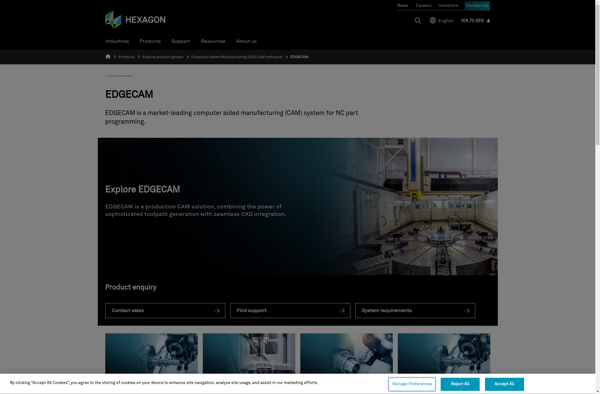
Edgecam is a feature-rich CAD/CAM solution tailored for CNC machining workflows. Developed by Hexagon Manufacturing Intelligence, it enables manufacturers to efficiently program toolpaths and simulate machining operations for milling, turning, mill-turn, rotary milling, wire EDM, and other advanced CNC tasks.Key features of Edgecam include:Comprehensive modeling capabilities for creating or working...
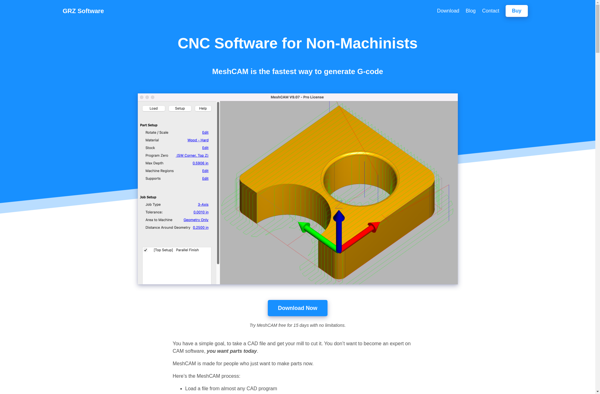
MeshCAM is software designed specifically for programming CNC mills, routers, lasers, plasma cutters, waterjets and other CNC machinery. It converts 3D models into machining toolpaths for fabrication.Key features of MeshCAM include:Importing common 3D file formats like STL, OBJ, 3DM and STEPEfficient roughing toolpaths to rapidly remove materialPrecise finishing toolpaths for...
SolidCAM is a leading CAD/CAM solution that efficiently supports all manufacturing processes performed on CNC machine tools including 2.5D, 3D milling, turning, mill-turn, and wire EDM. Developed by SolidCAM Ltd, it helps machinists and programmers deliver precision components faster and more efficiently.SolidCAM features a user-friendly interface and advanced tools to...