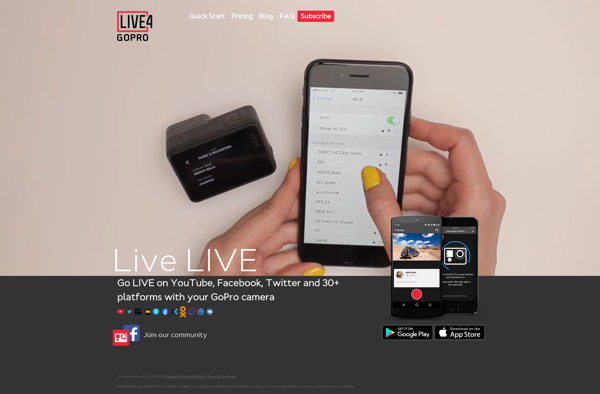
Camera Suite
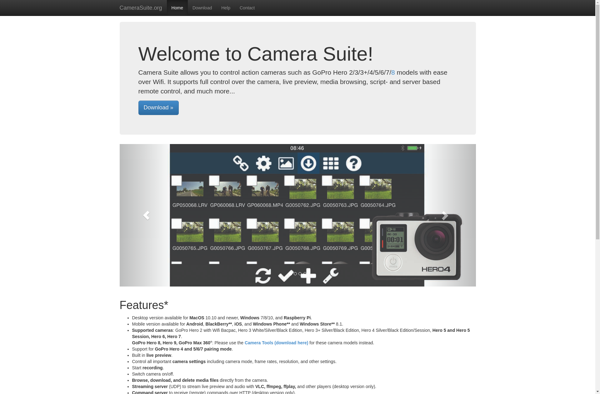
Camera Suite: User-Friendly Photo Editing Software
Camera Suite is a user-friendly photo editing software that offers a wide range of tools for managing, editing, and enhancing photos. It has an intuitive interface and powerful editing capabilities suitable for novices and professionals.
What is Camera Suite?
Camera Suite is a comprehensive photo editing and management software designed to provide both amateur photographers and professionals with a robust set of tools for working with digital images. It comes packed with an array of features that allow users to organize, edit, enhance, and share photos.
One of the highlights of Camera Suite is its user-friendly interface. The software employs an intuitive layout that makes its myriad tools easily accessible to users. Despite packing professional-grade editing capacities, the learning curve is gentle enough to allow even novice users to start editing their photos quickly. Experienced photographers would also feel at home with the flexible workflow.
In the organizational department, Camera Suite enables users to easily browse, search and manage a large catalog of photos with tools like color-coded albums, star ratings, and keyword assignments. The editing module is equally impressive, sporting AI-powered auto correction tools alongside fine control adjustments like curves, levels, hue/saturation, clones, lens correction, noise reduction, and local adjustments.
Camera Suite also stands out for its rich metadata support, robust batch processing powers, range maskrefinements, presets, filters, frames, collages, histogram, non-destructive edits, and more - putting pro-level editing tools within easy reach.
Camera Suite Features
Features
- Photo editing tools
- RAW image processing
- Batch editing
- Presets & filters
- Face recognition
- Geotagging
- Online sharing
- Printing options
- Plugin support
- Multi-platform availability
Pricing
- Freemium with limited free version
- Monthly or yearly subscription plans
- Tiered pricing for different feature sets
- Free trial available
- Perpetual license purchase option also available but limited features
Pros
Cons
Official Links
Reviews & Ratings
Login to ReviewThe Best Camera Suite Alternatives
View all Camera Suite alternatives with detailed comparison →
Top Photos & Graphics and Photo Editing and other similar apps like Camera Suite

LIVE4 GoPro