Cartoonify
Cartoonify: Cartoon Drawing Tool
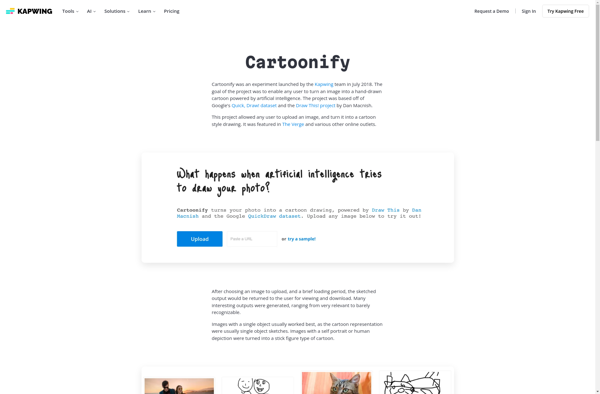
Convert photos to cartoon drawings with artificial intelligence, bold outlines, and flat colors - a free online tool for creative editing.
What is Cartoonify?
Cartoonify is a free web-based application that lets users easily convert their personal photos into cartoon drawings or sketches with just a few clicks. Developed by Anthropic, it utilizes state-of-the-art AI image processing technology to automatically identify facial features and outlines in photos and redraw them in a range of fun cartoon, sketch, or painting art styles.
After uploading any photo with faces, Cartoonify’s AI engine quickly gets to work analyzing facial structures, shapes and expressions. It can add bold outlines around faces and key features to make them pop in a whimsical cartoon way. The AI also applies flat color shading and painterly brush strokes to create instant artwork that resembles hand-drawn cartoons, sketches or even oil paintings!
The results look surprisingly artistic, rendering photos with impressive attention to detail in mimicking features and maintaining the mood of human expressions. Users can further fine tune the cartoon creations by selecting from various artistic styles and color palettes before downloading their unique AI-generated cartoon portraits to share. With its advanced image processing technology that manages to balance automation and custom artistic expression, Cartoonify makes transforming photos into professional-quality cartoon art quick, easy and most importantly, fun!
Cartoonify Features
Features
- Converts photos to cartoon drawings
- Uses AI to identify facial features
- Multiple cartoon/painting styles
- Works on mobile and desktop
- Free online tool
- No account required
- Easy to use interface
- Fast processing
- Can process multiple photos
- Exports high resolution images
Pricing
- Free
Pros
Cons
Official Links
Reviews & Ratings
Login to ReviewThe Best Cartoonify Alternatives
View all Cartoonify alternatives with detailed comparison →
Top Ai Tools & Services and Image Processing and other similar apps like Cartoonify

Colorcinch