CMS Commander

CMS Commander

CMS Commander is a content management system (CMS) designed for small businesses and individuals to easily build and manage a website. It has a simple drag-and-drop interface and lots of pre-made templates to choose from.
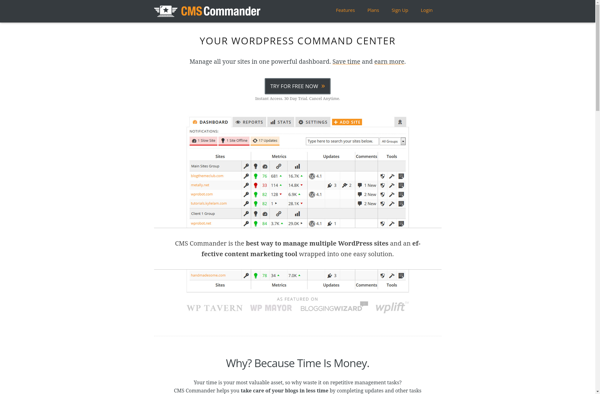
CMS Commander screenshot

CMS Commander: Simple Website Builder for Small Businesses

Content Management System (CMS) designed for easy website building and management, with drag-and-drop interface and pre-made templates for small businesses and individuals.

What is CMS Commander?

CMS Commander is a user-friendly content management system (CMS) ideal for small businesses, organizations, and individuals looking to build a professional website or blog without needing to know how to code. It comes with hundreds of responsive pre-made website templates suited for different industries such as retail, restaurants, personal portfolios, and more.

Some key features of CMS Commander include:

  • Intuitive drag-and-drop interface to easily add, organize and style content
  • No coding skills required
  • SEO tools to improve site search engine rankings
  • Accept online payments and donations
  • Forms builder
  • Photo galleries and slideshows
  • Blog/news section
  • Contact forms and lead capture
  • Video embedding
  • Top-rated support

With an easy-to-use CMS that doesn't require specialized technical skills, CMS Commander enables anyone to create a complete website in just a few hours without needing to hire a web developer. It's affordable, fully customizable, and great for all skill levels.

CMS Commander Features

Features

  1. Drag-and-drop website builder
  2. Mobile responsive design
  3. SEO optimization tools
  4. Blog and news publishing
  5. Photo galleries
  6. Contact forms
  7. Social media integration
  8. Ecommerce storefronts
  9. User and role management
  10. Template library
  11. Multilingual sites

Pricing

  • Freemium
  • Subscription-Based

Pros

Intuitive interface

Affordable pricing

Good selection of templates

Solid feature set for a small business CMS

Active user community and support

Cons

Limited customization compared to other CMS options

Additional fees for more advanced features

Can be slow with large websites

Lacks some enterprise-level capabilities

Reviews & Ratings

Login to Review
No reviews yet

Be the first to share your experience with CMS Commander!

Login to Review

The Best CMS Commander Alternatives

Top Business & Commerce and Website Builders and other similar apps like CMS Commander

Here are some alternatives to CMS Commander:

Suggest an alternative ❐

WP Umbrella icon

WP Umbrella

WP Umbrella is a comprehensive WordPress security plugin used to protect WordPress websites from various types of attacks. It comes with an advanced firewall system to block malicious traffic and prevent automated bots/scanners from accessing sensitive areas of a WordPress site. Some key features of WP Umbrella include:Powerful firewall rules...
WP Umbrella image
ManageWP icon

ManageWP

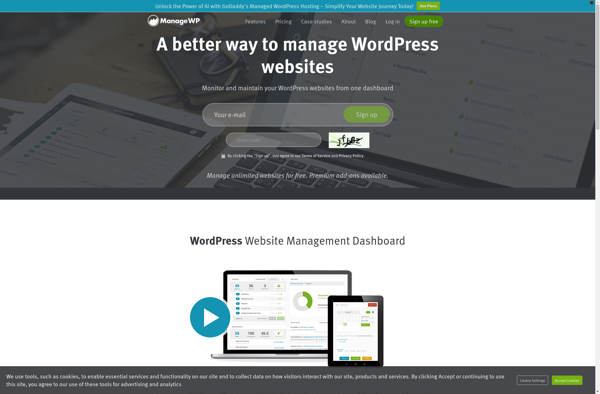
ManageWP is a platform that enables users to manage multiple WordPress websites from one central dashboard. Some key features of ManageWP include:One-click updates for WordPress core, plugins, and themes across all connected sitesAutomated and on-demand backups with options to store locally or on cloud services like DropboxSecurity scanning and malware...
ManageWP image
WpCentral icon

WpCentral

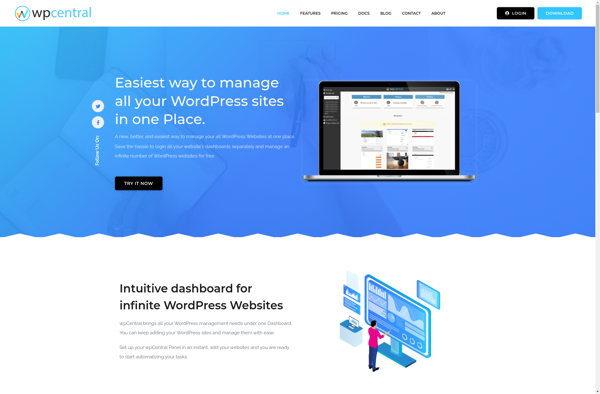
wpCentral is a WordPress management tool designed to help users manage multiple WordPress websites from one central dashboard. It provides a variety of features and tools to simplify and streamline WordPress administration tasks.Some of the key features of wpCentral include:Central dashboard to overview all your WordPress sitesStaging environments to test...
WpCentral image
InfiniteWP icon

InfiniteWP

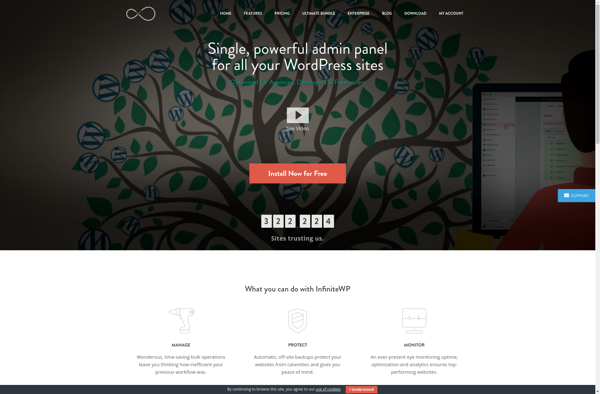
InfiniteWP is a powerful WordPress management tool that enables users to manage unlimited WordPress sites from one central dashboard. It provides a variety of features and tools to simplify WordPress administration tasks for agencies, developers, businesses, and personal users managing multiple WordPress websites.Some of the key features InfiniteWP offers include:Site...
InfiniteWP image
WP Remote icon

WP Remote

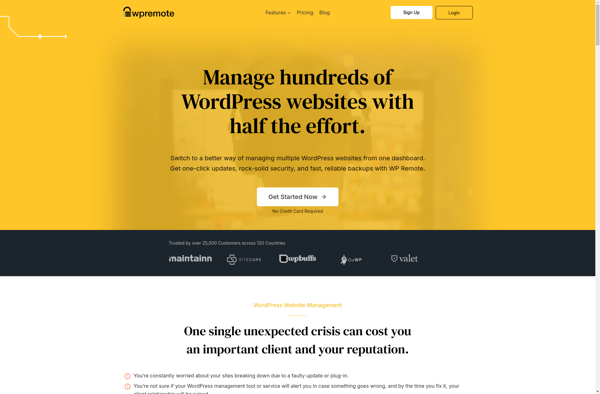
WP Remote is a useful WordPress plugin that enables remote management and access to your WordPress sites from your mobile device. It allows you to perform essential WordPress tasks such as creating and editing posts and pages, moderating comments, managing plugins and themes, etc. right from your iOS or Android...
WP Remote image
IControlWP icon

IControlWP

iControlWP is a powerful WordPress plugin used to monitor and manage cPanel servers directly from the WordPress dashboard. It provides easy-to-use tools for server administrators and webmasters to keep track of critical server resources.With iControlWP, you can:Quickly view disk space usage for all accountsMonitor bandwidth usage and historyCheck error logs...
IControlWP image
WPDASH icon

WPDASH

WPDASH is an open-source website analytics solution built specifically for WordPress sites. It provides in-depth traffic analytics and user behavior insights to help understand how visitors are interacting with your WordPress site.Some key features of WPDASH include:Lightweight and fast - Uses modern tracking code for accurate analytics without slowing down...
WPDASH image