WPDASH
WPDASH is an open-source alternative to WordPress analytics plugins like MonsterInsights. It provides website traffic analytics and insights for WordPress sites to help understand visitor behavior. WPDASH is lightweight, easy to use, and privacy-focused.
WPDASH: Open-Source Alternative to WordPress Analytics
Website traffic analytics and insights for WordPress sites to understand visitor behavior, with a focus on privacy and ease of use.
What is WPDASH?
WPDASH is an open-source website analytics solution built specifically for WordPress sites. It provides in-depth traffic analytics and user behavior insights to help understand how visitors are interacting with your WordPress site.
Some key features of WPDASH include:
- Lightweight and fast - Uses modern tracking code for accurate analytics without slowing down your site.
- Easy to use - Setup takes just a few minutes. Intuitive dashboard shows all key metrics.
- Privacy-focused - Anonymizes IP addresses by default to protect visitor privacy.
- In-depth reports - Pageviews, referrers, content usage, conversions, and more. Filter by date ranges.
- Interactive charts - Stats displayed clearly in line, bar and pie charts. Export as CSV.
- Customizable - Set your own search engine sources, site sections and other preferences.
- Open-source - Actively developed by a community of contributors on GitHub.
- Free and self-hosted - No monthly fees or data limits. You own your analytics.
Overall, WPDASH provides a great lightweight, open-source alternative to premium WordPress analytics solutions for bloggers, marketers, and site owners to better understand their website traffic and visitors.
WPDASH Features
Features
- Open source analytics plugin for WordPress
- Provides website traffic analytics and insights
- Lightweight and easy to use
- Privacy focused with no external tracking
- Real-time statistics on visitors and pageviews
- Visitor demographics and location tracking
- Popular content and traffic sources reporting
- Customizable dashboard widgets
- Works with caching plugins
Pricing
- Open Source
Pros
Free and open source
Lightweight code and fast performance
No external tracking services or analytics cookies
User friendly dashboard and reports
Provides core analytics features for WordPress sites
Customizable widgets and layouts
Self-hosted analytics solution
Cons
Limited features compared to advanced analytics platforms
Requires self-hosting and setup
Lacks some advanced reporting features
Minimal documentation and support resources
Development moves slowly
Reviews & Ratings
Login to ReviewThe Best WPDASH Alternatives
View all WPDASH alternatives with detailed comparison →
Top Office & Productivity and Analytics and other similar apps like WPDASH
Here are some alternatives to WPDASH:
Suggest an alternative ❐
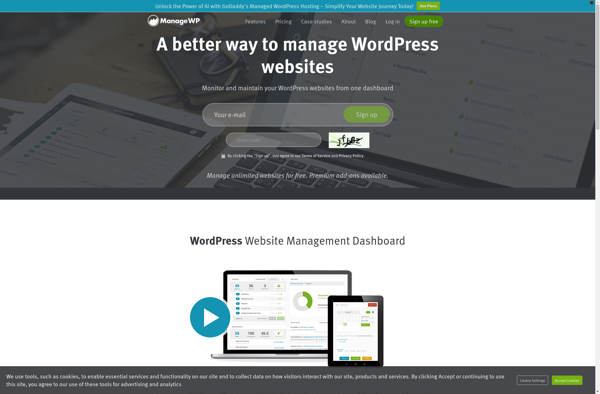
ManageWP
ManageWP is a platform that enables users to manage multiple WordPress websites from one central dashboard. Some key features of ManageWP include:One-click updates for WordPress core, plugins, and themes across all connected sitesAutomated and on-demand backups with options to store locally or on cloud services like DropboxSecurity scanning and malware...

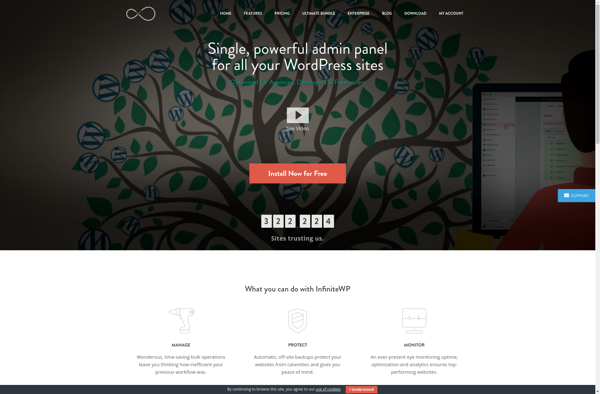
InfiniteWP
InfiniteWP is a powerful WordPress management tool that enables users to manage unlimited WordPress sites from one central dashboard. It provides a variety of features and tools to simplify WordPress administration tasks for agencies, developers, businesses, and personal users managing multiple WordPress websites.Some of the key features InfiniteWP offers include:Site...

WP Remote
WP Remote is a useful WordPress plugin that enables remote management and access to your WordPress sites from your mobile device. It allows you to perform essential WordPress tasks such as creating and editing posts and pages, moderating comments, managing plugins and themes, etc. right from your iOS or Android...

CMS Commander
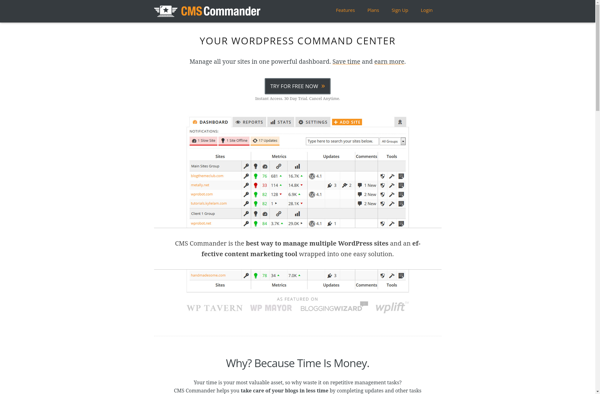
CMS Commander is a user-friendly content management system (CMS) ideal for small businesses, organizations, and individuals looking to build a professional website or blog without needing to know how to code. It comes with hundreds of responsive pre-made website templates suited for different industries such as retail, restaurants, personal portfolios,...

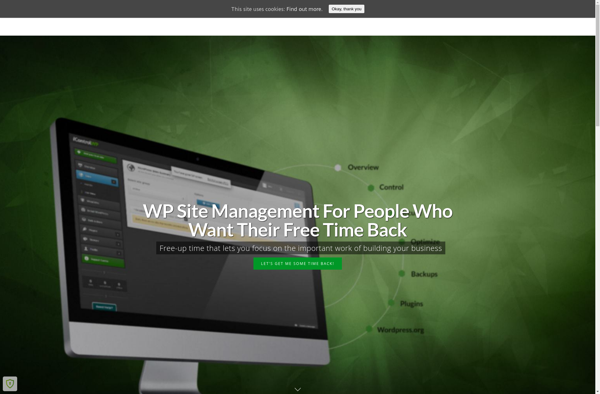
IControlWP
iControlWP is a powerful WordPress plugin used to monitor and manage cPanel servers directly from the WordPress dashboard. It provides easy-to-use tools for server administrators and webmasters to keep track of critical server resources.With iControlWP, you can:Quickly view disk space usage for all accountsMonitor bandwidth usage and historyCheck error logs...